

How can I remove a denied repository request?
Let’s say someone has requested approval, not realizing they are duplicating a process that already exists, and so the submitted document will never be approved/published.
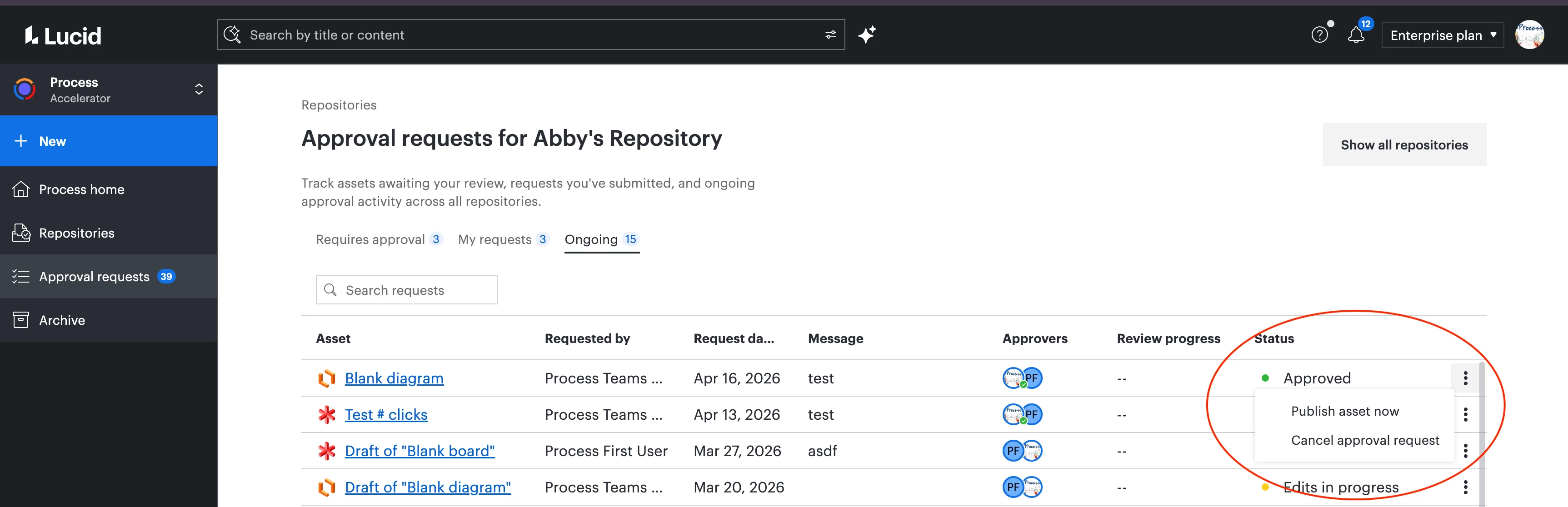
The request gets moved to the “ongoing” queue and there’s no mechanism there for purging that request.
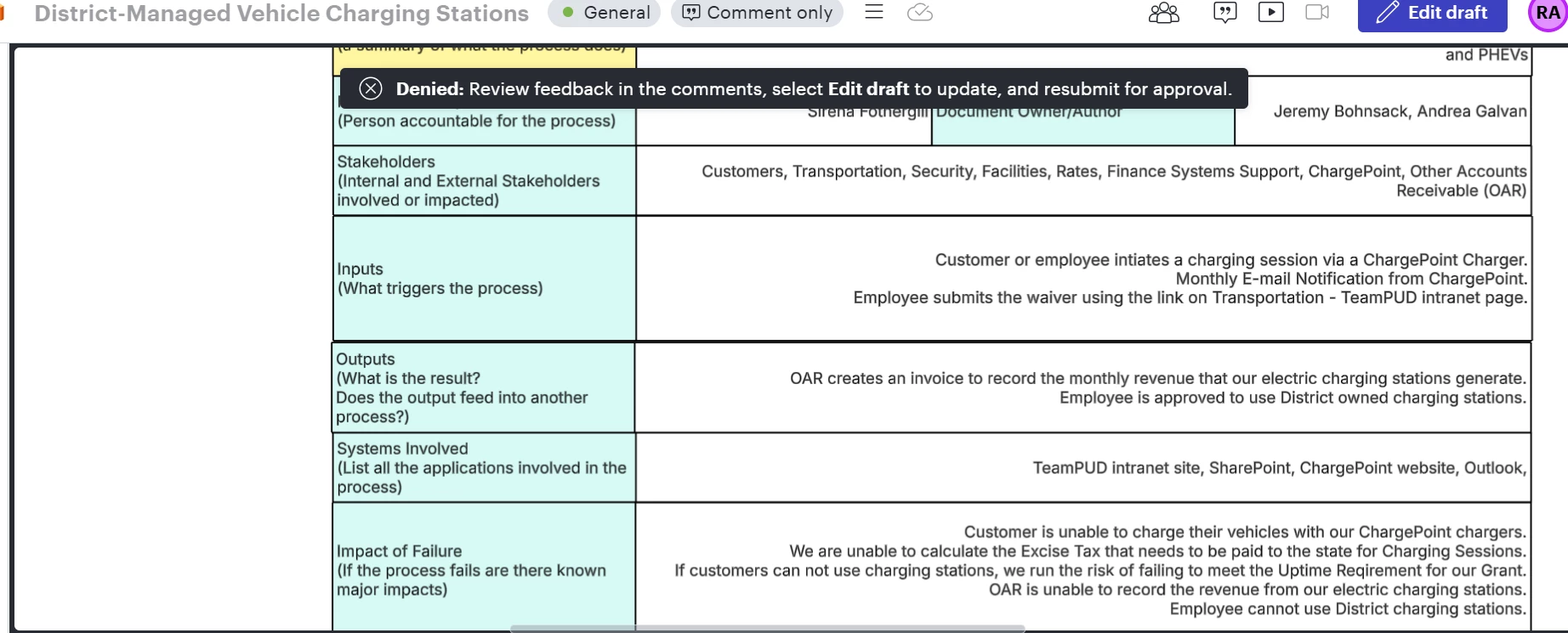
The requesting user in their draft version gets a message to confirm that it’s denied, and the only option they have is to Edit draft.
After closing the document there’s no way to remove it from their personal space as the Move to trash menu option is grayed out.
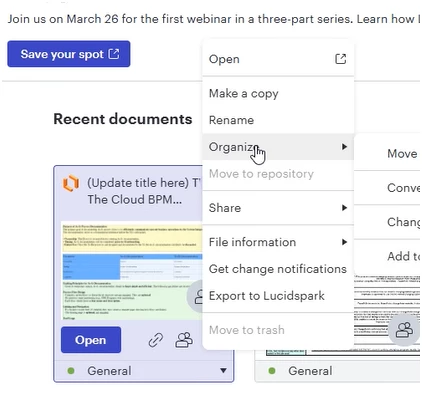
There’s now a lingering request in the ongoing queue that can’t be dealt with and a draft document that can’t be dealt with.
Is there a way to clean this up at both ends, or at least have allow the deletion of the draft document and have that trigger the removal of the item in the Ongoing queue.
 Your privacy choices


