
Solved
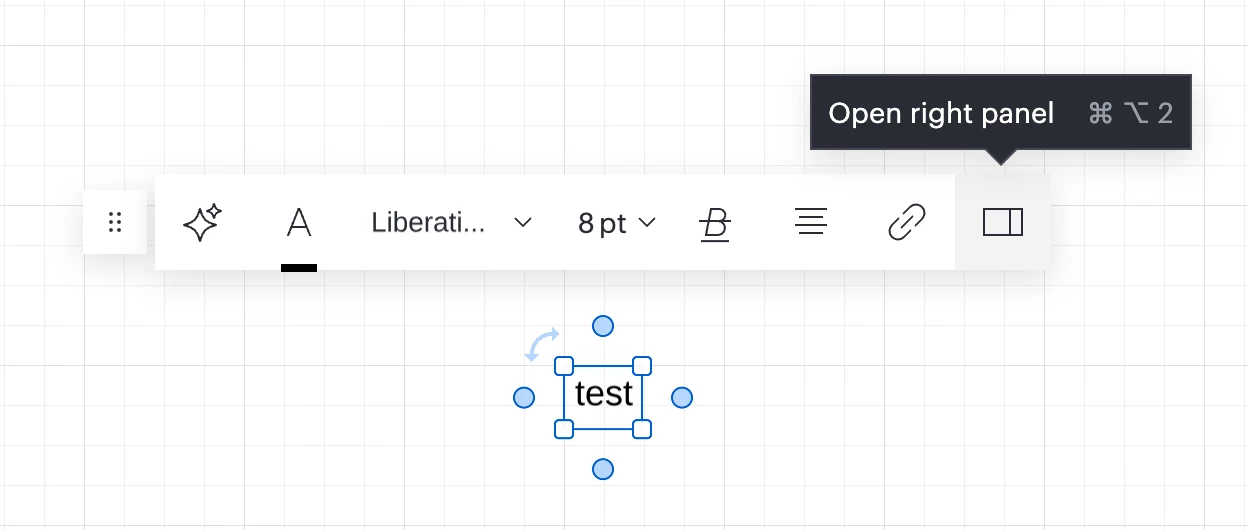
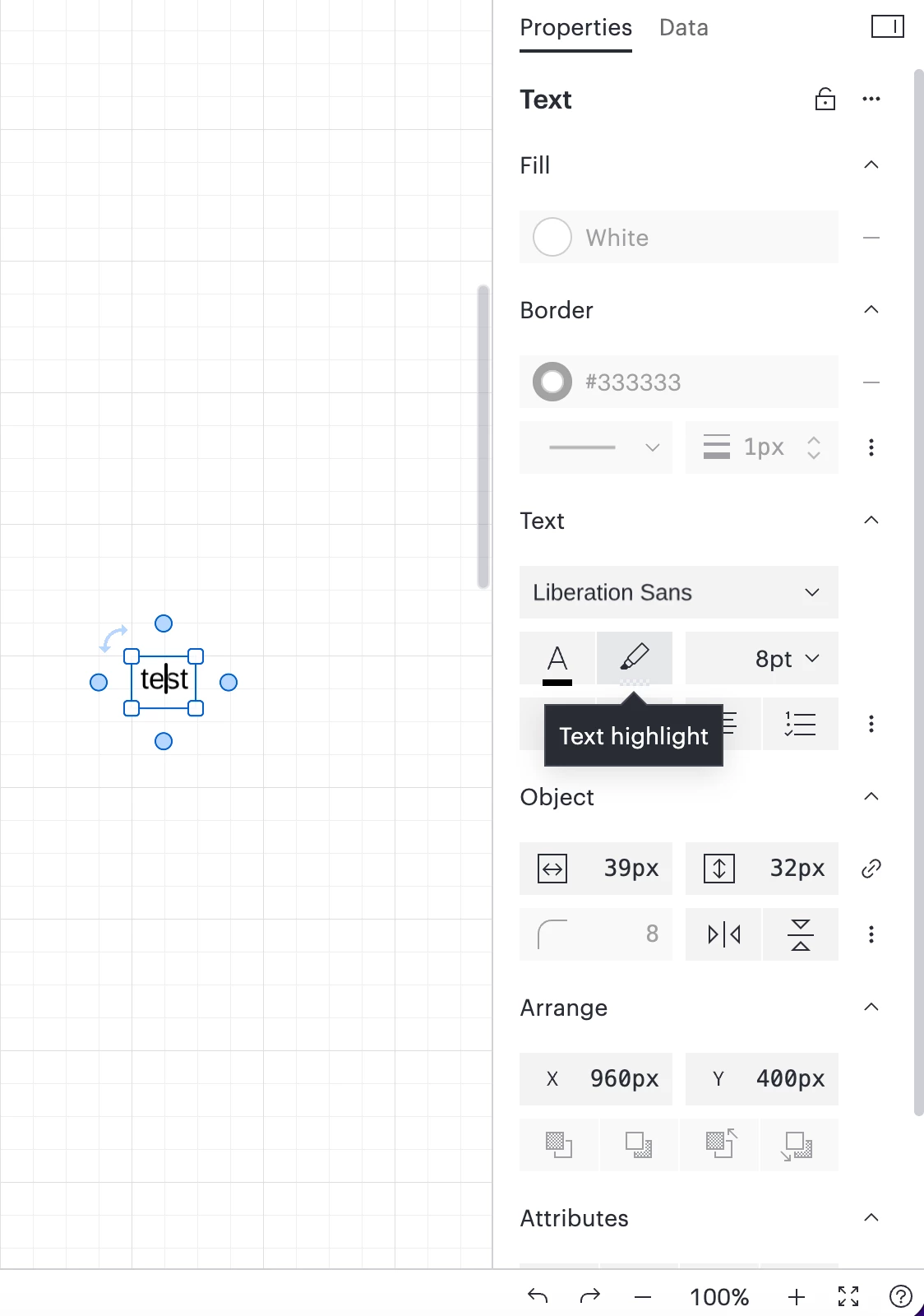
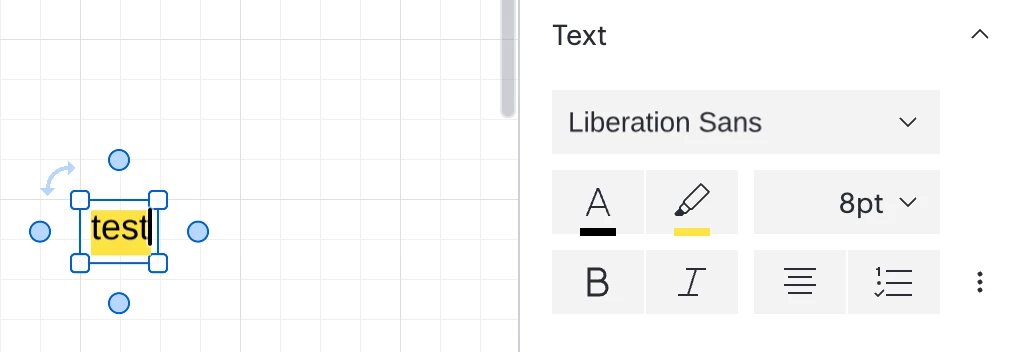
Highlight text
With latest upgrade/version of LC am unable to easily find how to highlight a word. Appreciate guidance. Thank you.
With latest upgrade/version of LC am unable to easily find how to highlight a word. Appreciate guidance. Thank you.
A Lucid or airfocus account is required to interact with the Community, and your participation is subject to the Supplemental Lucid Community Terms. You may not participate in the Community if you are under 18. You will be redirected to the Lucid or airfocus app to log in.
A Lucid or airfocus account is required to interact with the Community, and your participation is subject to the Supplemental Lucid Community Terms. You may not participate in the Community if you are under 18. You will be redirected to the Lucid or airfocus app to log in.
Enter your E-mail address. We'll send you an e-mail with instructions to reset your password.

 Your privacy choices


