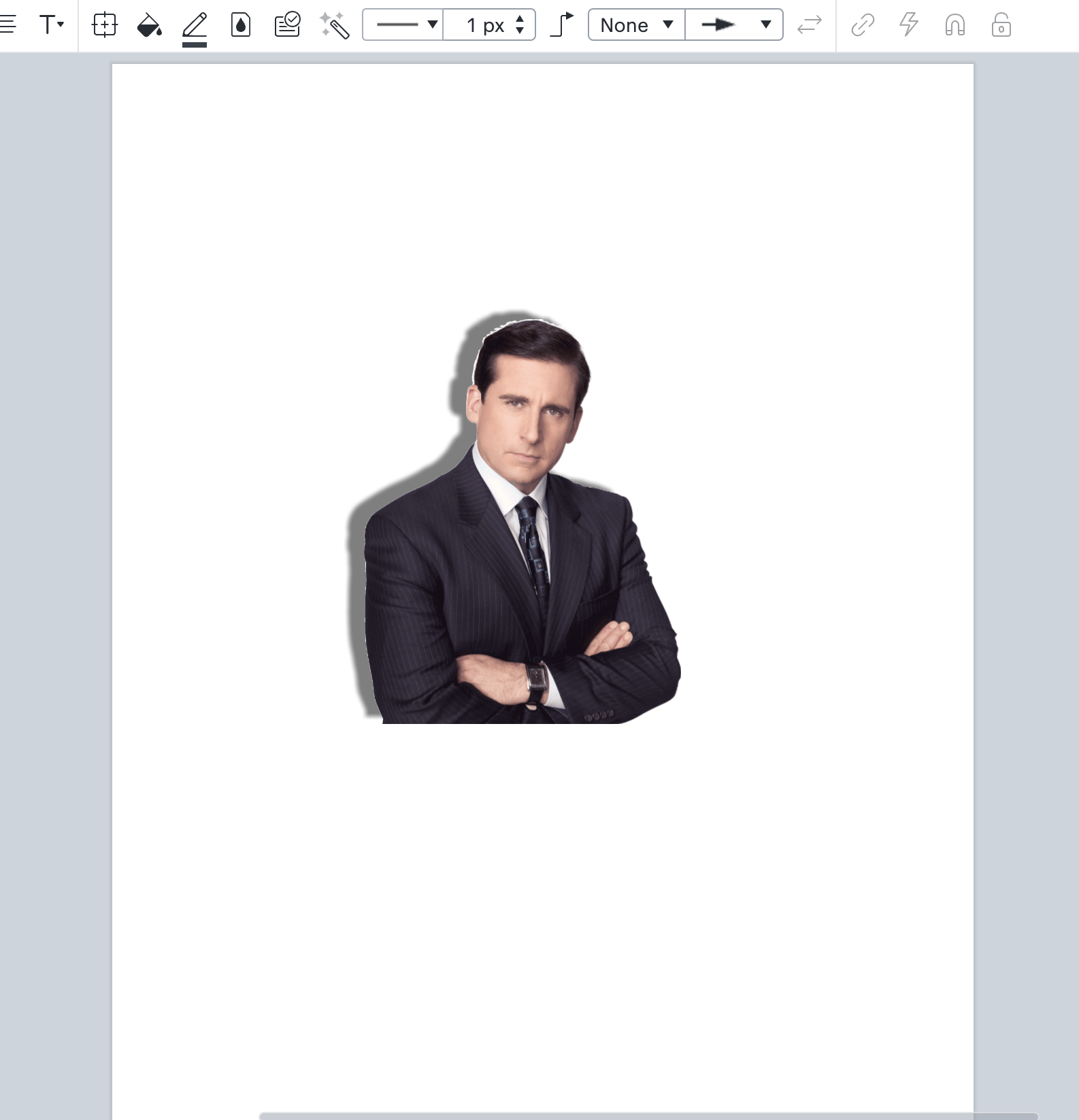
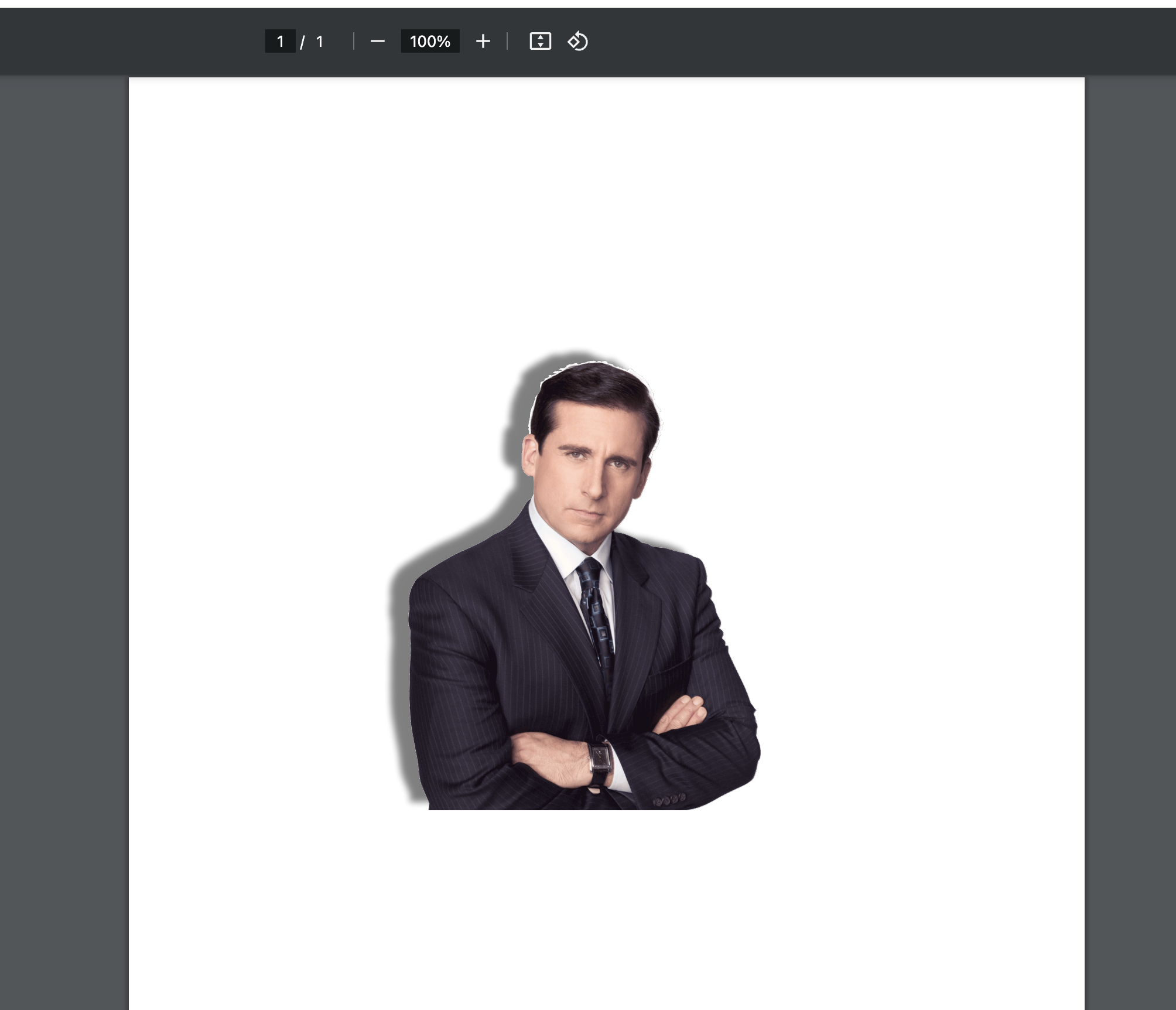
When we finish with a mapping product, we export to PDF to print. However, any images that are setup with a Shadow lose that shadow in the export. Everything else in PDF looks fine.
Hey @CArndtInsite -- thank you for the reply! So, what I need to know is if you are cropping at all when exporting the document from Lucid? To clarify, that seems to be the only time I have any issues with the shadows of an image is when exporting from Lucid I click either crop to content or custom crop. If I simply export the entire document without cropping the page at all, the shadows seem to export with the image.
Let me know if you are having a similar experience -- here are my examples to show what I’m seeing:
Thank you for the reply! This is currently a bug in our system. It has been reported to our development team. Please follow along on the thread below for updates.
A Lucid or airfocus account is required to interact with the Community, and your participation is subject to the
Supplemental Lucid Community Terms.
You may not participate in the Community if you are under 18. You will be redirected to the Lucid or airfocus app to log in.
A Lucid or airfocus account is required to interact with the Community, and your participation is subject to the
Supplemental Lucid Community Terms.
You may not participate in the Community if you are under 18. You will be redirected to the Lucid or airfocus app to log in.



 Your privacy choices


