Answer

Grouping icons with org chart boxes

  • August 29, 2025
  • 2 replies
  • 21 views

Forum|alt.badge.img+1

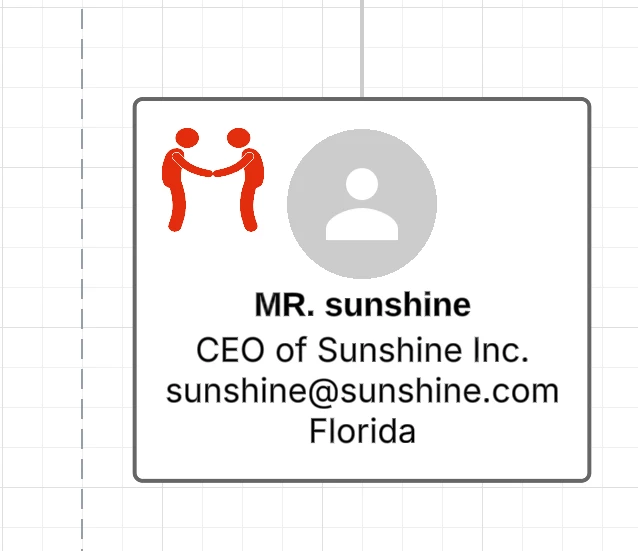
I’m trying to attach an icon to my boxes in my org charts. For instance, if I meet with someone, I want to have a meeting icon, If it went well, I want a thumbs up icon. When I do this, it works but it doesn’t attach to the box so the next time change the org chart, the icon ends up somewhere else. It doesn’t give me an option to group them. Here is an example of what I want to do. Any ideas?

 

Best answer by Humas1985

Hi ​@Speedo 

For symbols that require persistence and are driven by data, utilize conditional formatting. This method ensures that icons remain securely within org chart boxes, even though layout updates, effectively 'locking' them in place.

To learn more: 

this help center article.

How to insert icon on a shape in Lucidchart | Community

Hope this helps - Happy to help further!!
Thank you very much and have a great one!
Warm regards

Comments

Humas1985
Lucid Legend Level 10
Forum|alt.badge.img+24
  • Lucid Legend Level 10
  • Answer
  • August 30, 2025

Hi ​@Speedo 

For symbols that require persistence and are driven by data, utilize conditional formatting. This method ensures that icons remain securely within org chart boxes, even though layout updates, effectively 'locking' them in place.

To learn more: 

this help center article.

How to insert icon on a shape in Lucidchart | Community

Hope this helps - Happy to help further!!
Thank you very much and have a great one!
Warm regards


Forum|alt.badge.img+1
  • Author
  • September 2, 2025

Wow, this is a mess to do. It should be pretty simple, drag an icon to a shape and give you the option to have it stick to the shape. Conditional formatting is overly complicated and I still can’t figure out how to do it.