Answer

Group function locked size in org chart

  • May 27, 2025
  • 7 replies
  • 45 views

Forum|alt.badge.img+3

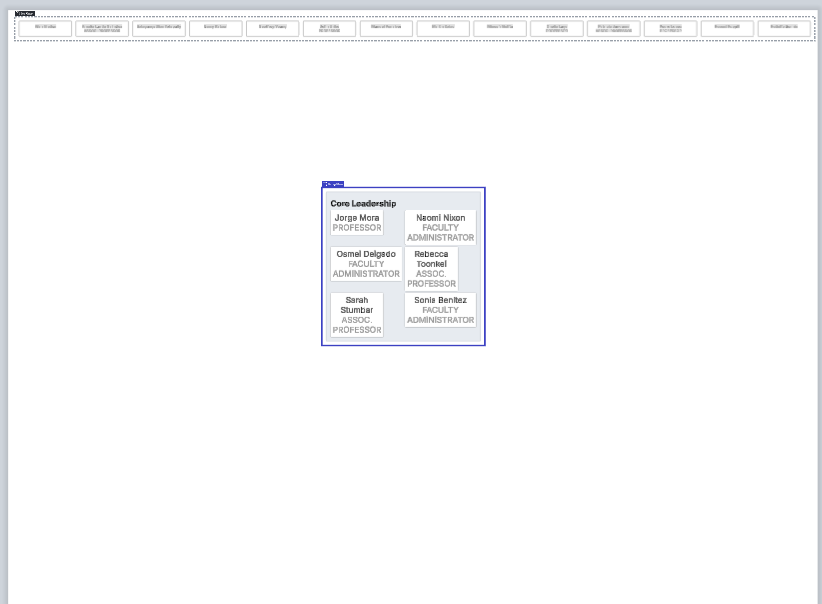
Hi I created a group chart with 2 groups. I am trying to make the outside box that frames the internal smaller boxes and the internal boxes larger but it is locked and I can’t change the size.


Best answer by Kelsey Gaag

Hi ​@Elzaro

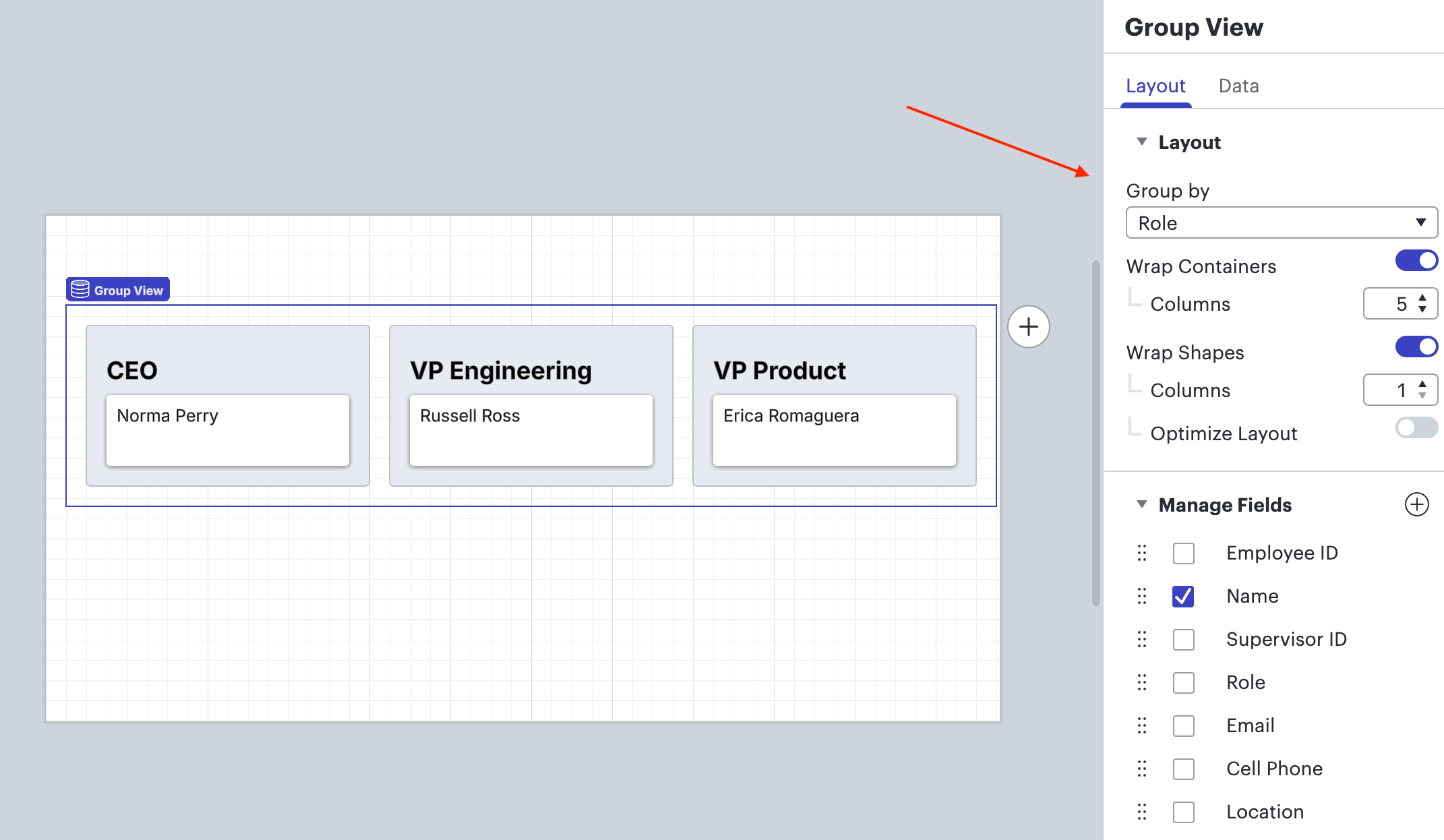
Thank you for the reply! I apologize! I misinterpreted your screenshot. It looks like in groups there isn’t a way to customize the size other than using the options in the contextual panel on the right hand side. 


Comments

Kelsey Gaag
Forum|alt.badge.img+16
  • Lucidite
  • May 30, 2025

Hi ​@Elzaro

Thank you for posting in the community! Are you using a frame from Lucidspark to accomplish this?


Forum|alt.badge.img+3
  • Author
  • May 30, 2025

I am working in Lucid Chart but not sure if the groups were created using Spark since the system makes them. How would I know?


Kelsey Gaag
Forum|alt.badge.img+16
  • Lucidite
  • Answer
  • June 2, 2025

Hi ​@Elzaro

Thank you for the reply! I apologize! I misinterpreted your screenshot. It looks like in groups there isn’t a way to customize the size other than using the options in the contextual panel on the right hand side. 


Forum|alt.badge.img+3
  • Author
  • June 3, 2025

Thank you for your response, questions. Why do I get the mouse change to allow sizing? When I pull on the borders it bounces back into the same place. Why is it that in my screen shot you see the boxes in different sizes? 


Kelsey Gaag
Forum|alt.badge.img+16
  • Lucidite
  • June 3, 2025

Hi ​@Elzaro

Thank you for the reply! I am not quite sure what you mean by getting your mouse change to allow sizing. Can you clarify what you mean? I believe the size of your boxes might be due to the size of the text fields. If you group them in a different way does that change their size? Additionally, does toggling their role off under “manage fields” make the size more consistent? 


Forum|alt.badge.img+3
  • Author
  • June 5, 2025

The mouse pointer changes to cross arrows. 


Kelsey Gaag
Forum|alt.badge.img+16
  • Lucidite
  • June 6, 2025

Hi ​@Elzaro

Unfortunately it is not possible to change the sizing of the group with your mouse, you will need to utilize this function in the right panel to change the layout. I believe the size of your boxes might be due to the size of the text fields.  Can you try changing the text size? If you group them in a different way does that change their size? Additionally, does toggling their role off under “manage fields” make the size more consistent? 

Hi ​@Elzaro

Thank you for the reply! I apologize! I misinterpreted your screenshot. It looks like in groups there isn’t a way to customize the size other than using the options in the contextual panel on the right hand side.