

Find exactly what you need with AI-powered feature search
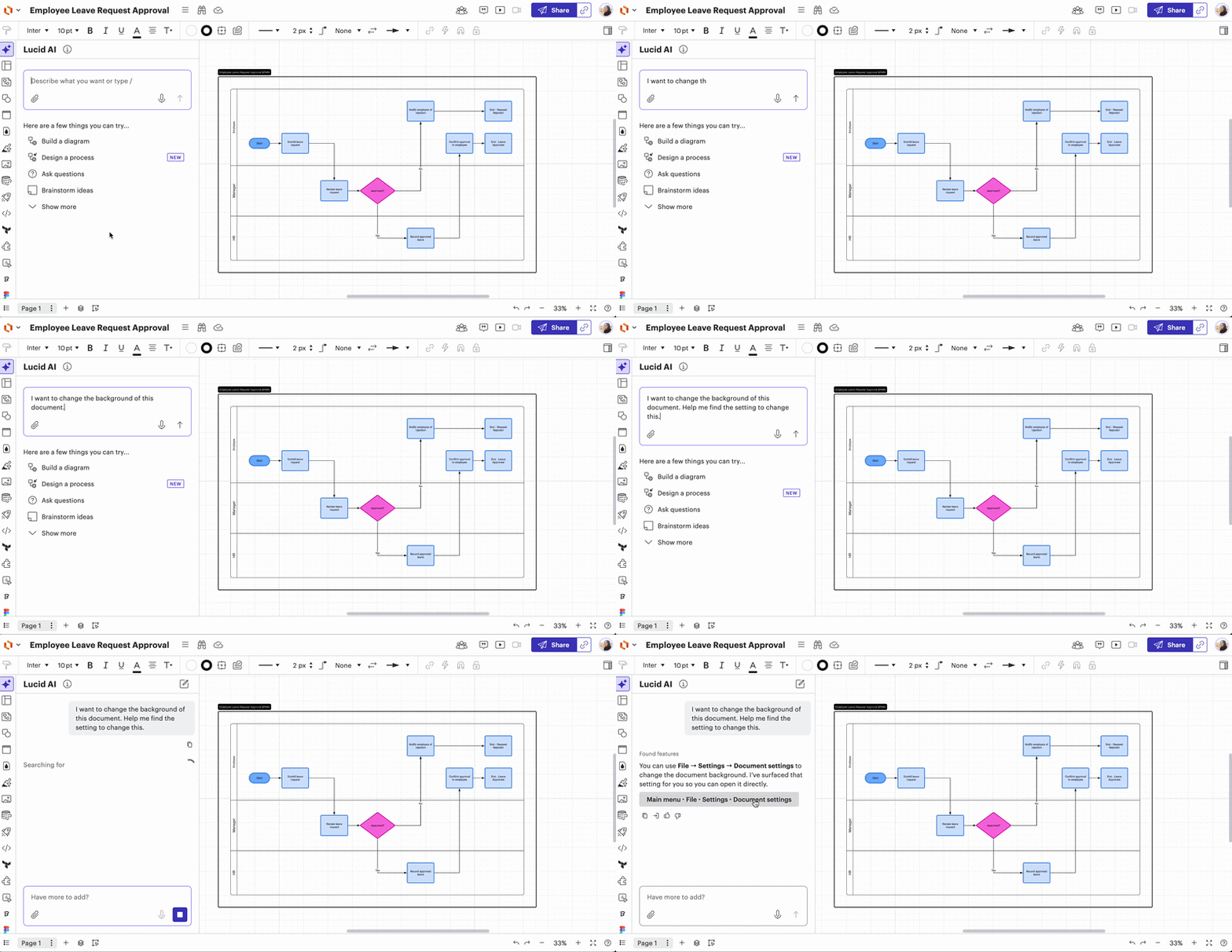
We’re excited to introduce a more intuitive way to navigate your Lucid workspace! Easily navigate the canvas by utilizing Lucid AI to instantly locate any tool or feature in Lucidchart.
Simply type what you’re looking for into the AI interface, and Lucid AI will instantly identify the Lucidchart tool you need and bring you to its location in the canvas. By bringing features directly to the AI interface, we’re removing the learning curve for advanced tools and helping users to quickly move from brainstorming to execution.
Whether you’re a power user or just getting started, this update is designed to help you stay in your flow without the interface ever getting in your way. Try it out in your next document!
For more information on Lucid AI tools, check out this Help Center article.
 Your privacy choices


