
Solved

Failed to Create ADO Work Items from Cards

  • March 26, 2026
  • 5 replies
  • 19 views

Astrid_G
Forum|alt.badge.img+9

I have a live connection with ADO and can successfully import work items.  the 2 way sync is enabled.
When I try to create an item, it pulls in all the expected fields to be populated, and when the Create button is pressed, the card appears on the spark board and fails to create.
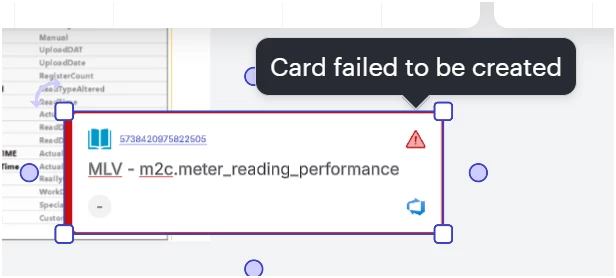
The State field was not in the list of fields to be populated before pressing Create, which seems OK as the state should b defaulted to new for a freshly created item.


Best answer by Leianne C

Hi ​@Astrid_G, I’ve heard back from our engineering team and one possible cause of this is that a field that is required for your project is missing. You mentioned that ‘State’ was missing, could please ensure that you are able to set all of the fields in the create modal that you would need to set over in ADO?

Please let me know if you have any questions about the above, or if you have any trouble checking this!

Comments

Leianne C
Forum|alt.badge.img+15
  • Lucid support team
  • March 27, 2026

Hi ​@Astrid_G, thank you for posting in the community. As a first step, would you mind sharing the following information to help us better understand the issue you’re experiencing? 

  • Could you confirm if the affected item types are custom item types?
  • Could you confirm if your mandatory fields are custom fields?
  • A screenshot of the associated Javascript Console output after reproducing the issue. You can open your Javascript Console by pressing Ctrl+Shift+J (if your computer is a Windows/Linux) OR Cmd+Opt+J (if your computer is a Mac).
  • Could you also try this in a new blank board to see if the issue persists there? 

Thank you in advance for your help and patience. Please let me know if you have any questions in the meantime!  


Astrid_G
Forum|alt.badge.img+9
  • Author
  • March 27, 2026

Hi ​@Leianne C 

  1. Its a standard WIT - User Story
  2. Two of the mandatory fields are custom, one is freeform text, one is a choice field.
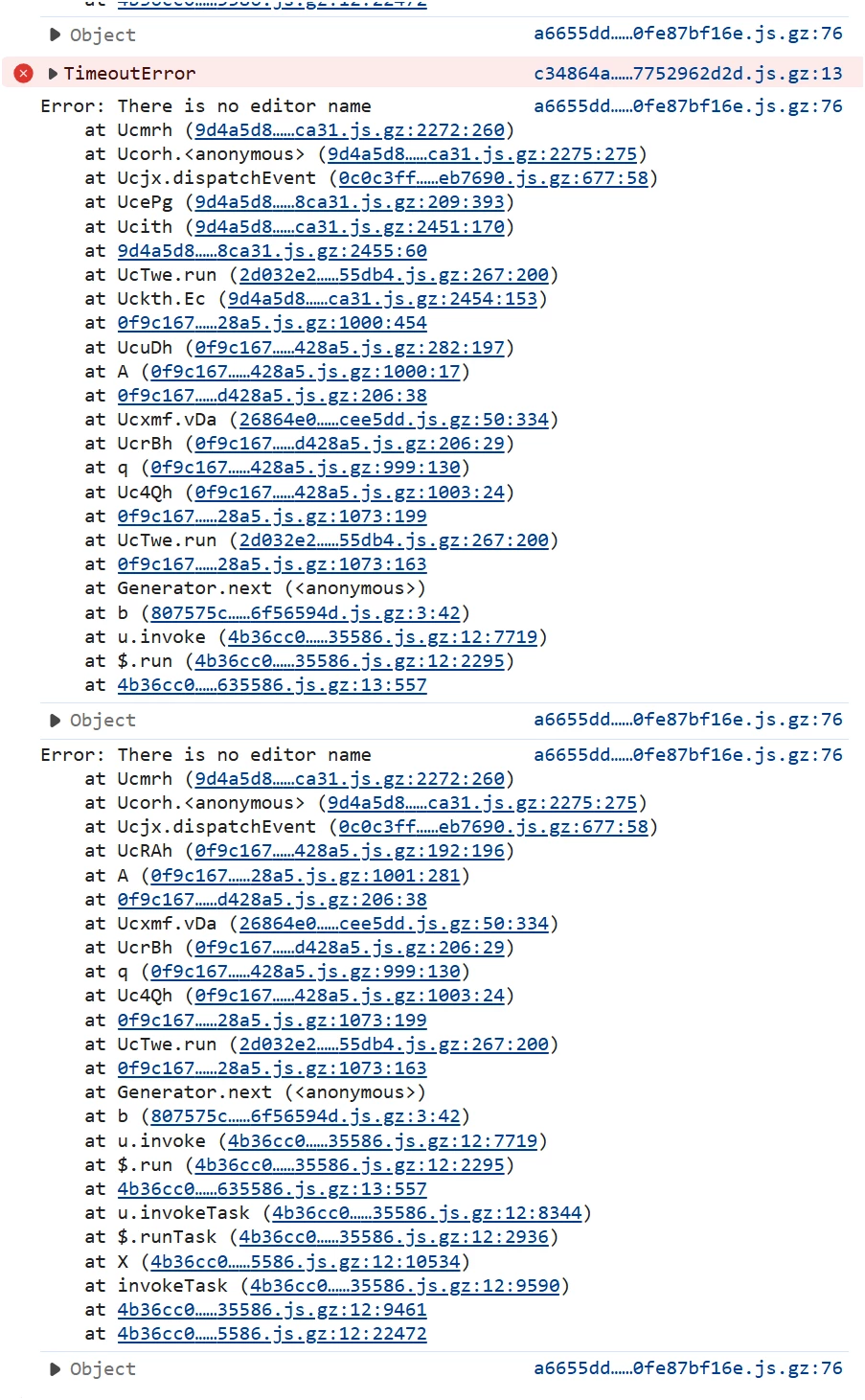
  3. Here’s the java screenshot
  1. Same problem persists in a new blank board.


Leianne C
Forum|alt.badge.img+15
  • Lucid support team
  • March 30, 2026

Hi ​@Astrid_G, thank you for sharing the additional information. I am looking into this on my end and will share an update here as soon as I have more details.

Please let me know if you have any questions or concerns in the meantime! 


Leianne C
Forum|alt.badge.img+15
  • Lucid support team
  • Answer
  • April 1, 2026

Hi ​@Astrid_G, I’ve heard back from our engineering team and one possible cause of this is that a field that is required for your project is missing. You mentioned that ‘State’ was missing, could please ensure that you are able to set all of the fields in the create modal that you would need to set over in ADO?

Please let me know if you have any questions about the above, or if you have any trouble checking this!


Astrid_G
Forum|alt.badge.img+9
  • Author
  • April 3, 2026

Hello ​@Leianne C 

I wouldnt expect to have to specify the state for an item being created, as ADO always defaults that to New.
All of the mandatory fields (2 custom and 1 standard - target date) are being pulled in to the card for populating, for a User Story.

I have been able to create a Feature (which has no mandatory fields), so the integration is working at the basic level.

When I made the Target Date mandatory for the feature, and tried to create another one from ADO it failed the same as the User Story.

I made the Target Date optional again for the feature, and made the custom field (choice list) mandatory instead.  that field was pulled into ADO and with the choice made a new card could be created.
 

So the problem seems to be standard date fields that are mandatory.  I tried with both the default 00:00 timestamp and a specified time, as well has having the date set and neither worked.