

Excessive white space when copied into Word
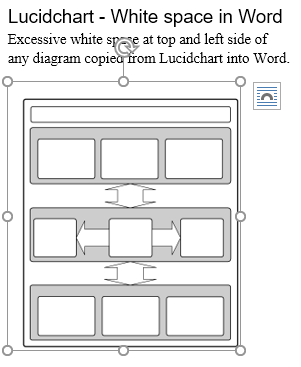
When I set up a diagram in Lucidchart with Content Scale 100% to fit the diagram as below when copied into Word it produces white space at the top and left side. See screen shots below
The white space is very annoying because text does not wrap closely enough to the diagram. I note this problem was reported 10 months ago and users still don't have a solution.
Will appreciate a solution. Thanks - Paul Williams
Diagram in Lucidchart
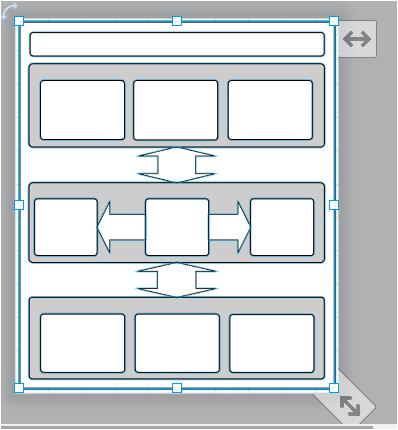
Diagram copy in Word
 Your privacy choices


