Craig W101
April 18, 2017
Solved

ERD csv format example

  • April 18, 2017
  • 26 replies
  • 758 views

I could not find this on other posts.

I have a set of tables spread across several different platforms (Google Sheets Smartsheet and others). Not in stand-alone database.

I'll like to build an ERD for the system but will need to build the csv outside of a single query.

What are the columns expected by the ERD csv import?

Is there an example online somewhere?

Thanks.

Craig


Best answer by Karsten B


Zhang

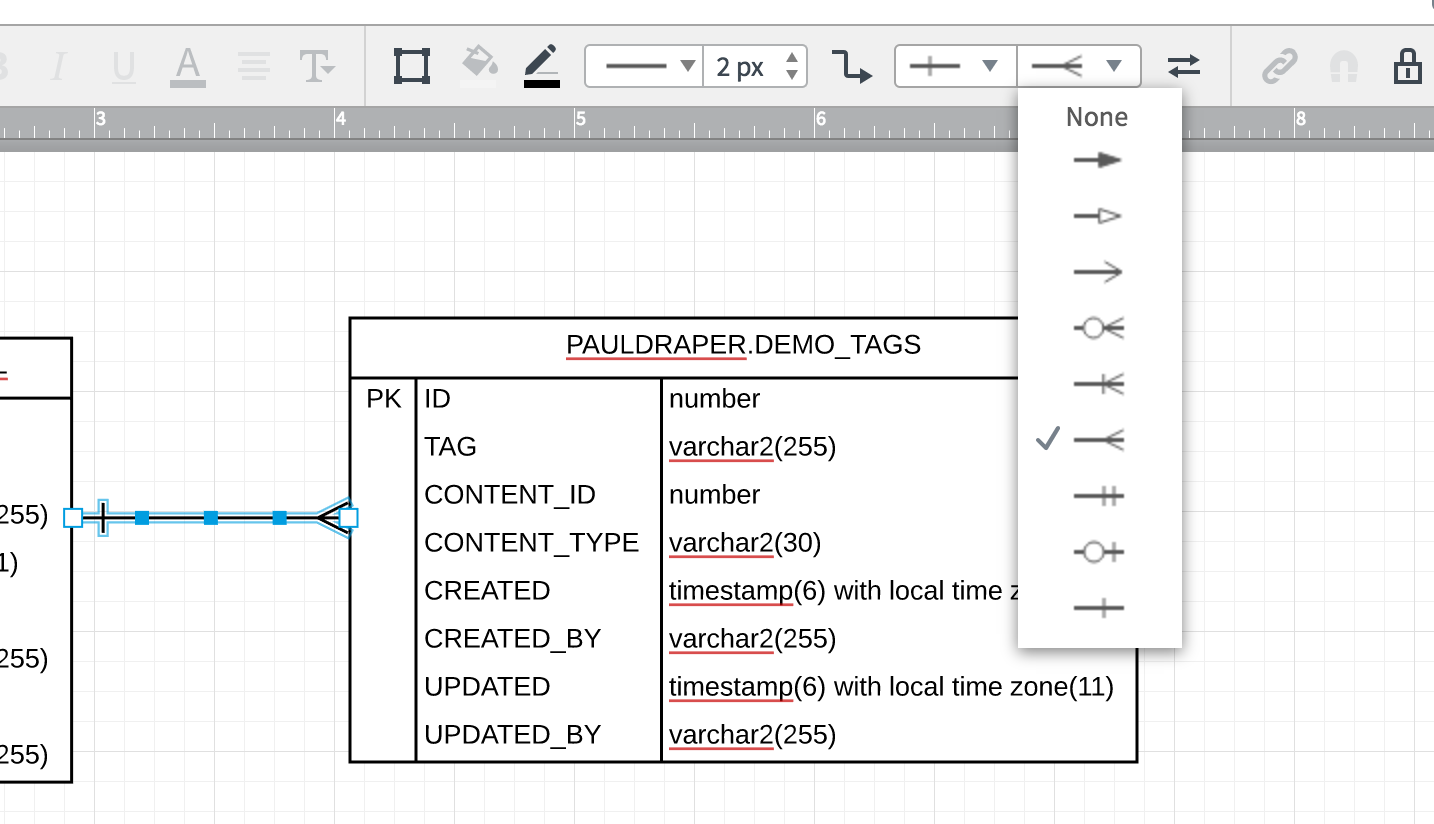
Unfortunately there is not a way to delete a table once imported into Lucidchart.  Once the relations ships are drawn you can always change them by selecting the line and changing its endpoint within Lucidchart.   

AANeA6SjhFS2iM-FXLLHNA.png

We're always looking for ways to improve Lucidchart and your feedback is the best way for us to do that. Would you mind adding your idea to our product feedback section of the community?

This form allows our team to categorize like requests and bring them to our product team.

Thanks again for your request!

Comments

Yu(Steven) Z
February 5, 2018

Hi Karsten

Thanks for your quick reply. I see how to set up cardinality manually but the default of primary to foreign key have 1 to many relationship will be applicable for most cases. I have submitted the ideas via the feature request form. 

Currently the following field can be defined in the csv file (shared by Liccid chart community manager Megan) hope the list can grow. 

"Dbms (mysql postgres etc.)
TABLE_SCHEMA (database name)
TABLE_NAME (table name)
COLUMN_NAME (column name)
ORDINAL_POSITION (order of column)
DATA_TYPE (data type of column)
CHARACTER_MAXIMUM_LENGTH (character length for column)
CONSTRAINT_TYPE (unique primary key foreign key)
REFERENCED_TABLE_SCHEMA (foreign key’s database)
REFERENCED_TABLE_NAME (foreign key’s table)
REFERENCED_COLUMN_NAME (foreign key’s column)"

Finally I hope the visual query functionality can be integrated with other tools such as Alteryx's visual query builder (powered by Active Query Builder). And can support more database for example Exasol besides the current four. Hope this will be possible in the further.

Elaine M
February 23, 2018

I was able to delete a table from an import by re-importing the CSV file with the table and columns deleted from the file.

Karsten B
Lucid support team
February 23, 2018

Elaine

Thanks for sharing that. Re-importing your CSV is the only way to effectively "reset" the data.  We are always looking to improve the functionality of our product and these interactions help us better understand what our users are looking for.  

Yu(Steven) Z
February 23, 2018

Hi Elain and Karsten

Thanks very much for sharing the insights. Solves my current problem:)

sai.yanamandra
June 13, 2018

I am looking for a sample csv that can import and create a UML diagram for Lucid Chart. I don't see it any where in this thread Any help would be greatly appreciated? Thanks in advance.

Matt S102
March 7, 2019

A sample would be great I am getting a parsing errors below any thoughts:

"emamdb""dbo""EMAM_Assets""face_version""7""int""""FOREIGN KEY""dbo""EMAM_Asset_Versions""asset_version" "emamdb""dbo""EMAM_Assets""Archive_Profile_Id""23""int""""FOREIGN KEY""dbo""EMAM_Archive_Profiles""ID" "emamdb""dbo""EMAM_Assets""date_created""22""datetime""""""""""" "emamdb""dbo""EMAM_Assets""Metadata_Set_Id""24""int""""""""""" "emamdb""dbo""EMAM_Assets""ModifiedBy""25""int""""""""""" "emamdb""dbo""EMAM_Assets""Sequence_Id""26""int""""""""""" "emamdb""dbo""EMAM_Assets""archive_storage_id""16""int""""""""""" "emamdb""dbo""EMAM_Assets""subject""17""nvarchar""100""""""""" "emamdb""dbo""EMAM_Assets""category""18""nvarchar""50""""""""" "emamdb""dbo""EMAM_Assets""copyright""19""nvarchar""1000""""""""" "emamdb""dbo""EMAM_Assets""keywords""20""nvarchar""500""""""""" "emamdb""dbo""EMAM_Assets""location""21""nvarchar""100""""""""" "emamdb""dbo""EMAM_Assets""rating""10""float""""""""""" "emamdb""dbo""EMAM_Assets""ingested_by""11""int""""""""""" "emamdb""dbo""EMAM_Assets""ingested_on""12""datetime""""""""""" "emamdb""dbo""EMAM_Assets""lastmodified_on""13""datetime""""""""""" "emamdb""dbo""EMAM_Assets""IsArchived""14""bit""""""""""" "emamdb""dbo""EMAM_Assets""rowguid""15""uniqueidentifier""""""""""" "emamdb""dbo""EMAM_Assets""title""3""nvarchar""500""""""""" "emamdb""dbo""EMAM_Assets""asset_type_id""4""smallint""""""""""" "emamdb""dbo""EMAM_Assets""asset_state_id""5""int""""""""""" "emamdb""dbo""EMAM_Assets""latest_version""6""int""""""""""" "emamdb""dbo""EMAM_Assets""asset_desc""8""nvarchar""1000""""""""" "emamdb""dbo""EMAM_Assets""author""9""nvarchar""100""""""""" "emamdb""dbo""EMAM_Assets""client_id""2""int""""""""""" "emamdb""dbo""EMAM_Assets""id""1""int""""PRIMARY KEY"""""""

Abby S
Lucid community team
March 7, 2019

Hi Matt

Thanks for reaching out on the community. If you are experiencing trouble importing your ERD please attempt this process in an incognito browsing session. Sometimes extensions or cache/cookies problems can interfere with Lucidchart's ERD import.

If this doesn’t help resolve the issue please send me the following information:

  • A screenshot of the error message or the issue that you are describing.

  • The name of the DBMS you are attempting to import from.

Thank you!

Rich L102
July 7, 2021
Two years ago this person asked for a sample CSV file.  Nobody from Technical Support has provided that yet?  This is an old thread asking for support on a very common operation.  Apparently it was closed without an actual response only a perfunctory answer to close the ticket.  
#####################################################
I am looking for a sample csv that can import and create a UML diagram for Lucid Chart. I don't see it any where in this thread Any help would be greatly appreciated?
Thanks in advance.
 
#####################################################
Can Technical Support please provide a current link to a sample CSV import template to build a simple ERD?  
 
Thank you.  
Emma D
Lucid support team
July 7, 2021

Hi Rich thanks for following up on this thread. I recommend checking out our ERD article. If you scroll to the bottom of this article you can find some sample files attached for PostgreSQL Oracle and SQL Server.

Unfortunately we don't currently have a sample file for MySQL. However I recommend checking out the headers in the PostgreSQL example file. The headers for MySQL are very similar and are listed as follows in the MySQL query accessible in the import modal: dbmst.TABLE_SCHEMAt.TABLE_NAMEc.COLUMN_NAMEc.ORDINAL_POSITIONc.DATA_TYPEc.CHARACTER_MAXIMUM_LENGTHn.CONSTRAINT_TYPEk.REFERENCED_TABLE_SCHEMAk.REFERENCED_TABLE_NAMEk.REFERENCED_COLUMN_NAME

I hope this helps! Please let me know if you have any other questions.

danmclane
December 20, 2021

Would SOMEONE please post a useable (entire) solution to this issue.  The whole working query would be greatly appreciated.

Please......