
Question

Embedded documents do not render and appear all black

  • April 17, 2026
  • 1 reply
  • 11 views

Forum|alt.badge.img+4

Here is how I am embedding the document:

  • Use of the document picker to obtain the document and the document ID
  • POST request to /documents/${documentId}/embeds to obtain embed id
  • POST request to /embeds/token with the embedId and origin in the body

I then use the token returned in the iframe: https://lucid.app/embeds?token=:token

I have been able to confirm that the origin we are passing is formatted like “sub-domain.domain.com”, which matches the site I am testing on.


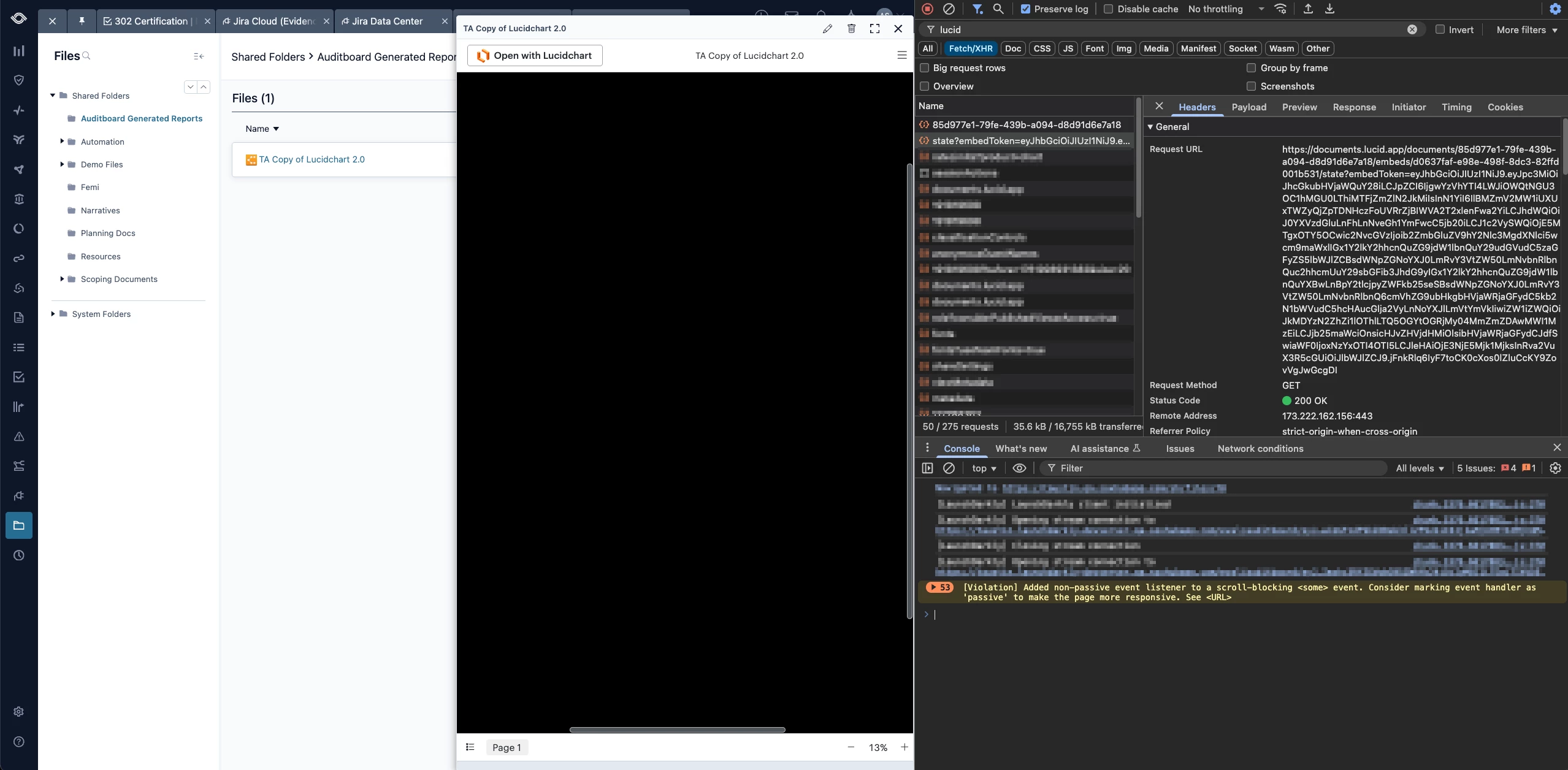
The document will “flash” for a moment, before the render goes full black as seen in the screenshot below.

 

Comments

aparrish
Lucid Legend Level 7
Forum|alt.badge.img+15
  • Lucid Legend Level 7
  • April 18, 2026

@trevor what you’re describing is typically caused by a validation issue after the initial load, most often related to the embed token or origin.

A few things to double-check:

  • The origin used when generating the token must match the domain hosting the iframe exactly, including protocol (https://) and any subdomains. Even small differences can cause the embed to fail after loading.

  • Make sure the token is being used shortly after it’s generated and hasn’t expired.

  • The embedId, origin, and token all need to align correctly—any mismatch can invalidate the session.

  • If you haven’t already, check the dev console for any CSP or iframe-related errors that might show why rendering is being blocked.

If everything looks correct, it would be helpful to confirm the following:

  • The exact origin string being sent in the token request

  • The full iframe URL being used

  • Any console errors that appear when the screen goes black

That should help narrow down whether this is an origin validation issue or something else.


