
Disappearing Diagram

  • April 28, 2023
  • 3 replies
  • 30 views

John H102

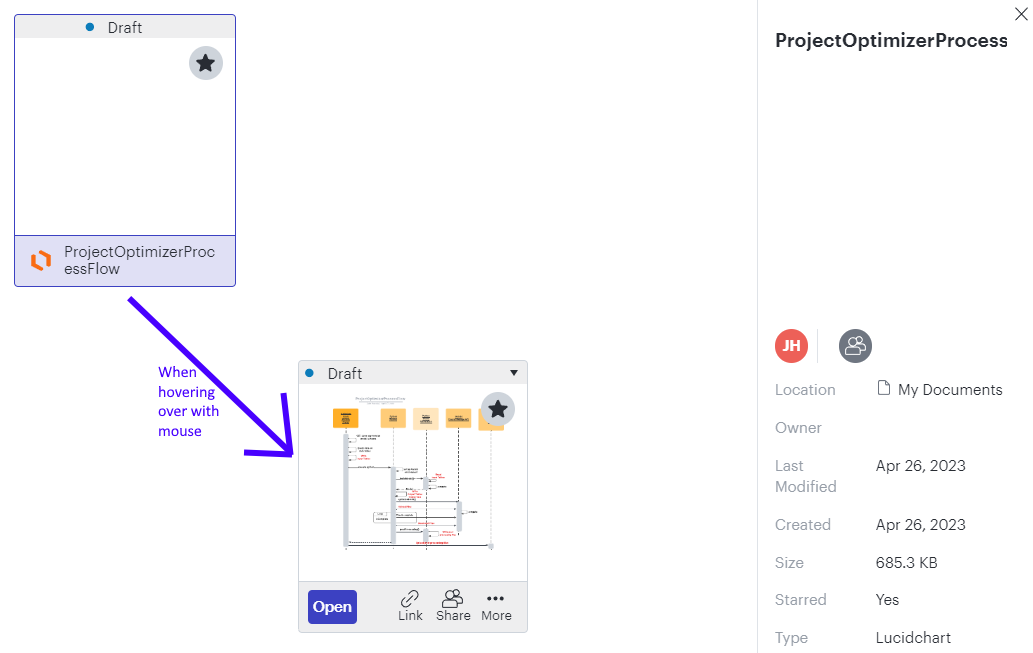
I created a diagram the day before and now the contents won't show.  In the My Documents view the thumbnail shows a white image unless I hover my mouse over it.  I can see the diagram properly when mouse hovering.  The diagram details show a size of 685.3 KB so there is something in there.  When I open the diagram it only shows an empty grid. 

I tried changing the rendering options and opening in Chrome and Edge.  Thoughts?  TIA


Comments

Phillip W
Forum|alt.badge.img+16
  • Lucid support team
  • April 28, 2023

Hey John

Thanks for posting in the Lucid Community! Can you check on the second tab to see if your work is there? The tabs are located at the bottom left of the screen. Usually when users experience this it’s because a new empty tab has been inserted before the tab with all the work. Please let me know if this helps!


John H102
  • Author
  • April 28, 2023

Thanks for the quick reply Phillip.  LOL.  Yes a new tab got added somehow and I never looked down that far to notice.  I looked everywhere else.


Phillip W
Forum|alt.badge.img+16
  • Lucid support team
  • May 1, 2023

No worries John! Happens all the time -- happy to help get it sorted! 😎