

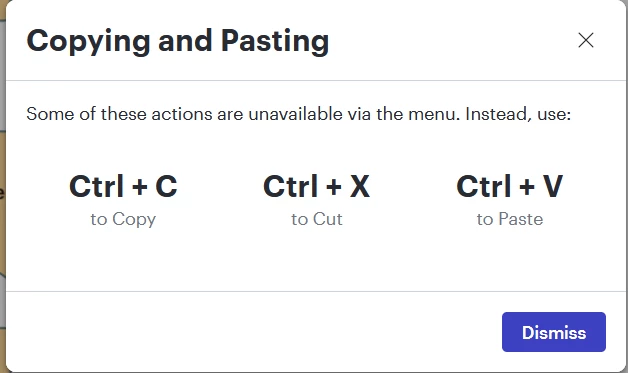
Every time I right-click paste, Lucidchart says, WAIT! STOP EVERYTHING AND READ THIS! (i.e., darkens the screen and forces me to acknowledge/dismiss the popup below). Which is fine the first time, but I know the shortcuts and sometimes it’s easier to use my mouse-hand. Not to mention that it’s telling me some of the functions aren’t available and it already worked just fine. I find this incredibly annoying and distracting and for the life of me I cannot find a way to disable it. Could someone help me out here? Thanks.
 Your privacy choices


