
Question

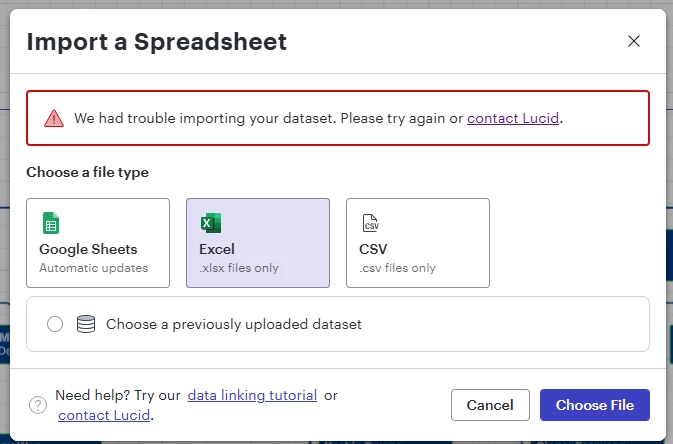
Dataset linking error to .xlsx previously used

  • May 5, 2026
  • 1 reply
  • 6 views

Forum|alt.badge.img

I’m experiencing a linking error when attempting to replace an Excel dataset. 
My agency blocks live linking, so I have to replace the entire dataset to perform updates.   

This is my first issue with my dataset.  Can anyone point me in a direction to start troubleshooting?  The error itself is rather vague. 


Comments

Humas1985
Lucid Legend Level 10
Forum|alt.badge.img+24
  • Lucid Legend Level 10
  • May 6, 2026

Hi ​@RutaBaega 

This error is usually caused by differences between the original and replacement Excel structure (such as renamed columns or sheet changes), or Lucid retaining a cached dataset mapping.

Since live linking is restricted, the safest approach is to ensure the replacement file matches the original structure exactly or remove and re-add the dataset connection to clear cached mappings

To learn more - How do I refresh or replace data for an org chart? – Lucid

Hope this helps !!




