

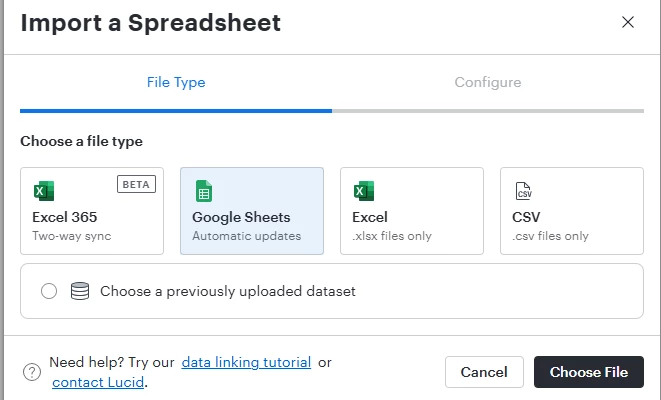
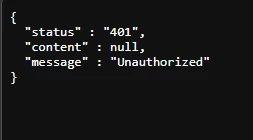
I’m trying to using the Excel / 2-way sync integration with Lucid/M365. This was working for me yesterday, but now I can’t see updates (in either direction), nor can I add or replace my data set. When I choose Excel365 and click ‘Authorize’, I get redirected to a page that just reflects a 401 error. When I return to the Lucidchart tab and click ‘Authorize’ again, I see a Windows sign-in pop-up but, when I enter my work email address, I get a response that my account could not be found. (I’m logged into M365 on the same browser.) I have rebooted, logged in/out, disconnected/reconnected and am now repeating the process in incognito browser windows with the same outcomes.

 Your privacy choices


