

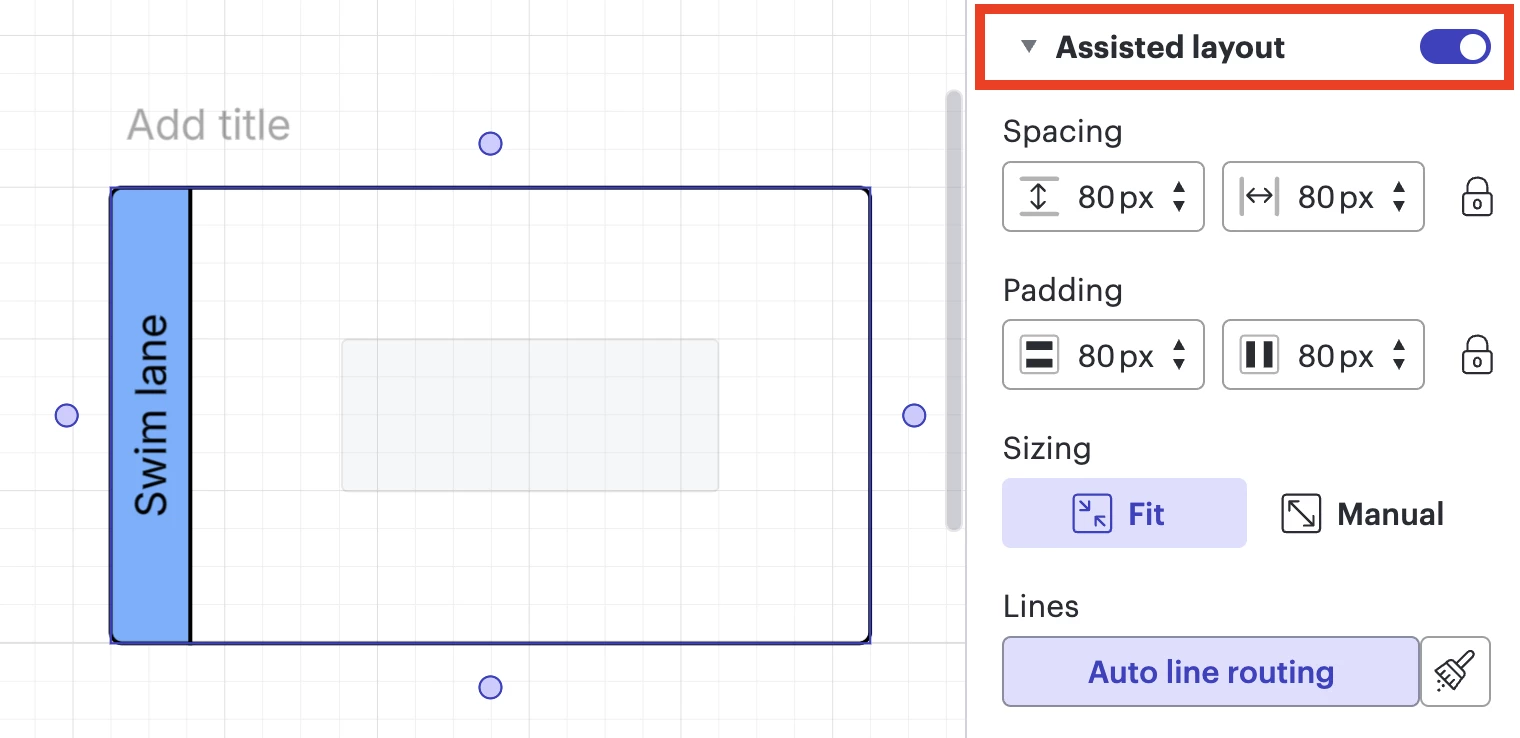
I used to be able to arrange shapes on top of each other. Now when I go to do this these blue lines pop up around the shape I am trying to arrange over and the object I want on top of the shape is auto arranged to either the left, right, top or bottom of the shape I am trying to arrange over. How do I turn this off? It is helpful when adding boxes next to each other in a process flow but doesn’t allow me to annotate like I need to. I believe I am using the AI process flow template.
Question
Can no longer layer shapes in process flow


Create an account in the community
A Lucid or airfocus account is required to interact with the Community, and your participation is subject to the Supplemental Lucid Community Terms. You may not participate in the Community if you are under 18. You will be redirected to the Lucid or airfocus app to log in.
Log in to the community
A Lucid or airfocus account is required to interact with the Community, and your participation is subject to the Supplemental Lucid Community Terms. You may not participate in the Community if you are under 18. You will be redirected to the Lucid or airfocus app to log in.
Log in with Lucid Log in with airfocus
or
Enter your E-mail address. We'll send you an e-mail with instructions to reset your password.
 Your privacy choices


