Solved

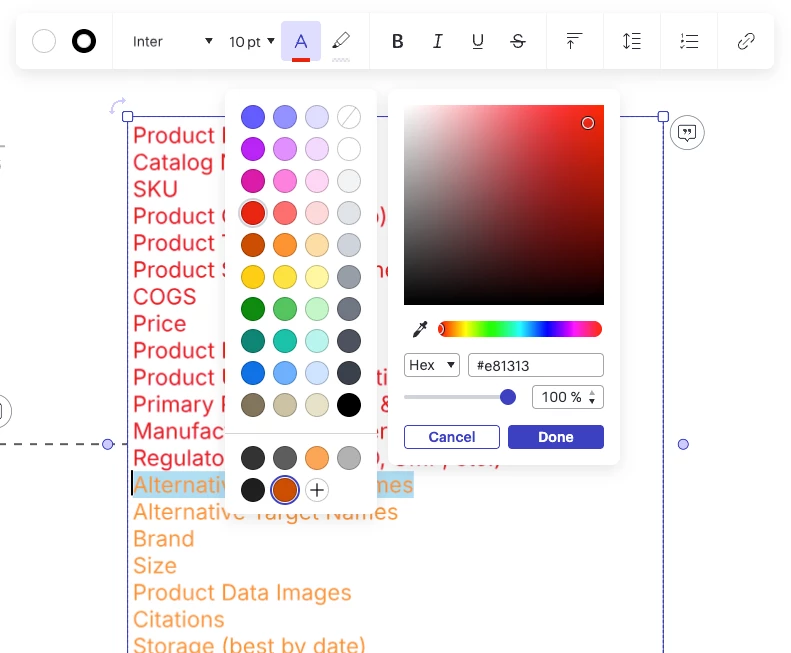
Bug: Cannot change text color within text box

  • November 6, 2025
  • 2 replies
  • 39 views

Forum|alt.badge.img

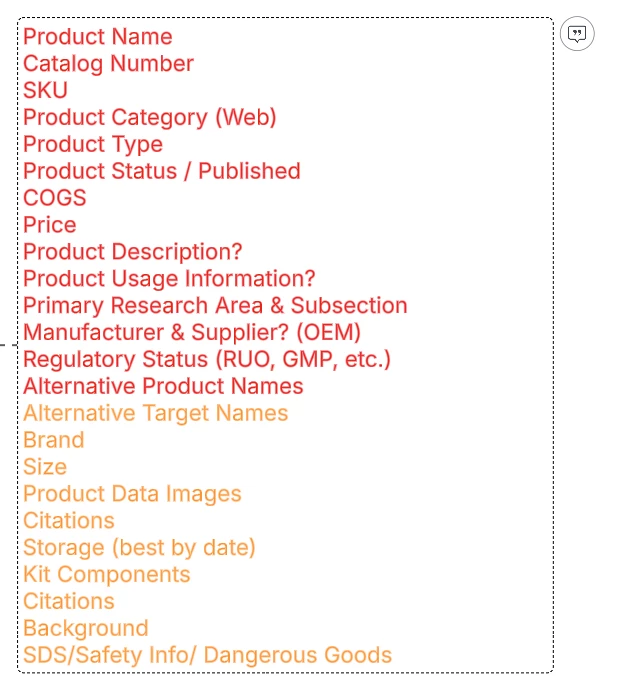
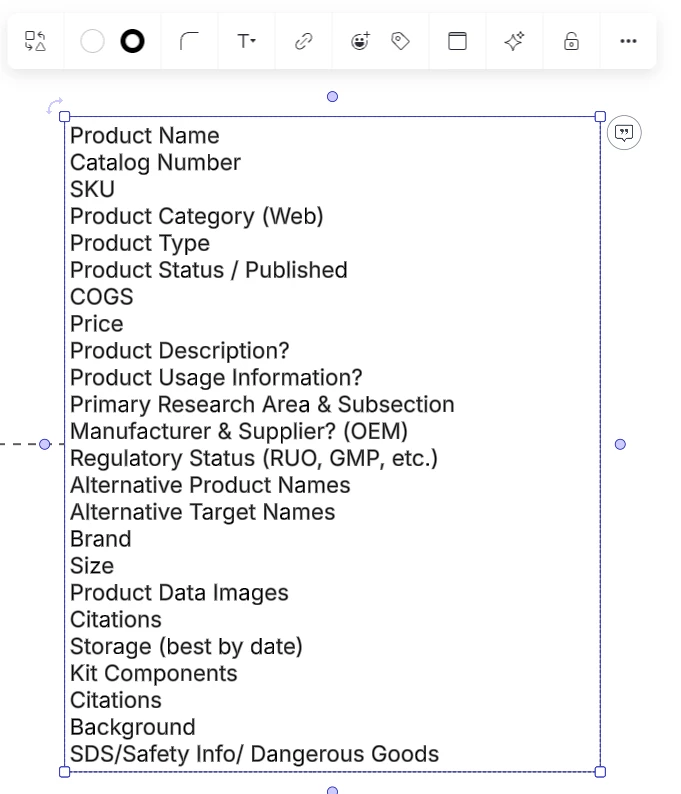
Within a text box we have been differentiating between red and orange text color for required vs. optional attributes. But all of a sudden, when I go to change the text color of one piece of text within a text box, now the custom color option automatically initiates, and there is no way to successfully select the pre-determined red. I keep ending up another color automatically selected, or no change, or different colors when I select the text box vs unselected. This is VERY frustrating, please help!


Unselected:
Selected:
 

Best answer by Gordon

Hi Hendek,

We have found the issue, and quickly disabled the change that caused the inconvenience. Please let me know if the issue occurs again.

Best,

Comments

Gordon
Forum|alt.badge.img+2
  • Lucid product team
  • November 7, 2025

Hi Hendek,


Thanks for reporting this bug. My team will take a look into it and keep you updated.


Best,


Gordon
Forum|alt.badge.img+2
  • Lucid product team
  • Answer
  • November 7, 2025

Hi Hendek,

We have found the issue, and quickly disabled the change that caused the inconvenience. Please let me know if the issue occurs again.

Best,