Question

BPMN Activity shape type transaction lost all text

  • August 17, 2026
  • 2 replies
  • 86 views

Forum|alt.badge.img+1

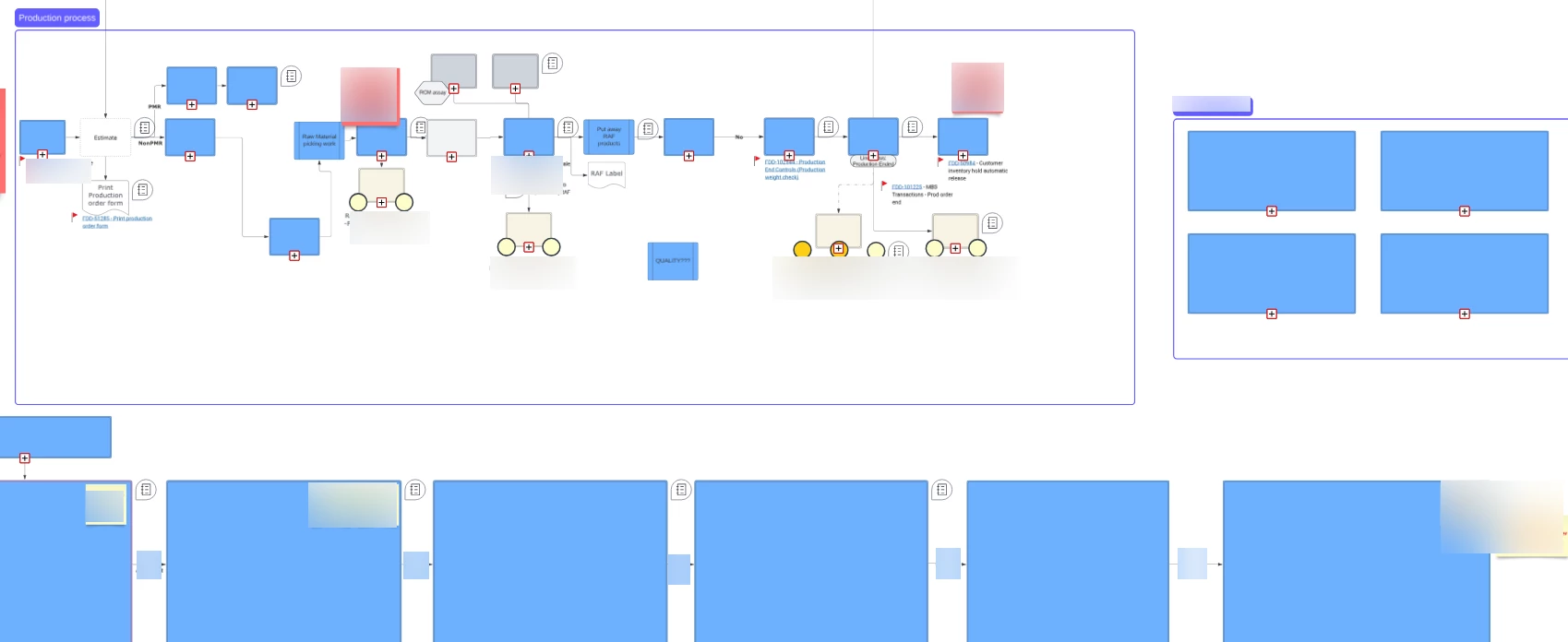
I have multiple lucid charts were I have been using for years with the BPMN Activity shape with type = Transaction

The shape with Activity = Transaction no longer displays any text?  As of last friday all my shapes of this type are now blank.  Any idea what’s going on?


Comments

I have this same issue as of today. An existing diagram has multiple BPMN Activity shapes with type = "Transaction”. The text no longer displays in these Transaction boxes.

This is true in normal view and edit mode. The text is still entered and stored correctly (it appears immediately when the shape is switched to any other Activity type), so this is a rendering-only defect, not data loss.

Steps to reproduce:
1. Add a BPMN Activity shape to a document.
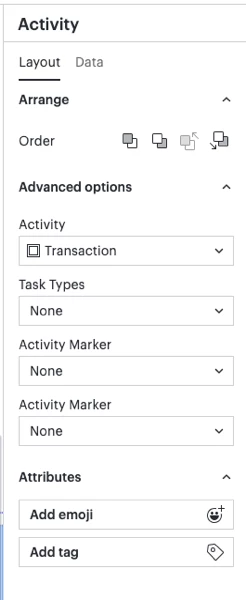
2. In the right panel: Layout > Advanced options > Activity, set the type to "Transaction" (the double-bordered variant).
3. Click the shape, then double-click it and type "abc". Nothing is displayed — no text appears in edit mode or in normal view.
4. With the shape still selected, change the Activity type to "Task" (or "Event Sub-Process" or "Call Activity"). The "abc" text now appears and is editable.
5. Switch the type back to "Transaction". The text disappears again (still stored, just not rendered).


Forum|alt.badge.img+1
  • Author
  • August 18, 2026

Actually, I seem to have lost the formatting on my text.  But at least the text is still there.