Question

Block Text Regression

  • February 12, 2026
  • 2 replies
  • 0 views

Christian J
Forum|alt.badge.img

I’ve added a Block to my document as I have countless times over the years.

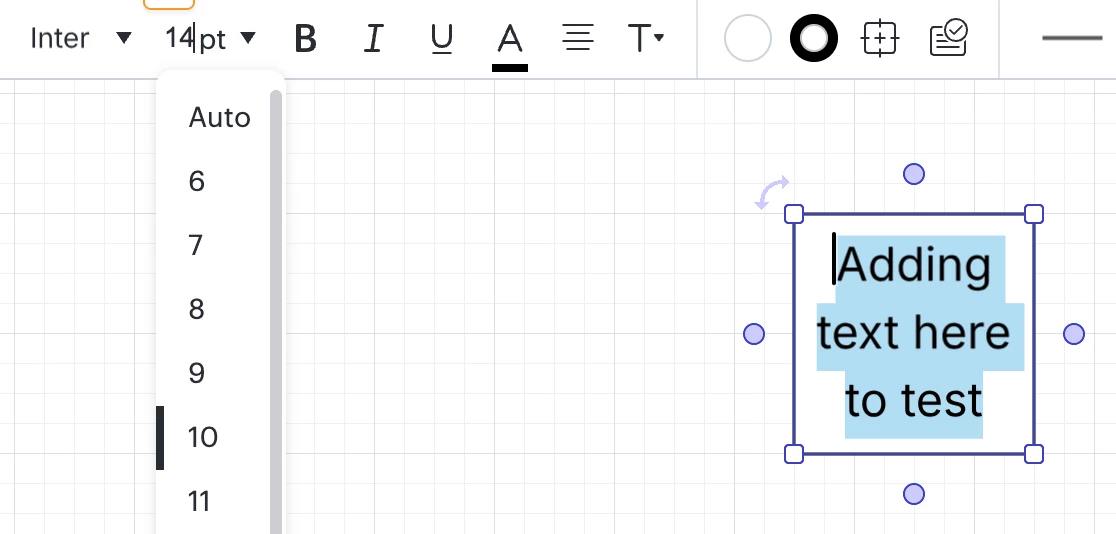
But now, there is a serious regression where I CAN’T select the text to resize it (or change any text properties).

Very annoying! 

I had seen this issue a few months back, but if I remember correctly it wasn’t as bad as I had figured out a workaround. This time, there is NOTHING I can do. I’m stuck … important diagrams to create for work, and dead in the water!!

Please fix ASAP!

Comments

aparrish
Lucid Legend Level 7
Forum|alt.badge.img+15
  • Lucid Legend Level 7
  • February 13, 2026

@Christian J I think your voice is what we’re looking for in terms of feedback for proposed changes. Please add your voice to this thread: 

If you want, you can also upvote this other thread and add your comments: 

There have been recent updates to the user interface with regard to text blocks that you can read about in two places:

and 

If you suspect that you have a bug AND you have a paid account, please submit a ticket to our Product Support team.


Ambar D
Forum|alt.badge.img+10
  • Lucid community team
  • February 13, 2026

Hi ​@Christian J, thank you for posting in the Lucid Community! I’m sorry to hear you’re having trouble here, but I’m happy to help!


Thank you ​@aparrish for sharing these wonderful resources, these are great suggestions. ​@Christian J Our product teams are currently seeking feedback on this experience, and they’d love to hear from you in the thread below. We’re very interested in your feedback and committed to continually improving our products.


I would, however, like to keep digging in to what you’re seeing here to understand if there’s anything we can do to solve some of the issues you’re seeing. 

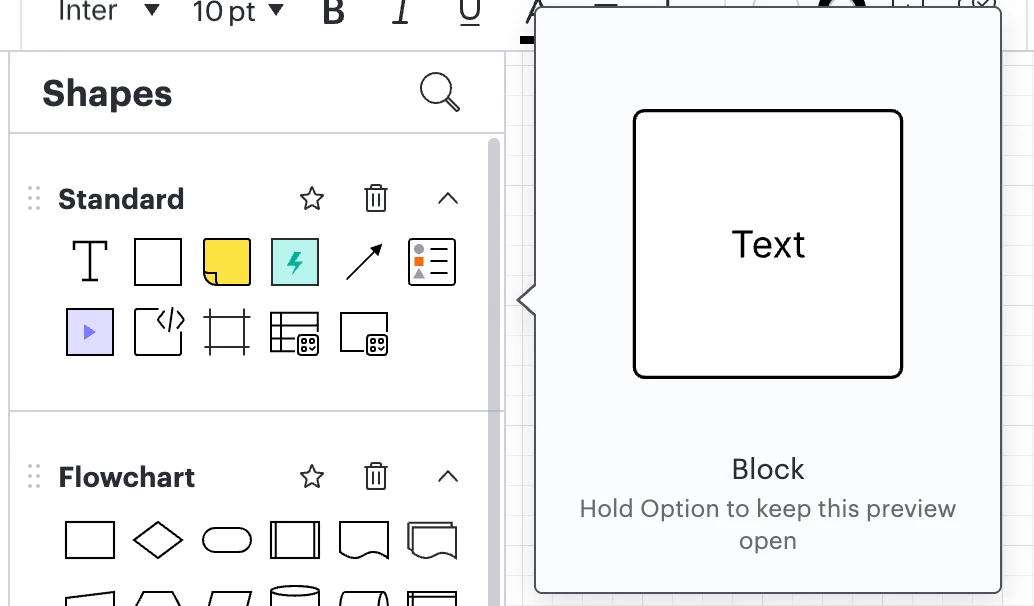
Just for clarity- would you mind confirming that you are using the “Block” shape from the Standard shape library?

Does double-clicking on the text in the block allow you to change the text size, font, color, etc.? Testing on my end, this should be working as usual.