Solved

Automatic sync issue between Excel and Lucidchart

  • March 30, 2026
  • 2 replies
  • 6 views

Forum|alt.badge.img+3

Hi community,

maybe someone here can help me.

I currently have an Excel file connected to a Lucidchart diagram. Both the Excel file and the Lucidchart document are used collaboratively by multiple teams.

The problem is:
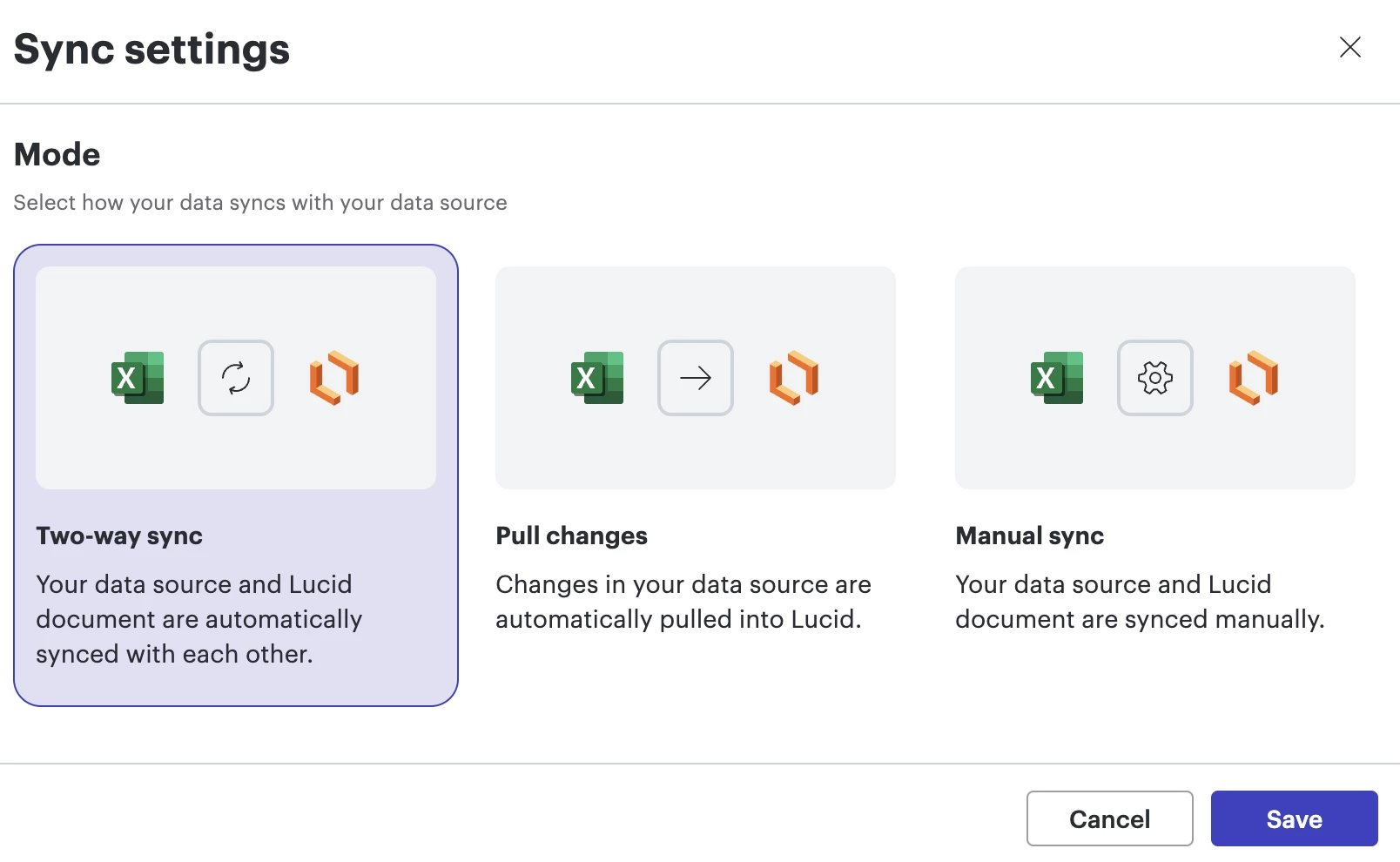
The data only synchronizes when I personally open both the Excel file and the Lucidchart board. If I don’t do this, changes made by other team members are not reflected. This means I have to open the Excel and the Lucidchart document every day just to trigger the sync.

Is there any way to have the data synchronize automatically in the background, or without having to manually open both files?

Thanks a lot in advance!

Best regards
Melanie

Best answer by Leianne C

Hi ​@Melanie, thank you for posting in the community. To confirm, do all your collaborators have edit access to both the Lucidchart document and the linked Excel file? Is this happening to a specific document or any document that has dataset imported? 

Thanks for your help and patience! Please let us know if you have any questions in the meantime. 

Comments

Leianne C
Forum|alt.badge.img+15
  • Lucid support team
  • Answer
  • April 1, 2026

Hi ​@Melanie, thank you for posting in the community. To confirm, do all your collaborators have edit access to both the Lucidchart document and the linked Excel file? Is this happening to a specific document or any document that has dataset imported? 

Thanks for your help and patience! Please let us know if you have any questions in the meantime. 


Forum|alt.badge.img+3
  • Author
  • April 1, 2026

Hi ​@Leianne C, yes, all involved users have access to both the Excel file and the Lucidchart document. The issue actually occurs on all boards that I have created and linked.