

Align your team with Diagram Keys
How do I know what department is driving this part of the process?
What action items am I responsible for to ensure we meet our timeline?
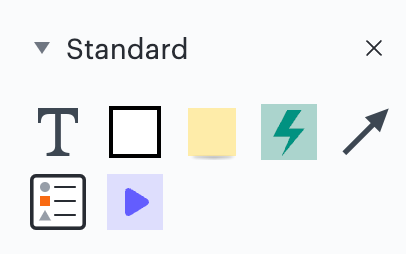
These are all questions I have when building out various projects processes and systems in Lucidchart. So I'm very excited to use the new Diagram Key shape found in the standard shape library in Lucidchart to bring clarity and alignment to my team!
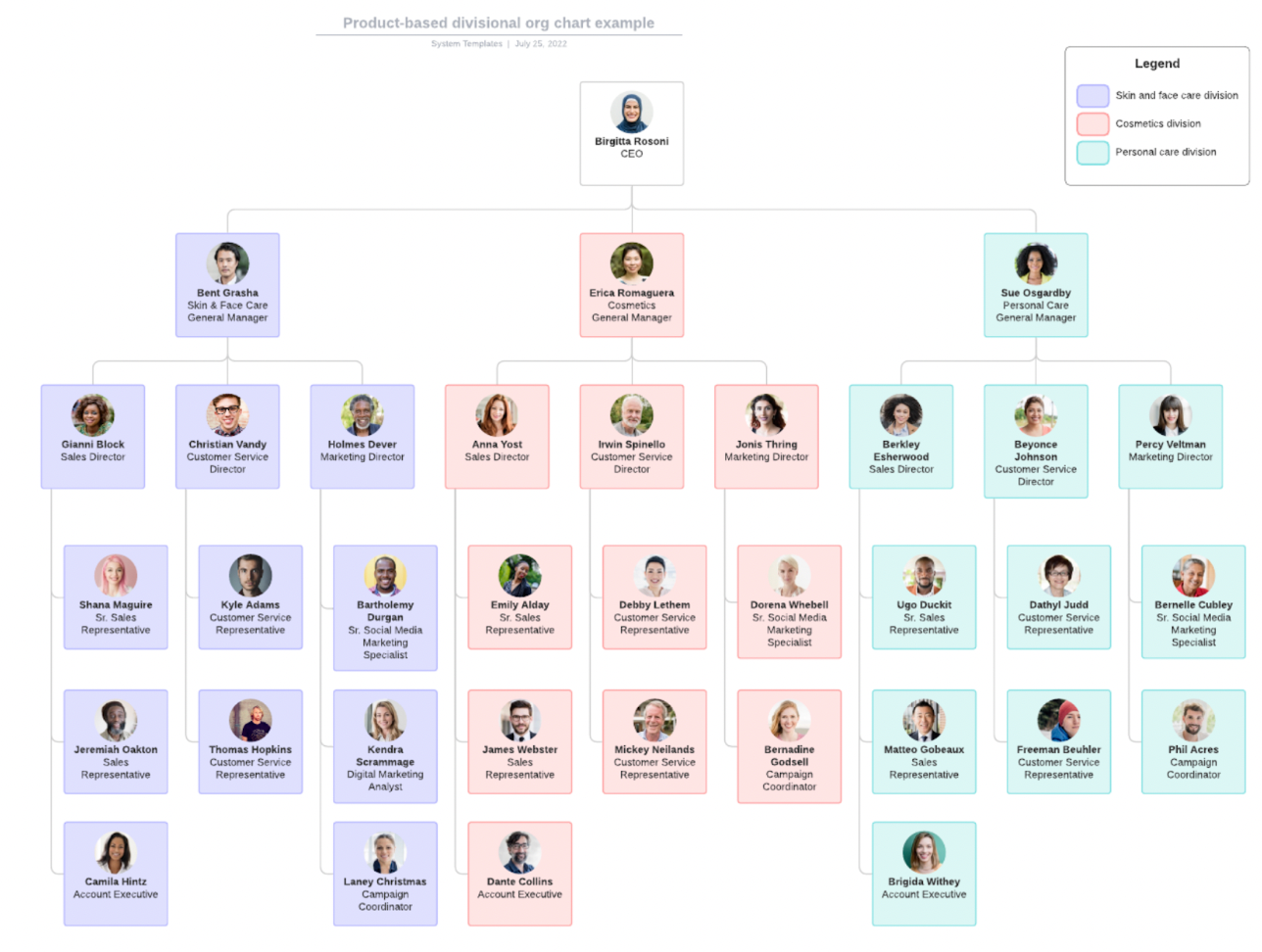
In the initial beta of Diagram Keys colors are supported. Click to access the product-based divisional org chart example template to see a good example of adding clarity with color. With this template I am coordinating and planning for department growth. Each department has an assigned color and it’s clear where we’ll need additional resources to accomplish the goals we've set out for the rest of the year.
I can't wait to see how you're using Diagram Keys and what feedback you have as we continue to develop this. Read more in the Diagram Key Zendesk article here.
 Your privacy choices


