Answer

Align shortcuts in Lucid

  • August 7, 2025
  • 2 replies
  • 17 views

Forum|alt.badge.img+2

Were the align shortcuts recently removed from Lucid?


On this docs page, under Quick align, there’s a gif showing that CTRL + →  or CTRL + ← is a way to quick-align two or more objects.
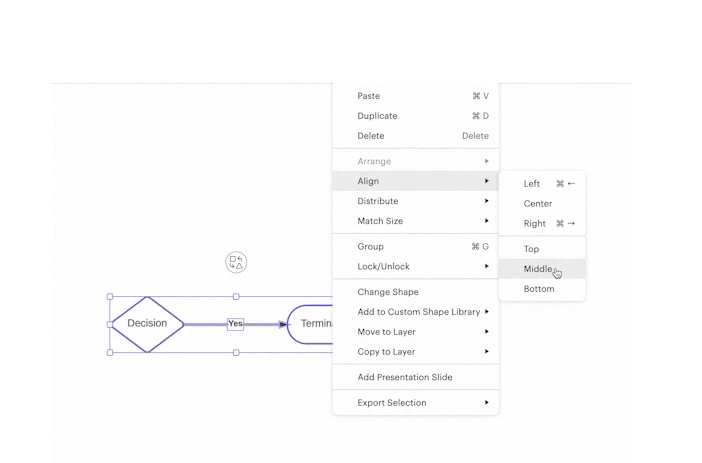
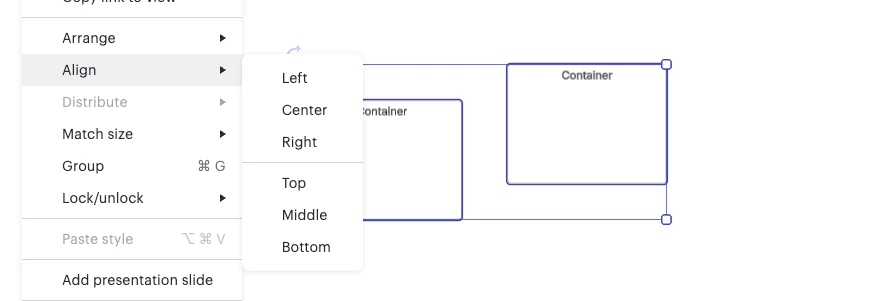
Now they don’t exist anymore (and the original shortcuts are not functioning).
 

Best answer by ikalu

Hi ​@kevin232

Glad to hear the shortcuts are working again.

If you run into this issue in the future, here are a few things you can try:

  • Refresh the page. This often resets shortcut functionality.

  • Check for browser extensions that might be interfering with keyboard input.

  • Try a different browser or open Lucid in an incognito window.

  • Clear your browser cache if it has been a while.

Let me know if it comes up again and I will be happy to take a closer look.

Comments

Forum|alt.badge.img+2
  • Author
  • August 7, 2025

Weird. The shortcuts are back again…


Forum|alt.badge.img+5
  • Lucid support team
  • Answer
  • August 7, 2025

Hi ​@kevin232

Glad to hear the shortcuts are working again.

If you run into this issue in the future, here are a few things you can try:

  • Refresh the page. This often resets shortcut functionality.

  • Check for browser extensions that might be interfering with keyboard input.

  • Try a different browser or open Lucid in an incognito window.

  • Clear your browser cache if it has been a while.

Let me know if it comes up again and I will be happy to take a closer look.