

Object assets: build faster with standardized shapes
We are excited to announce object assets for accounts with the Process Accelerator! 🎉
Object assets are standardized, reusable objects with predefined data structures, improving consistency and reducing duplication. They allow for data object modeling in Lucid.
Let’s dive in to learn more! ⤵️
What are object assets?
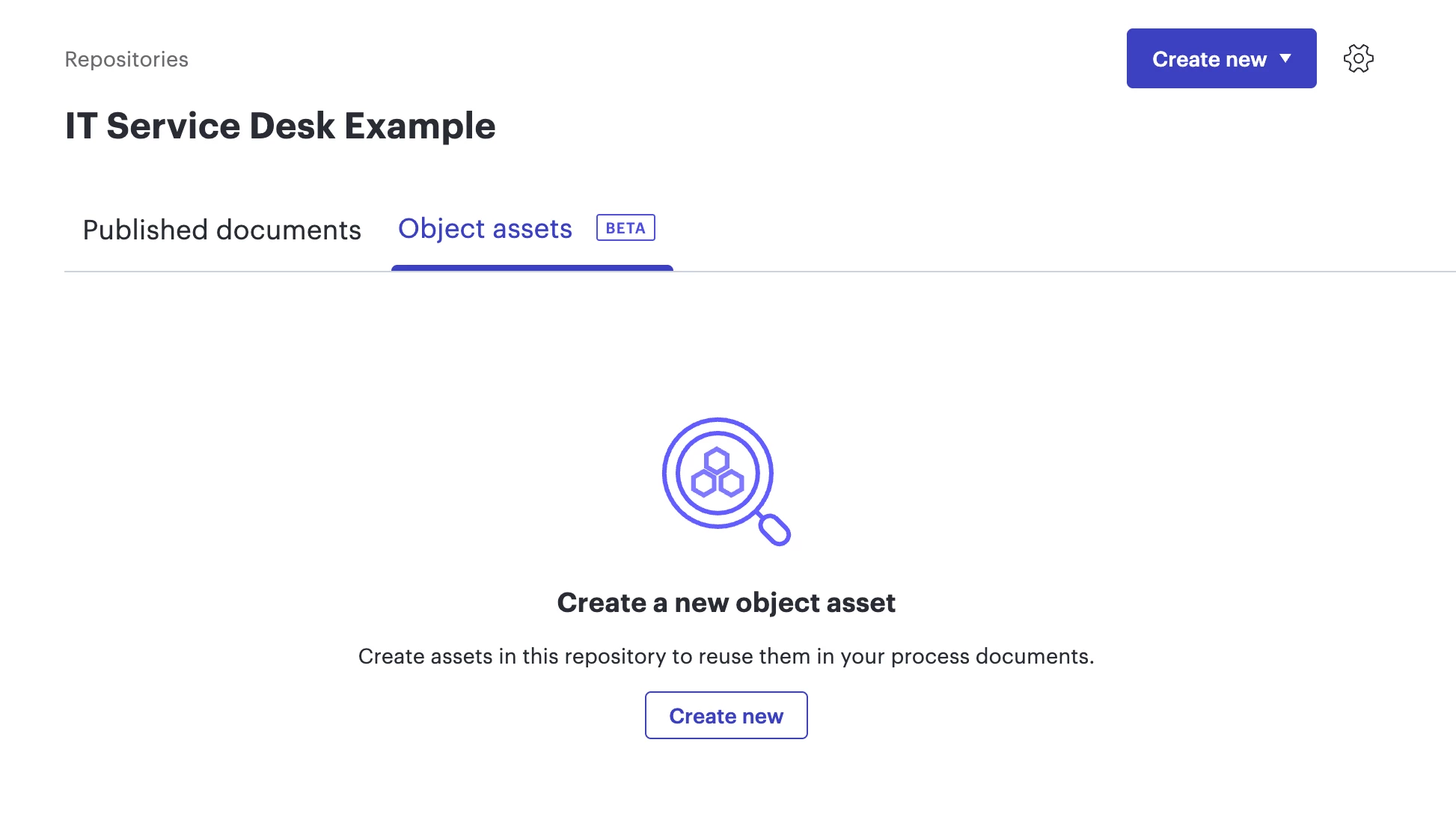
Object assets are specific shapes that include data and have been added to a repository.
What type of data is available for object assets?
There are 7 object asset types that are currently available- department, role, activity, IT system, document, risk, and control. For more information, check out this list.
What permissions do I need to create an object asset?
To create or edit an object asset, you must be a repository owner. Repository owners can follow these steps to create and edit object assets.
How can I add object assets to my document?
While only repository owners can create and edit object assets, anyone on an account with the Process Accelerator can access them.
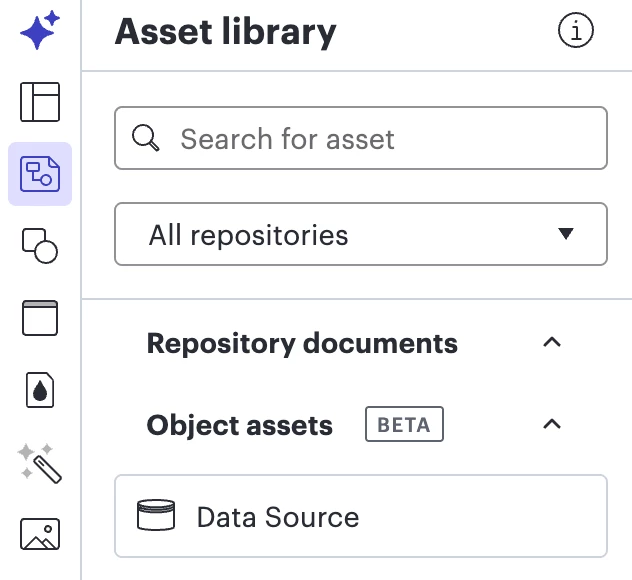
You can access object assets by browsing or searching in your asset library from the right-hand panel. Using the example below, you can select and drag the object asset titled ‘Data Source’ onto your canvas. For more information, follow these steps.
What is the difference between a document asset and an object asset?
First, you should understand that an asset library is a collection of assets that have been approved and published within a repository.
Within an asset library, there are two different types of assets that can be used as reusable components:
- Document assets: A Lucid document that has been approved and published
- Object assets: A specific shape which includes data that has been published
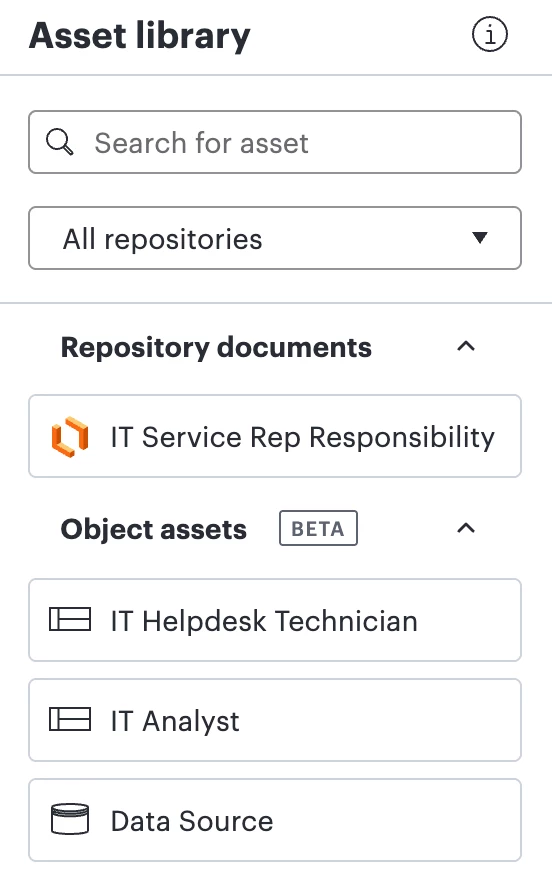
In the example below, there is 1 document asset and 3 object assets.
💡 Example Solution Story
An IT department is documenting their service desk workflow and the responsibilities of each role in their department. They’d like to create a high-level service desk workflow, while easily accessing individual responsibilities.
Solution: The repository owner of the IT department creates new role object assets for each role that needs to be documented, along with an IT system object asset to represent their database.
Result:
- Time savings: Now teams can drag the object assets from the asset library onto their processes without searching through multiple documents for the correct shapes.
- Consistency: Every diagram that includes the object assets now uses the same shapes and names.
- Standardization: When it’s time to make edits, the repository owner can edit the object assets following these steps. Once edited, the changes are reflected in all documents where the shape is in use, automatically applying the edits into every document.
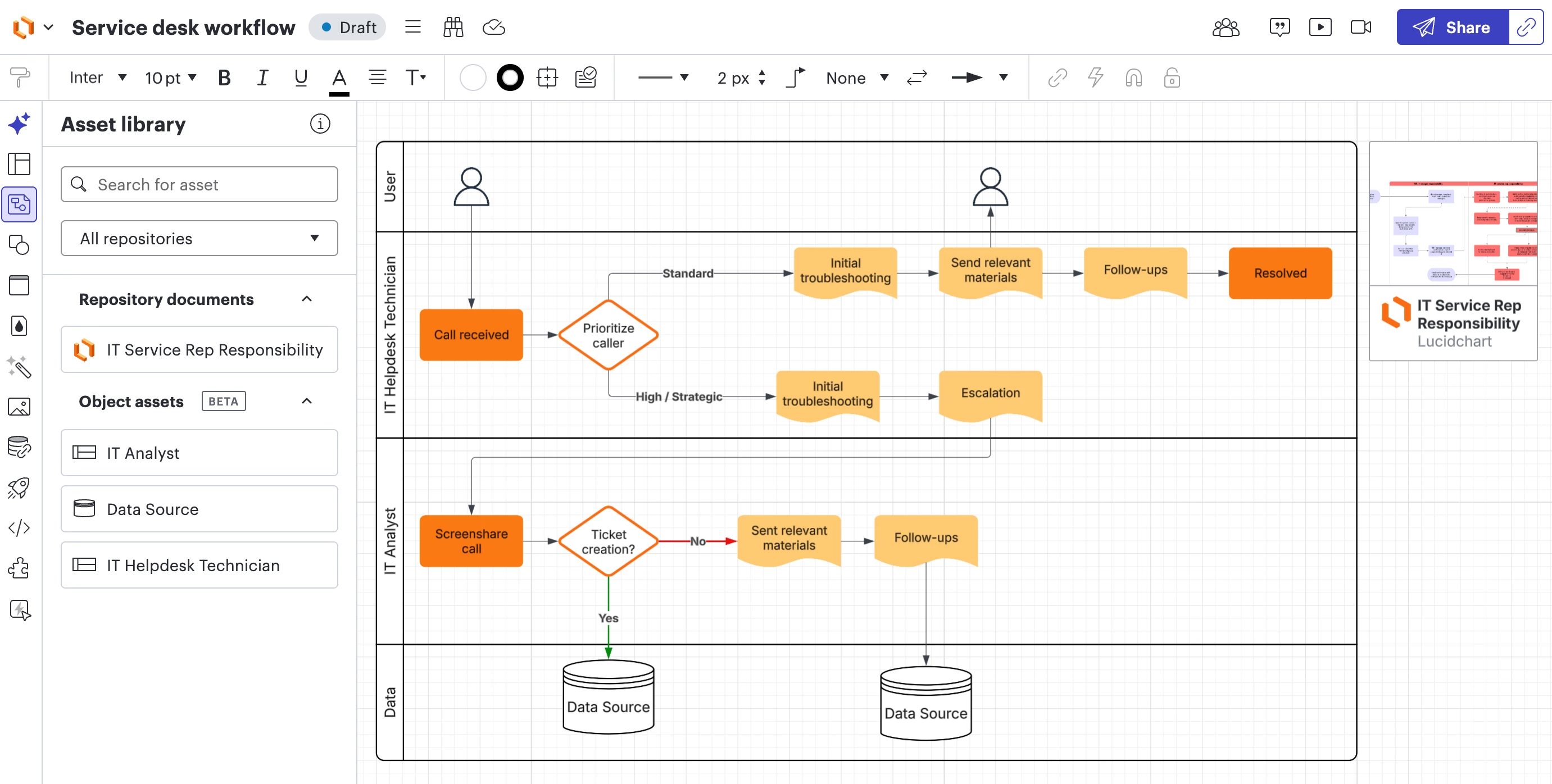
In the example below, you’ll notice the object assets titled Data Source, IT Analyst, and IT Helpdesk Technician are in use in the draft service desk workflow. The document asset titled IT Service Rep Responsibility has also been dragged onto the canvas for easy reference.
Ready to learn more and try it out for yourself?
To learn more, check out our Help Center article: Use the asset library to maintain process consistency.
We’d love to hear how you’re using object assets in your workflow!
Share your use case in the comment below, or create a new topic if you have a question. ⤵️
 Your privacy choices


