

Introducing Lucid AI-assisted JQL queries
Writing JQL queries in Lucid just got a lot easier! We’re excited to announce that we’ve added Lucid AI assistance when importing Jira work items. 🎉
How does it work?
Instead of manually writing JQL syntax, you can describe what Jira data you’re searching for using natural language - either by typing or dictating directly into the chat.
Lucid AI generates a JQL query for you, allowing you to easily search through your Jira work items.

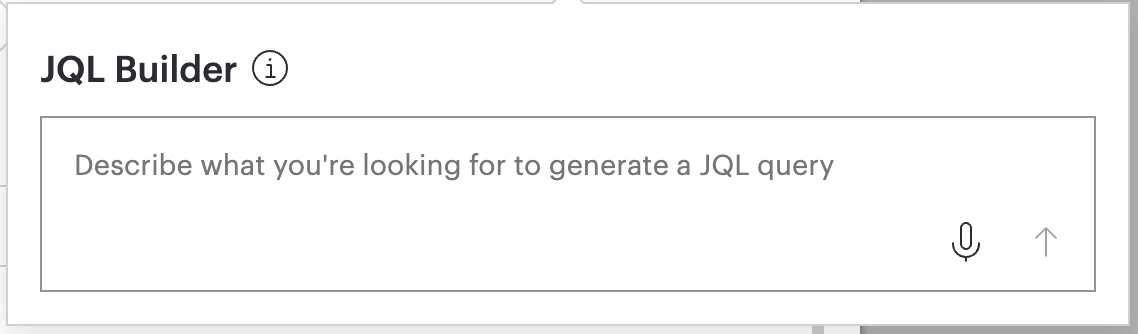
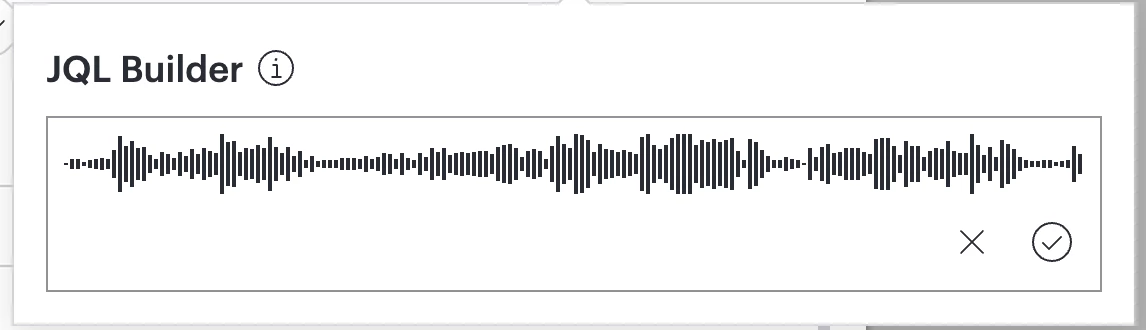
What does this look like practically?
Let’s take a look at two real-world examples of this in action, showing the prompt and the JQL query that Lucid AI created and searched for.
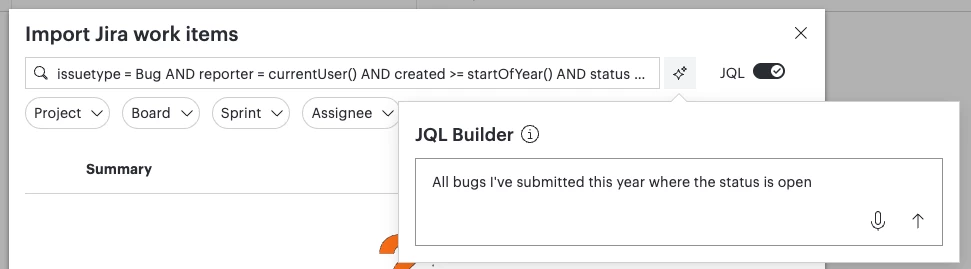
Scenario 1: You’re mapping ongoing support issues to open tickets to map out next steps and follow ups.
- Your Prompt: All bugs I've submitted this year where the status is open
- JQL query generated by Lucid AI: issuetype = Bug AND reporter = currentUser() AND created >= startOfYear() AND status = Open ORDER BY updated DESC
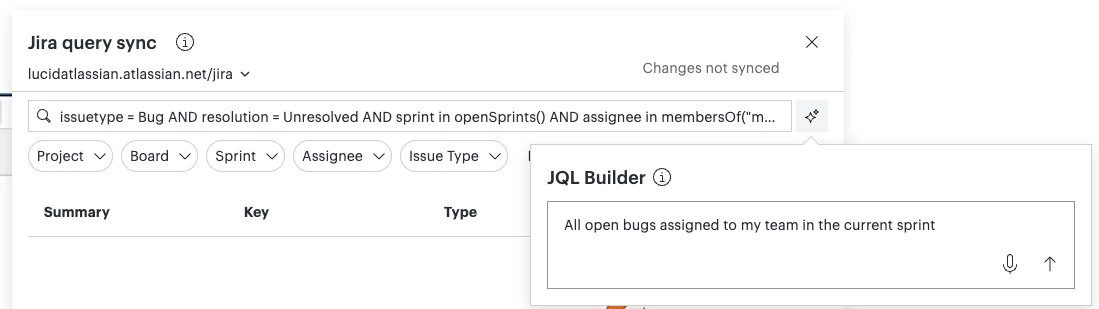
Scenario 2: You’re placing tasks into a dynamic table to visualize team bandwidth for the current sprint.
- Your Prompt: All open bugs assigned to my team in the current sprint
- JQL query generated by Lucid AI: issuetype = Bug AND resolution = Unresolved AND sprint in openSprints() AND assignee in membersOf("my team") ORDER BY updated DESC
Note that this specific example requires that teams are configured in Jira.
How can I get started?
Try it out next time you’re importing Jira items into Lucid! For more information about Jira cards in Lucid, check out this article.
Need help or have questions?
We’re happy to help! Comment below or create a new topic in the community.
 Your privacy choices


