Idea

Unable to change icon color

Related products:Lucidspark
  • April 3, 2026
  • 4 replies
  • 26 views

Forum|alt.badge.img+1

I would like to change the color of an icon, in the same way that you can change the color of a shape or a note.

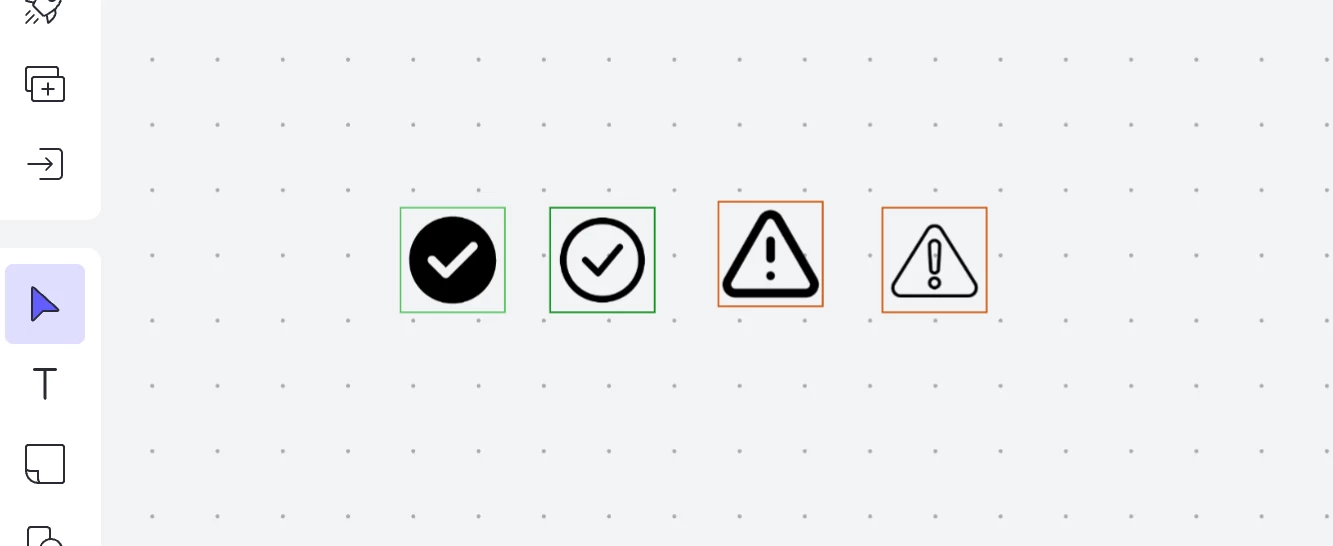
Currently all icons are black and this cannot be changed.

Related question here:

 

Comments

Ambar D
Forum|alt.badge.img+11
  • Lucid community team
  • April 8, 2026

Hi ​@dustin.hansen, thank you for your feedback here and for posting in the Lucid Community!

Would you mind clarifying which shape type you’re using? 

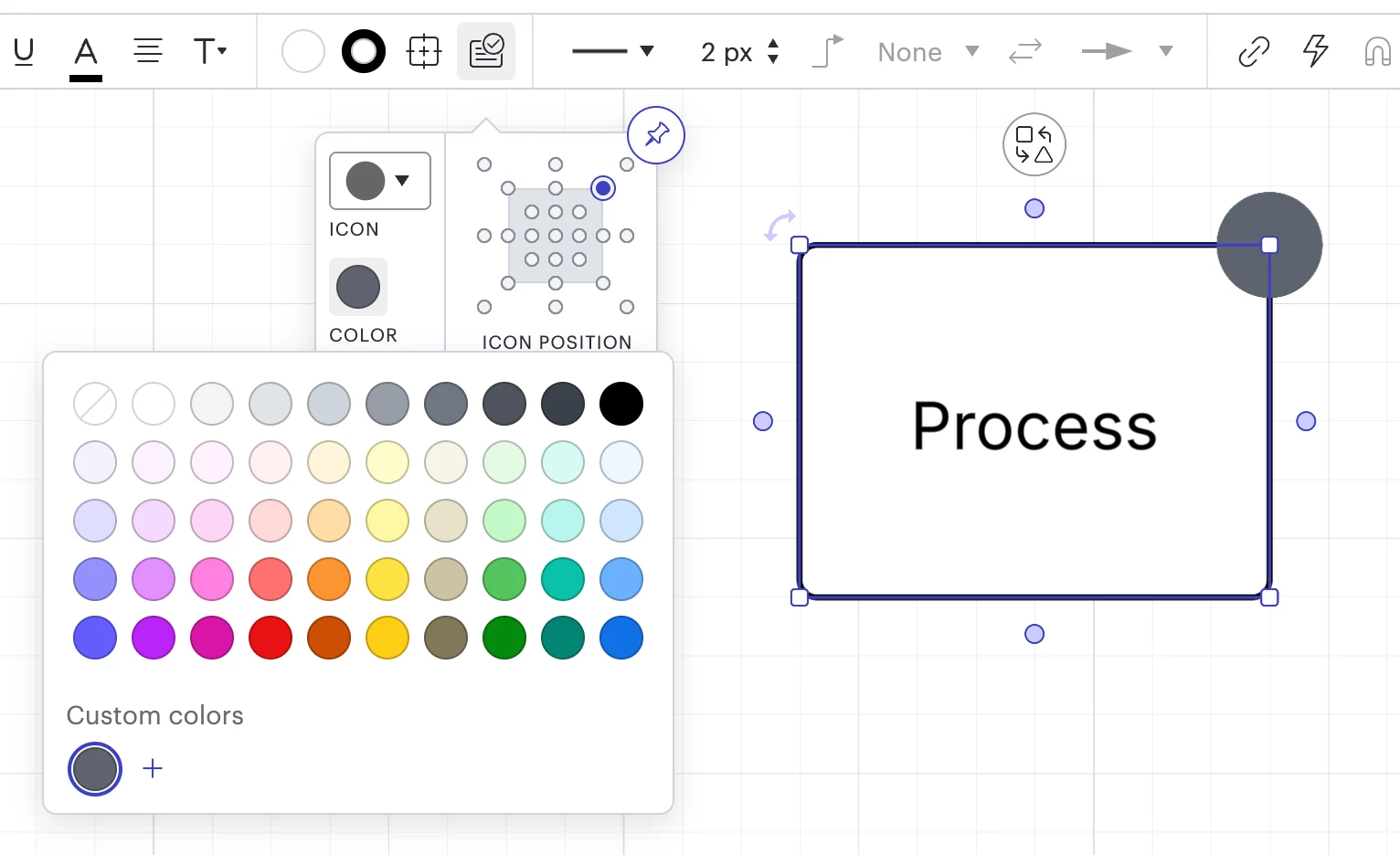
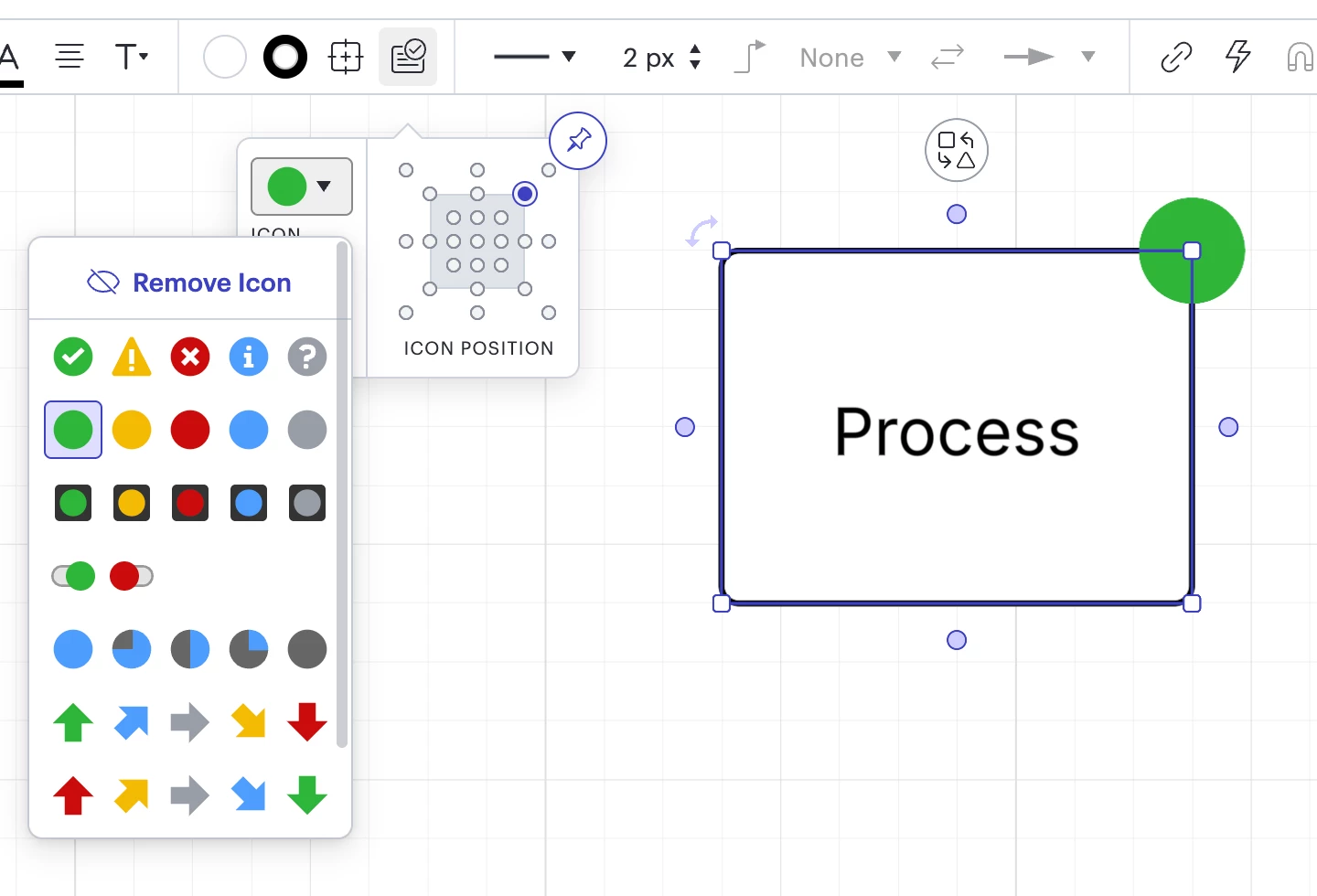
If you’re using icon sets that are attached to diagram shapes as shown below, you can change the color by selecting the icon sets button from the top menu, then selecting your preferred color. You can also change the type of icon shape from that same menu. 

Change the icon color from the icon sets menu
Change the icon shape type from the icon sets menu


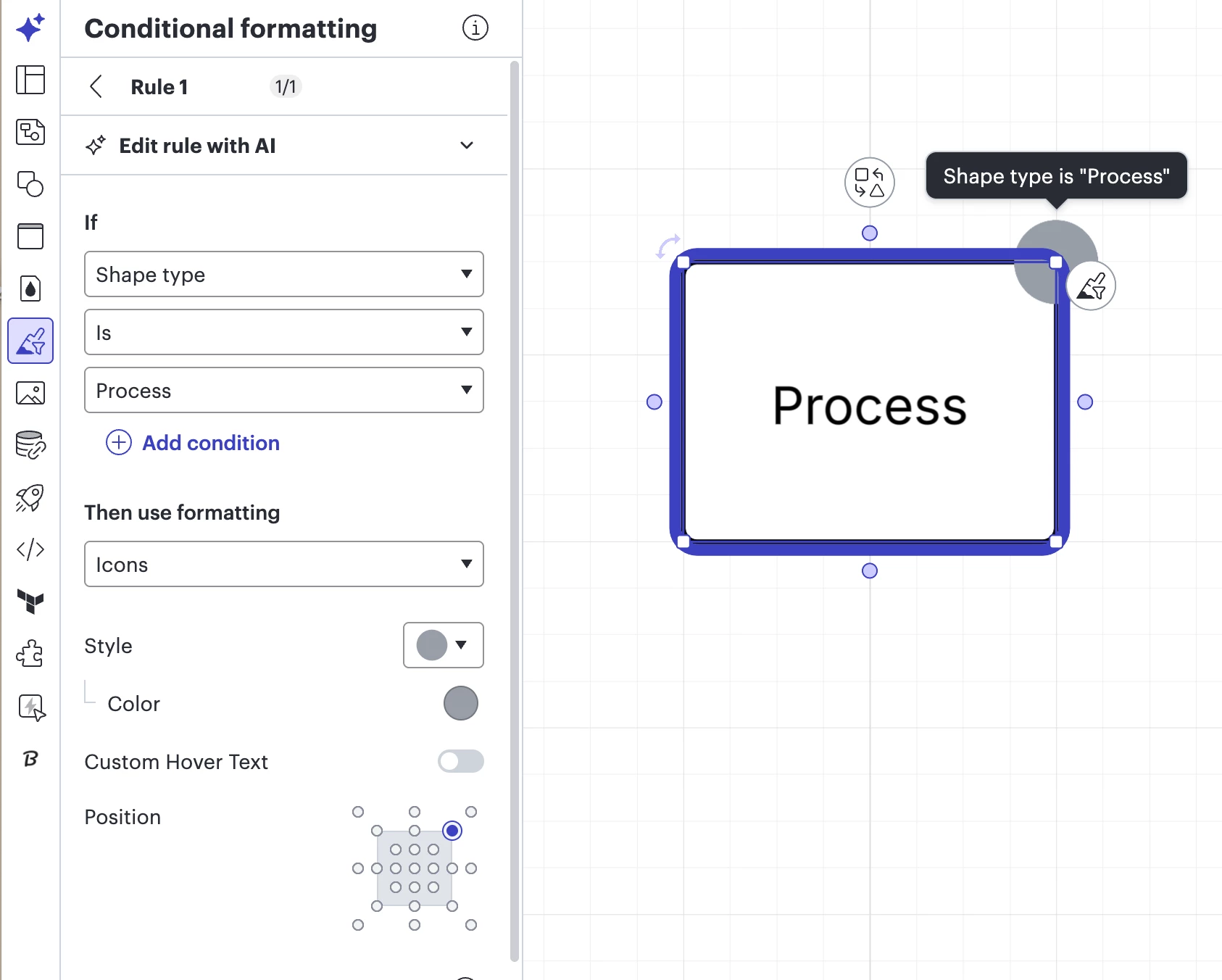
If you’re having a hard time changing the color of existing icons on shapes, it might be because you have a conditional formatting rule set up. For example, in the photo below I have the conditional formatting rule set up so that IF Shape type IS Process, then Icons are grey. That means that I’m unable to change the color of the icon attached to the shape below without editing the conditional formatting rule itself.  

I recommend navigating to the conditional formatting tool on the left-hand panel of your board to check for any conditional formatting rules that might be on your document. 

Conditional formatting: If Shape type Is Process, then use formatting Icon

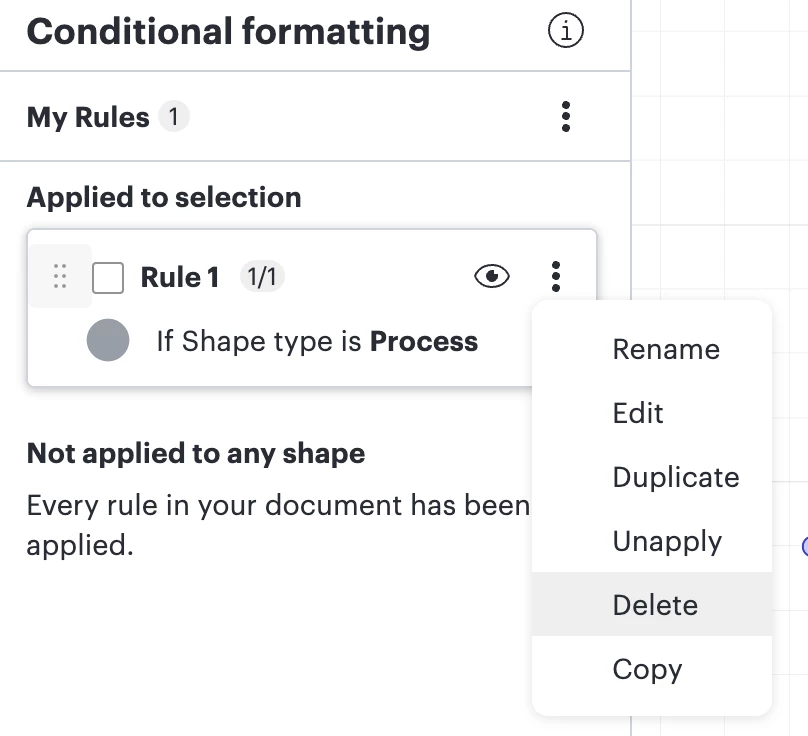
If you find a rule that you don’t want within that panel, you can select the three dots next to the rule, then select Delete.

Delete a conditional formatting rule

I hope this helps! If you’re using a different shape type or if I misunderstood your request, please let me know and I’d be happy to keep helping here.


Forum|alt.badge.img

Hi ​@dustin.hansen, thank you for your feedback here and for posting in the Lucid Community!

Would you mind clarifying which shape type you’re using? 

If you’re using icon sets that are attached to diagram shapes as shown below, you can change the color by selecting the icon sets button from the top menu, then selecting your preferred color. You can also change the type of icon shape from that same menu. 

Change the icon color from the icon sets menu
Change the icon shape type from the icon sets menu


If you’re having a hard time changing the color of existing icons on shapes, it might be because you have a conditional formatting rule set up. For example, in the photo below I have the conditional formatting rule set up so that IF Shape type IS Process, then Icons are grey. That means that I’m unable to change the color of the icon attached to the shape below without editing the conditional formatting rule itself.  

I recommend navigating to the conditional formatting tool on the left-hand panel of your board to check for any conditional formatting rules that might be on your document. 

Conditional formatting: If Shape type Is Process, then use formatting Icon

If you find a rule that you don’t want within that panel, you can select the three dots next to the rule, then select Delete.

Delete a conditional formatting rule

I hope this helps! If you’re using a different shape type or if I misunderstood your request, please let me know and I’d be happy to keep helping here.


Hi Ambar, I guess Dustin refers to this


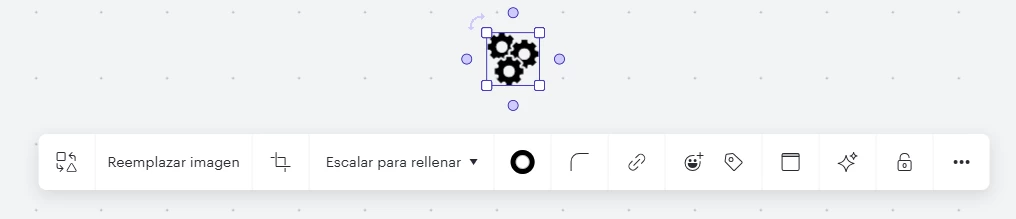
Icon shapes are unable to change the default color (black)


Forum|alt.badge.img+1

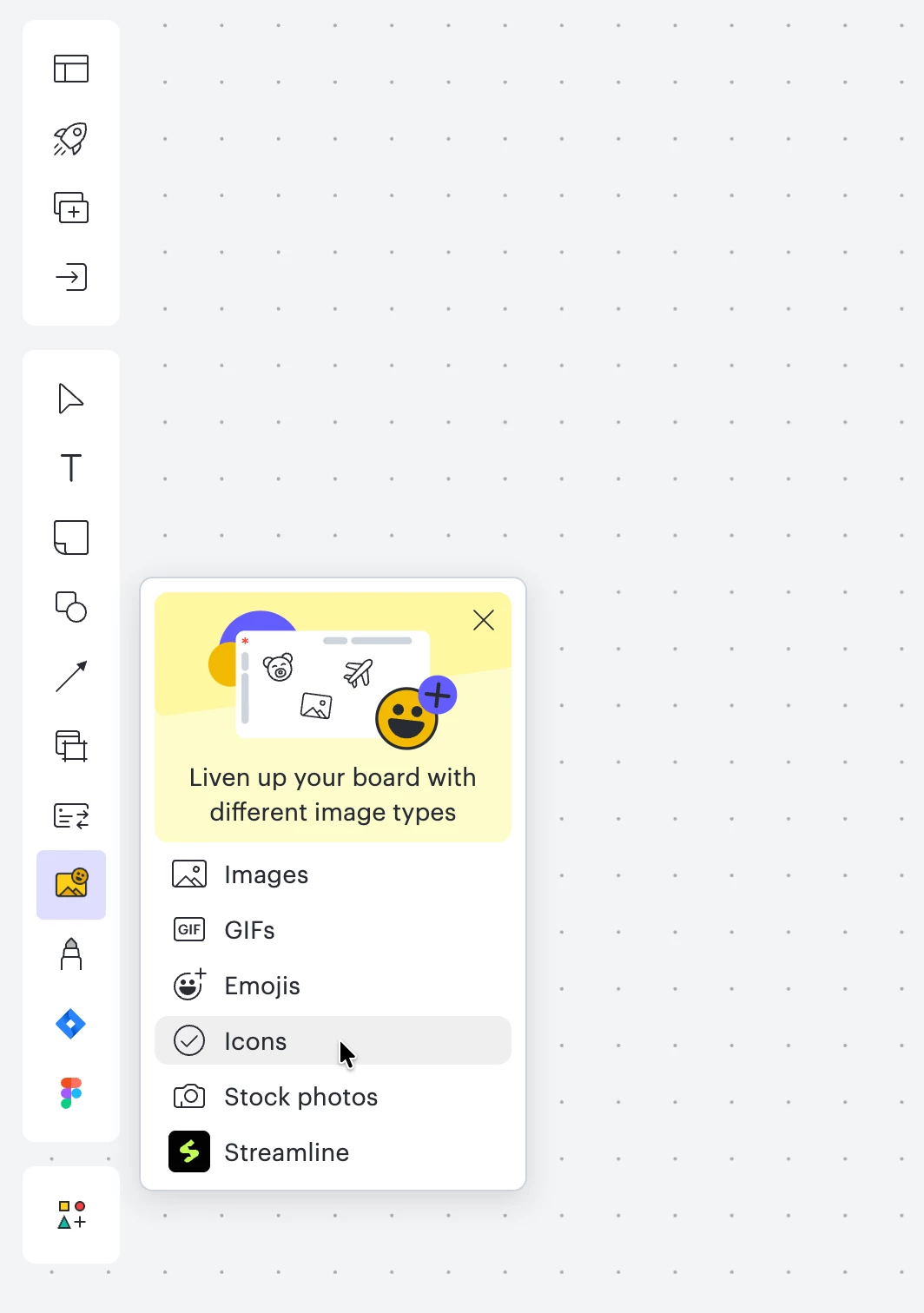
Yes, I’m referring to the icons available under the “Images” tool:


Technically there is an option to change the line color, but it affects the container box instead of the actual graphic itself:


thanks.

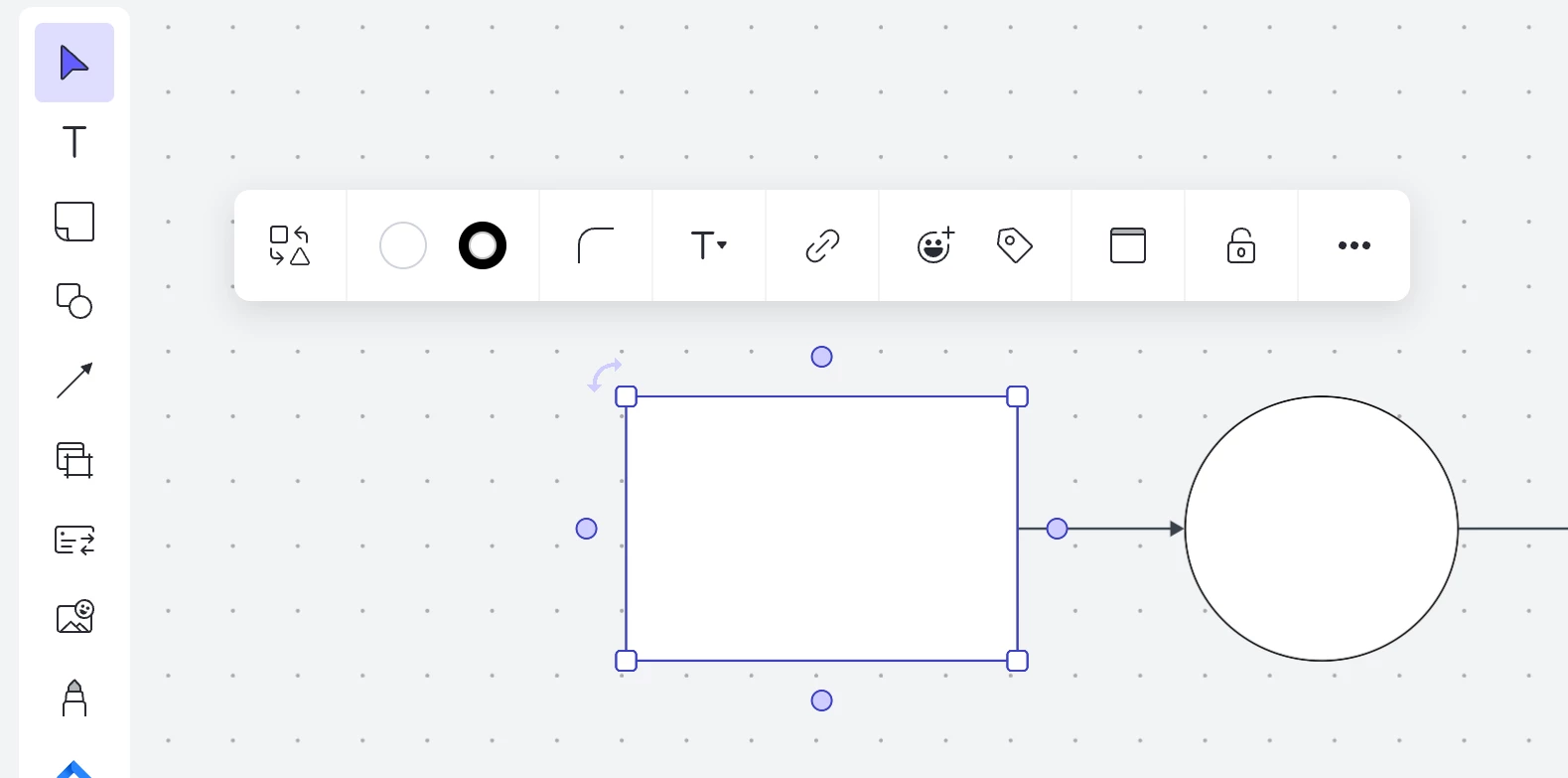
p.s.: I’m not familiar with the icons attached to diagram shapes that you mentioned - but FYI I don’t seem to have those options, this is what I see:


Ambar D
Forum|alt.badge.img+11
  • Lucid community team
  • April 20, 2026

Hi ​@Pablo.Prieto and ​@dustin.hansen, thank you both for clarifying and showing those screenshot examples, very helpful!

My apologies here for misunderstanding this request- you’re correct. Unfortunately, changing the color of those icons isn’t currently supported in Lucid, but we’re very interested in your feedback and committed to continually improving our products.

The workaround that was suggested in the post below still applies- I recommend creating a custom shape and a custom shape library to more easily manage new shapes. 


This post is now logged as feedback within the Product Feedback section of this community, where our product teams continue to utilize feedback just like yours as they research new features and product enhancements. This will also allow other users with similar requests to discover and upvote it, then add details of their own.

Finally, for more information on how Lucid manages feedback via this community, take a look at this post: