Delivered

Spacer Tool

Related products:Lucidchart
  • April 30, 2026
  • 7 replies
  • 22 views

Forum|alt.badge.img+1

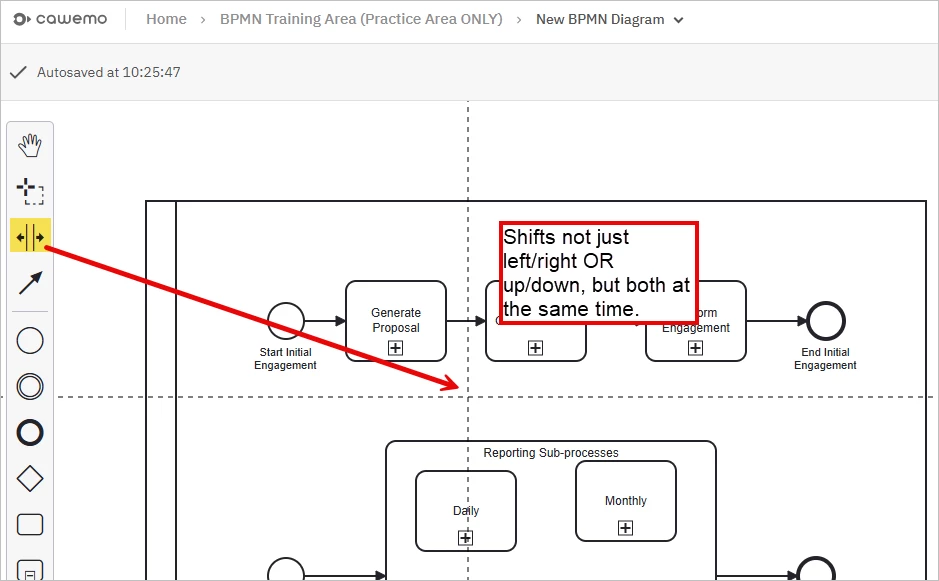
Implement spacer tool- I know there is assisted layout, nudging, but the ability to insert space in a quick way that retains the rest of the content would be great. 


May 4, 2026

Hi Angela!

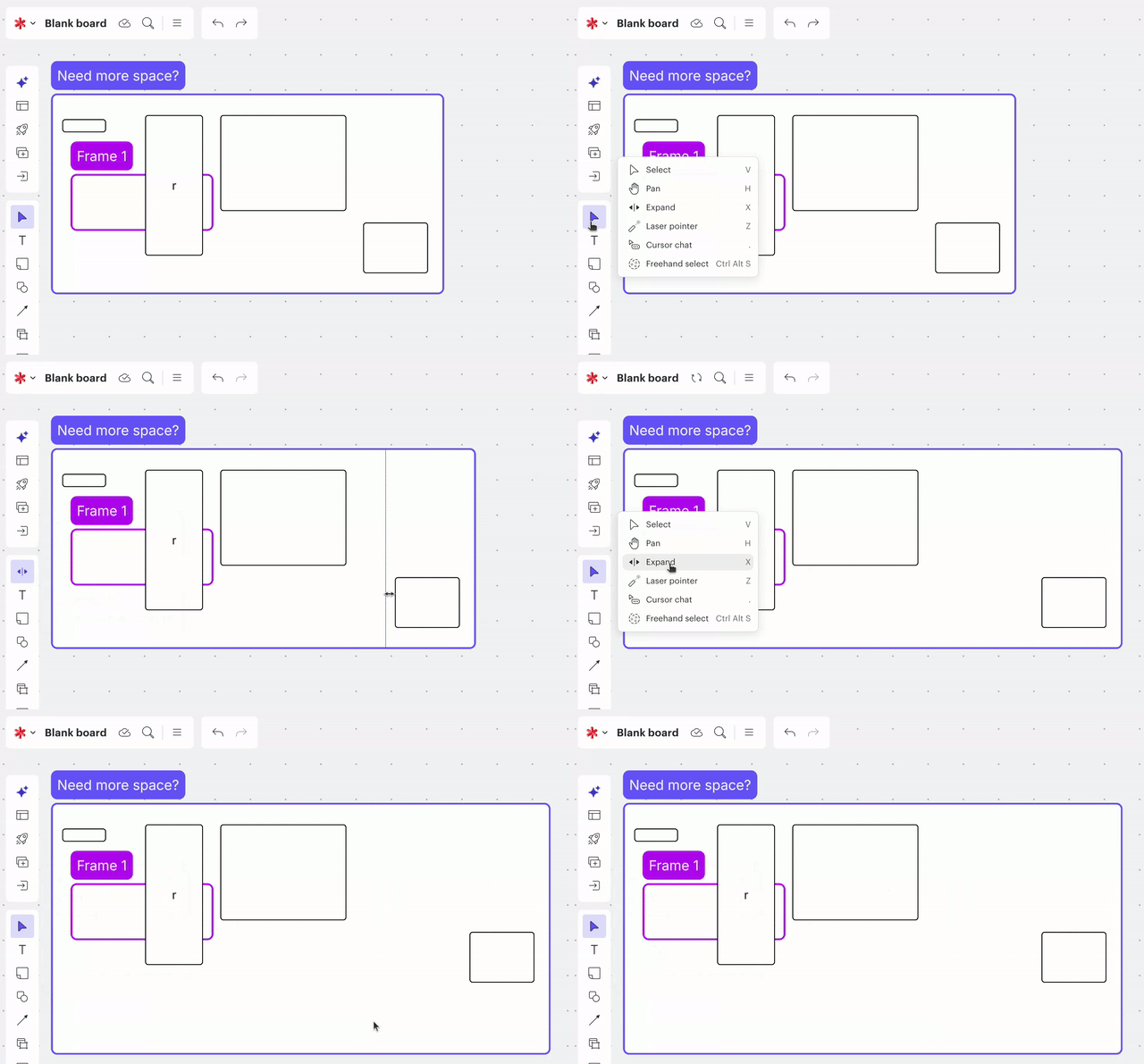
Thanks so much for sharing this. We have a tool called the “Expand tool” in Lucidspark that does exactly what you’re looking for! You can grab it from the Selection Tools menu or just hit the “X” hotkey on your keyboard to start adding space while keeping everything else in place. I’ve attached a GIF so you can see it in action. Happy whiteboarding, and let me know if you need anything else! 

Expand tool in Lucidspark


Comments

Ambar D
Forum|alt.badge.img+12
  • Lucid community team
  • May 1, 2026

Hi ​@Angela C CLA, thank you for posting in the Lucid Community and thank you for this feedback!

At this time, I recommend using the following features to achieve this:

  • Assisted layout helps to organize content in swimlanes, containers, and frames- you can use it to automatically align objects for a clean workspace.
  • Nudging: After can toggling on nudging, when you resize a container (horizontally, vertically, or even diagonally), any objects sitting outside that container will automatically move in the direction you’re resizing.
  • Another option is to quickly select and drag all your items at once to quickly create space. 

I certainly hope that helps! Thanks again for letting us know what you’d like to see.

We encourage anyone else who’s interested in this to upvote this post and share any additional details about your use case or what you’d like to see in this experience. 

For more information about how we manage feedback in this community, please take a look at this post:


Forum|alt.badge.img+1

Thanks so much Amber! I have used all 3 of those features/abilities, and nothing seems to beat the spacer tool (assisted layout is all or nothing), nudging inserts items but doesn’t create the space, and select/move is more tedious. Hope this gets considered, thanks again. 


Luisa Mejia
Forum|alt.badge.img+1
  • Lucid product team
  • May 4, 2026

Hi Angela!

Thanks so much for sharing this. We have a tool called the “Expand tool” in Lucidspark that does exactly what you’re looking for! You can grab it from the Selection Tools menu or just hit the “X” hotkey on your keyboard to start adding space while keeping everything else in place. I’ve attached a GIF so you can see it in action. Happy whiteboarding, and let me know if you need anything else! 

Expand tool in Lucidspark


Forum|alt.badge.img+1

@Luisa Mejia - this is EXACTLY what I was looking for, thank you so much!! Is it new, or has it been there for awhile? Appreciate this. 


Forum|alt.badge.img+1

@Luisa Mejia - I found it in old release notes. We should have a call for challenges and solutions you have that we may not now about, this is excellent!! 


Luisa Mejia
Forum|alt.badge.img+1
  • Lucid product team
  • May 4, 2026

Happy to help and provide solutions 😀 


Micah
Forum|alt.badge.img+20
  • Lucid community team
  • May 4, 2026
IdeaDelivered