Lucidspark as A Digital Karyotype for Science Lab Simulation

  • May 18, 2026
  • 1 reply
  • 3 views

Forum|alt.badge.img

I used Lucidspark to Design a Karyotype Simulation for my students.  They are able to rotate, move, and match up Chromosomes into a blank Karyotype Form using a Karyotype Key as reference.  Upon completing their Karyotype, students can determine the gender and any genetic anomalies present in the Karyotype.

I’m attaching a Link to my template below.  There is an embedded video link to explain how I use the Lucidspark Document with my students in my LMS system ( Canvas )


 

Lucidspark Karyotype Template

Comments

Ambar D
Forum|alt.badge.img+12
  • Lucid community team
  • May 18, 2026

Hi ​@Jan Barbee, thank you so much for taking the time to share this template in the Lucid Community! I’m loving this example of using Lucid in the classroom, what a fun way to learn.

When I first selected your link, it appears that I was taken to your original template. 

In an effort to protect your privacy and your original document, I’ve gone ahead and replaced your original link with a template link. This will ensure that when the link is opened by other users, a new copy of the template will be created for others to work from instead of opening your original document.


You’re all set now, thank you so much again for sharing! This will be such a helpful resource to many!

For the future in case you’d like to continue sharing, I recommend following these steps to ensure that you generate a shareable link that creates a new copy of the template:

  1. Navigate to the Lucid Home Page.
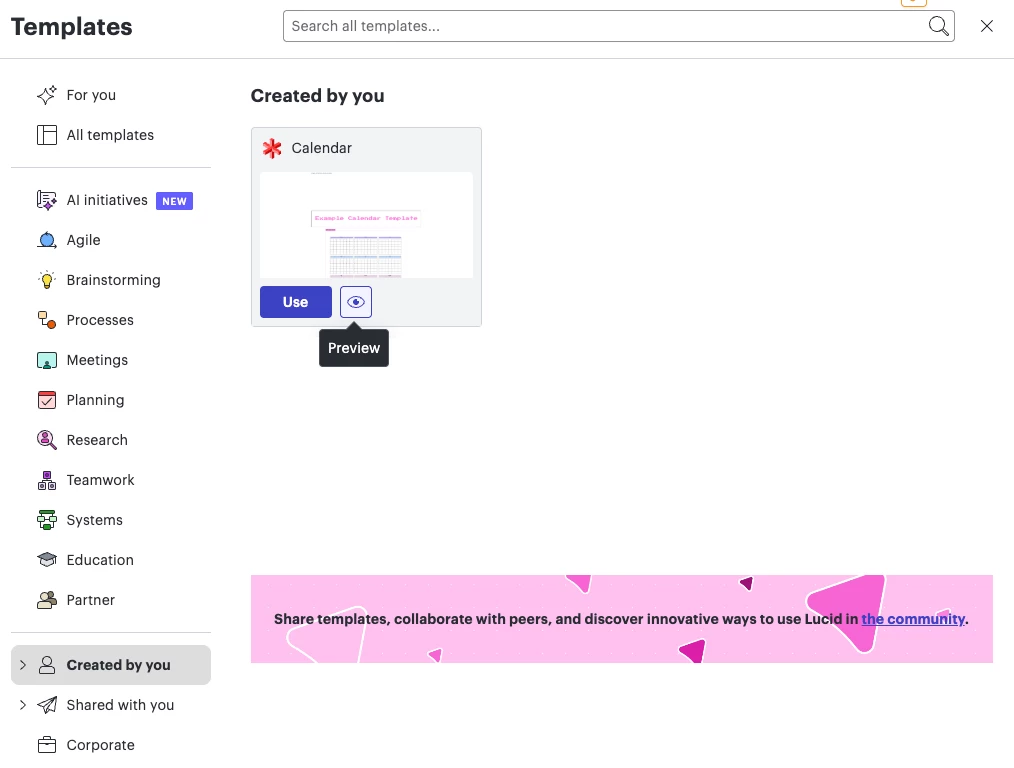
  2. In the left-hand side, click on Templates.
  3. Click on Created by you.
  4. Locate the template you’d like to share. Hover over it and click on the Preview icon. (it looks like an eye)
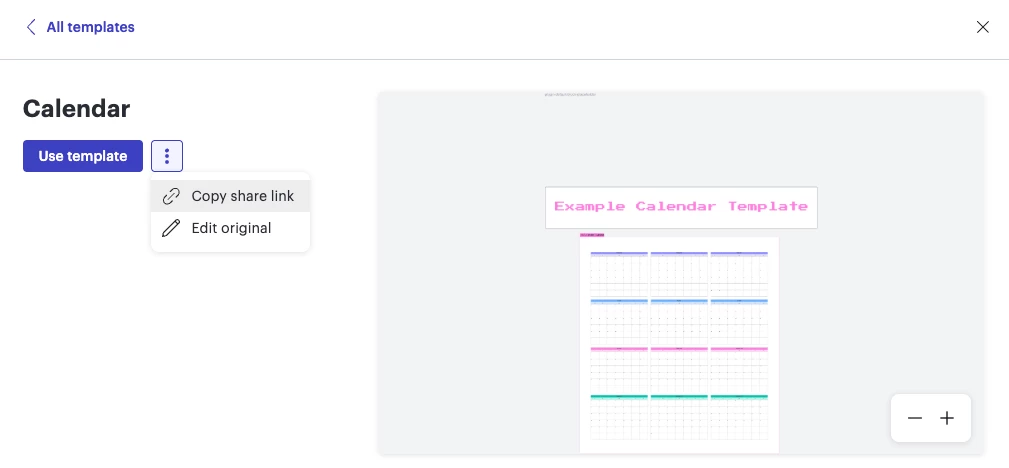
  1. Select the three dots and select Copy share link.
  1. Share this new link as you’d like! When the link is opened, a new copy of the template will be created for others to work from.