Idea

how do you force on-screen keyboard to appear on Android

Related products:Lucidchart
  • July 16, 2024
  • 1 reply
  • 1510 views

Forum|alt.badge.img

Want to create diagrams on my tablet but I can't get the keyboard to come up unless I'm actually typing into a text box. This means I can't use any key shortcuts or convenience actions like pressing the del key to delete a shape. This makes the Android version very unusable without a physical keyboard.

How do I do this? If it is not currently possible then a button in the app or in the android menu bar to trigger the keyboard while using the app should be added.

Thanks

Comments

Leianne C
Forum|alt.badge.img+15
  • Lucid support team
  • July 19, 2024

Hi @thetron, thank you for posting in the community! It is currently expected that you can only use the keyboard while actually typing in a text box. 

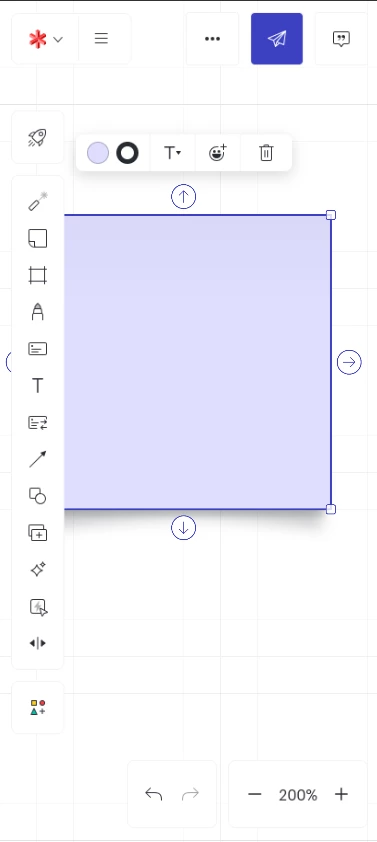
We try to make it possible to navigate without keyboard shortcuts on touch devices. For example, we add the garbage can icon to our contextual bar in Lucidspark and Lucidchart on phones. 
 

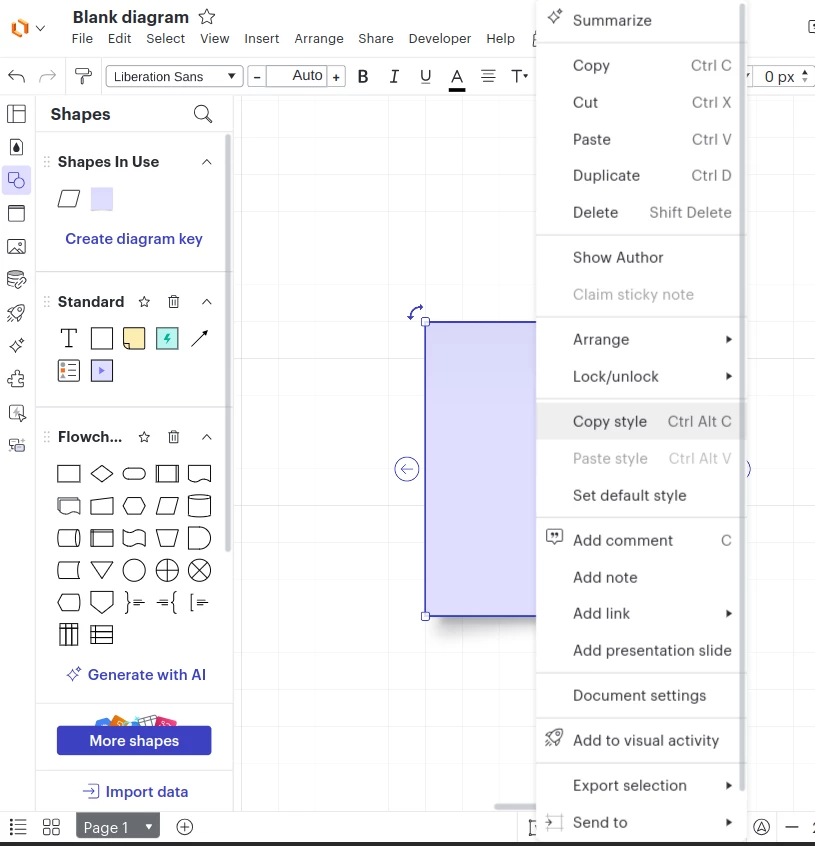
In the tablet experience, you should be able to delete a shape by long pressing the shape and selecting ‘Delete’ from the context menu.  

Context menu after long pressing on a shape

That said, we’re very interested in your feedback and committed to continually improving our products. If you’re willing to share, we’d love to hear more details about your use case or what you’d like to see in this experience within this thread. I’ve also converted this post to an idea so that it’s visible to others within the Product Feedback section of the community - from here, they can upvote it and add details of their own.

Finally, for more information on how Lucid manages feedback via this community, take a look at this post:


Thank you for sharing your request and feedback in the community. Please let us know if you have any questions!