Idea

Downloading CSV Shape Data as a URL

Related products:Lucidchart
  • September 4, 2020
  • 2 replies
  • 35 views

Johan S102

Hi

I am using "Export as CSV of Shape Data" to analyze shapes and lines in my diagrams in a google sheet to further enhance the data which goes back into the diagram through the Data Linking functionality. Works neat but I'd like to be able to download the CSV from a URL (provided that I'm logged in of course) to be able to access the CSV directly from på Google App Script rather than having to download the CSV-file opening it and pasting it into the sheet.

Any suggestions? I know about the graph API but it doesn't (to my knowledge) provide the same information as the CSV export. Particularily the custom data fields must be included.

Thanks!

Comments

Kent B101
  • Lucid support team
  • September 4, 2020

Hi Johan

Thanks for reaching out. Unfortunately what you are trying to do is not currently supported in Lucidchart.

We encourage anyone else who’s interested in this to upvote this post and share any additional details about your use case or what you’d like to see in this experience. For more information about how we manage feedback in this community, please take a look at this post:

https://community.lucid.co/welcome-to-the-lucid-community-15/what-happens-to-my-feedback-5438 


Micah
Forum|alt.badge.img+20
  • Lucid community team
  • January 17, 2023

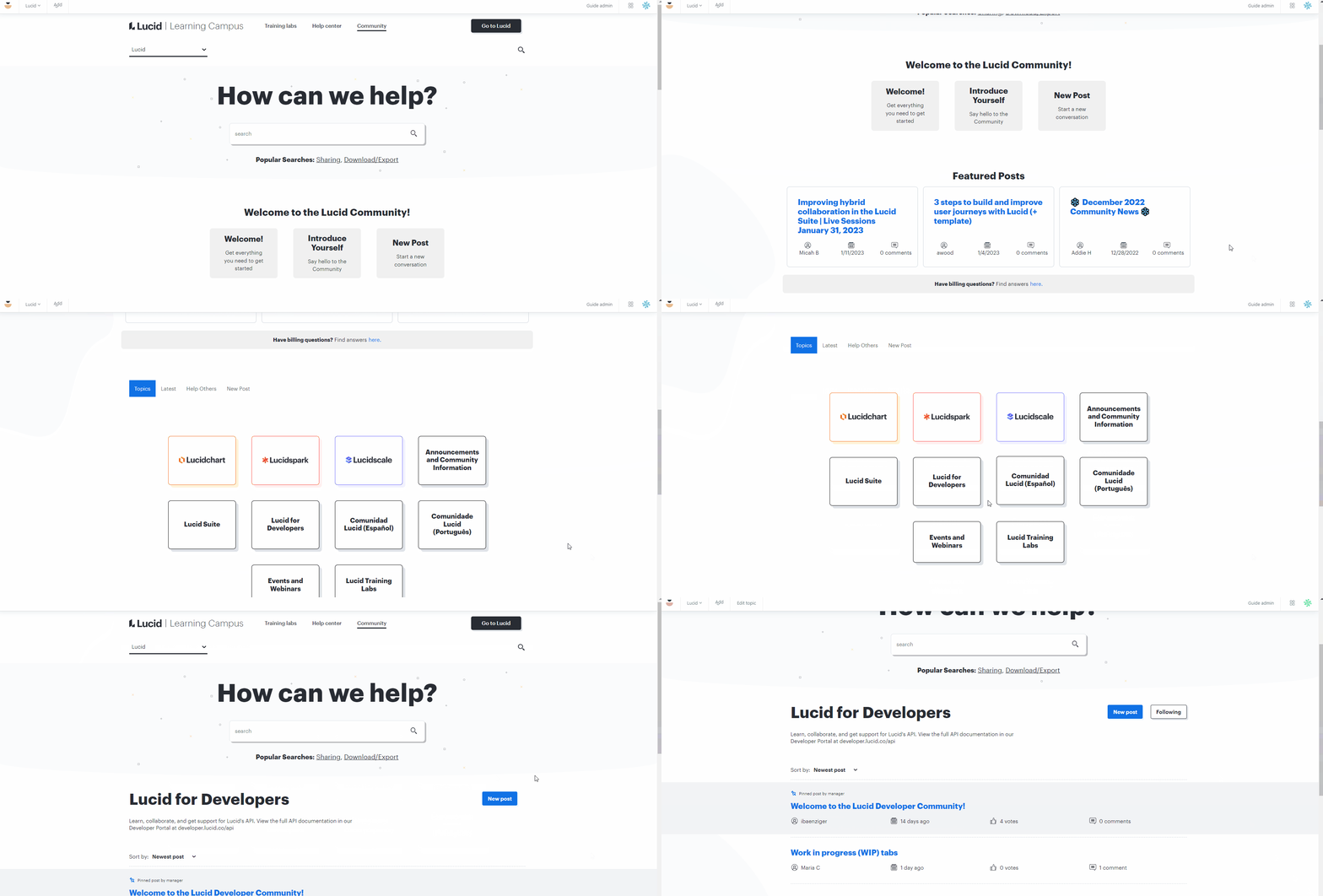
Hi! Updating this thread with exciting news - we've recently launched Lucid for Developers a community space dedicated to supporting and connecting our users working with the Lucid API and our most technical features.

In this section the developers actually building Lucid’s APIs will be available to answer your most technical questions just like this one. Furthermore here we plan to announce new endpoints tools and guides to help you have the best possible experience developing on Lucid’s APIs. You can browse existing posts connect with other users with similar questions and goals and ask questions of your own by creating a new post or leaving a comment. Thank you and we're excited to hear from you!