

Idea
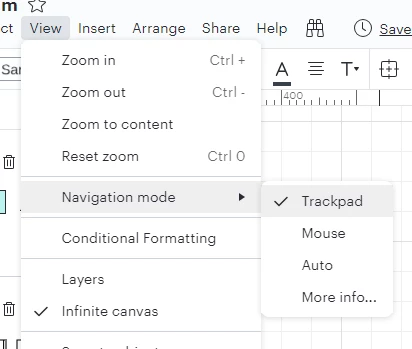
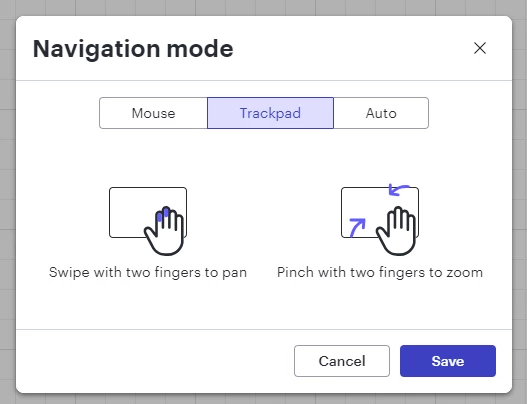
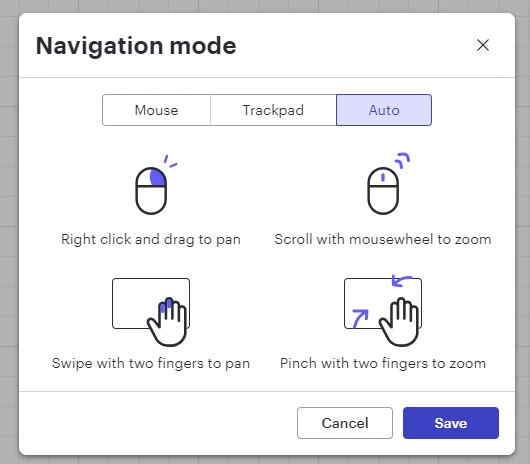
Change navigation mode and scrolling behavior
If you want to pan around a large diagram by holding the middle mouse button the direction of the scroll is the opposite way around to practically every other desktop application that has this feature.
With most UI designs the middle button is used to 'grab' the page so for example moving the mouse down and to the right will scroll the screen up and to the right. You are effectively keeping your view at a fixed point while moving the page around with the mouse. In Lucidchart the page stays where it is and your view moves around the diagram with the mouse. This feels disorientating and unnatural.
Is there any way to change this behaviour? I would much prefer it to be the other way around.
Thanks!

 Your privacy choices


