

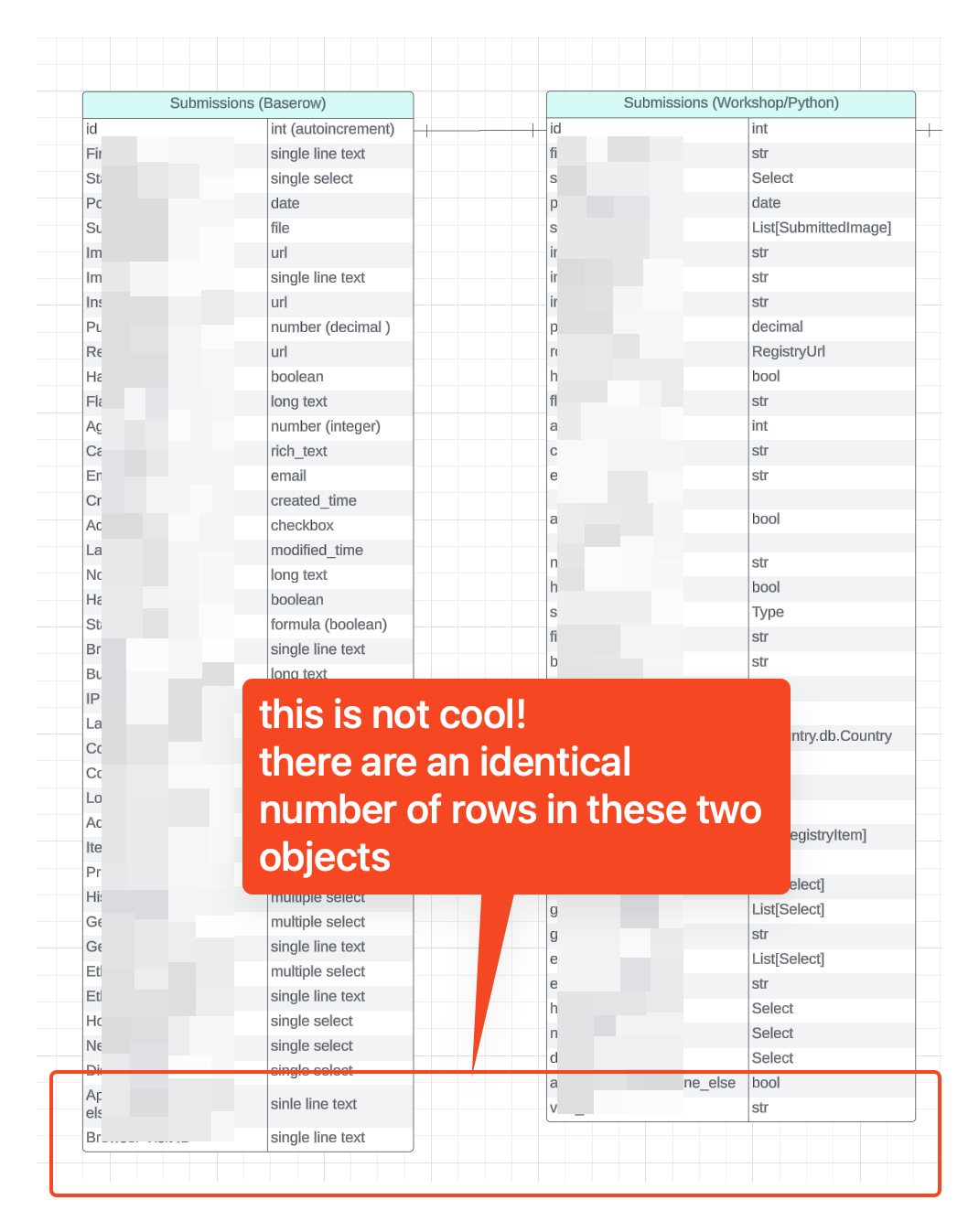
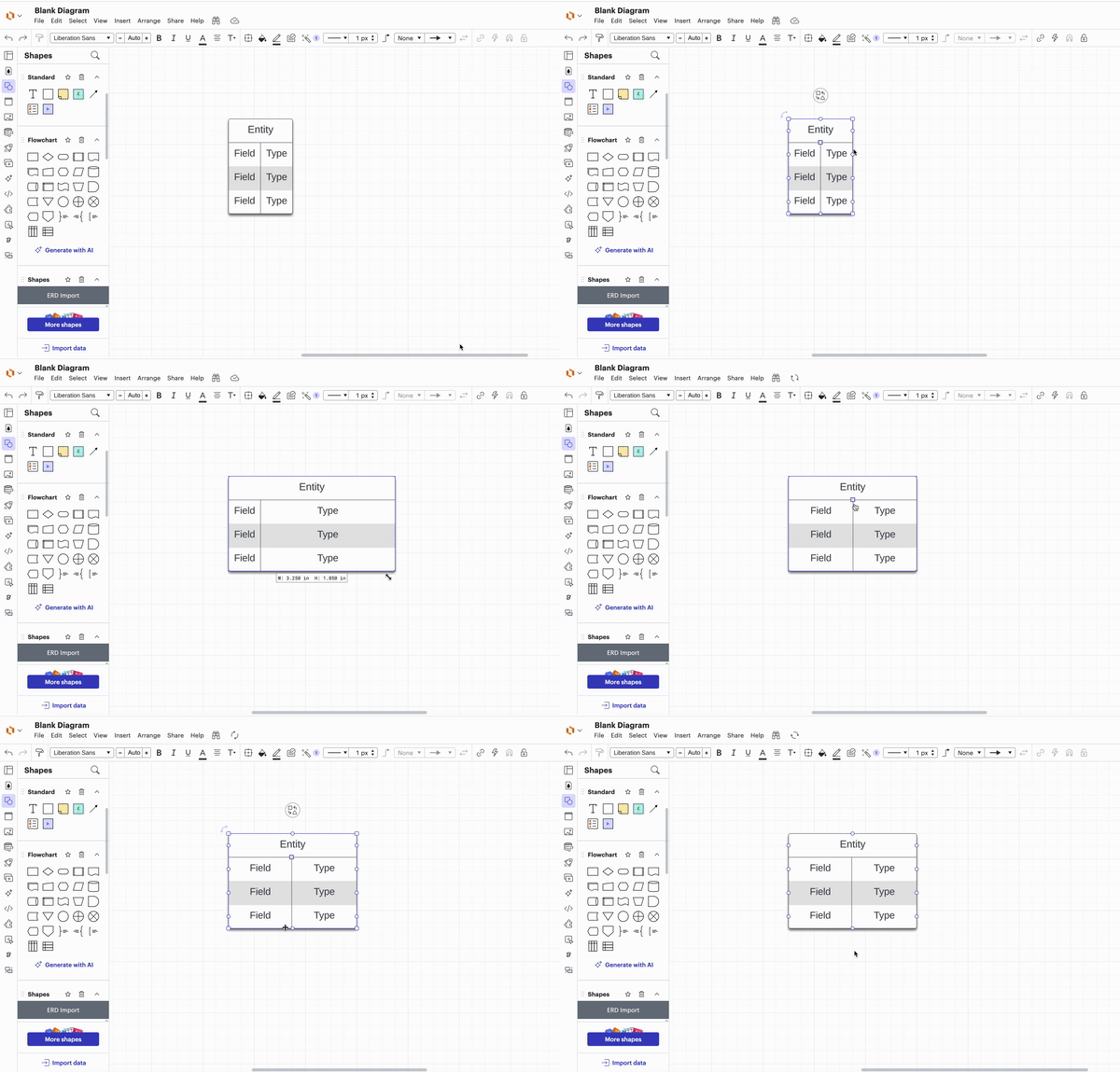
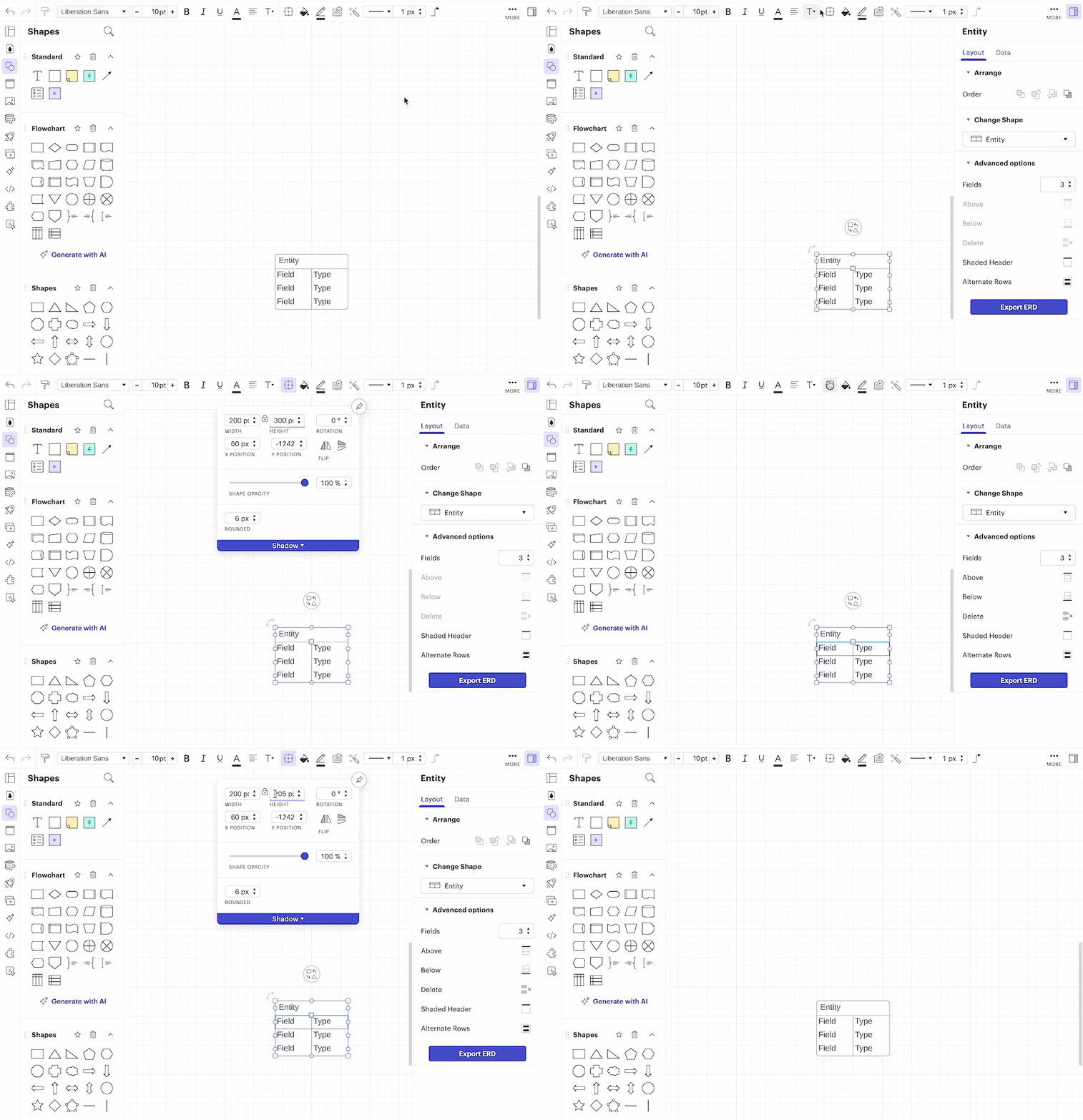
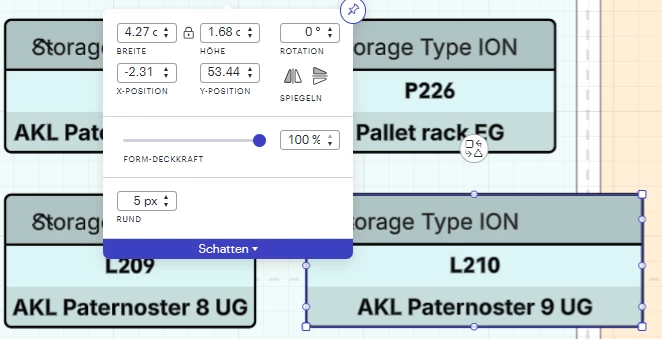
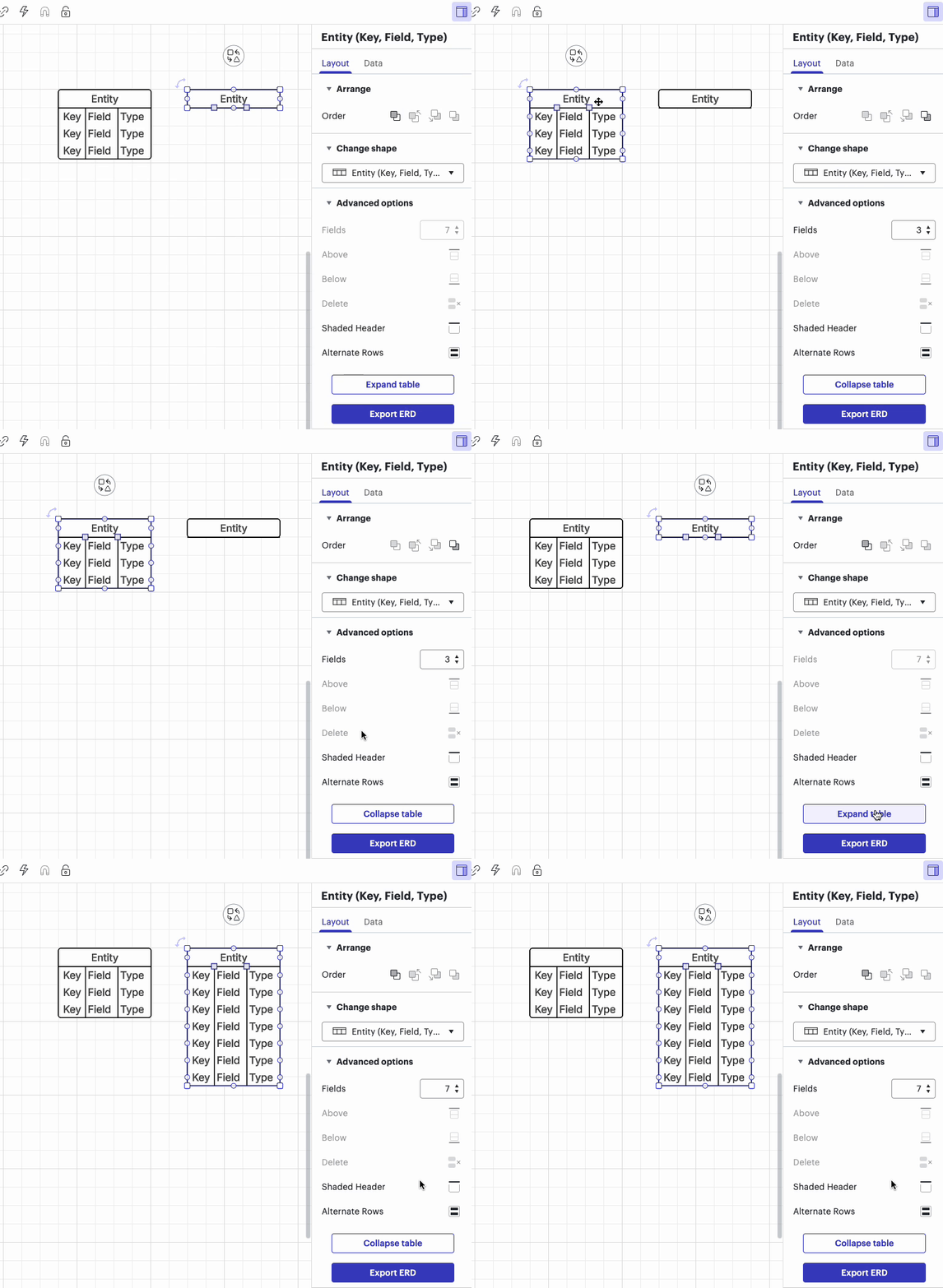
I am attempting to have two ERD objects with the same number of rows match height in my LucidChart document. Regardless of what settings I have in the document (snap to grid on / off, snap to guidelines on/off), I cannot use “Match Size > Height” or manually adjust the height of the smaller ERD object to match the height of the larger one.
I believe the left is taller because of some capital letters in the fields - these cannot be changed. I cannot find any kerning options to make the font heights consistent between the two shapes.
Please help me. This looks like trash and I’m used to being able to create professional looking diagrams with LucidChart.




 Your privacy choices


