Sep 25, 2025 5:29 AM UTC
Solved

Lucid for Developer portal error: zip END header not found [no file] while uploading package
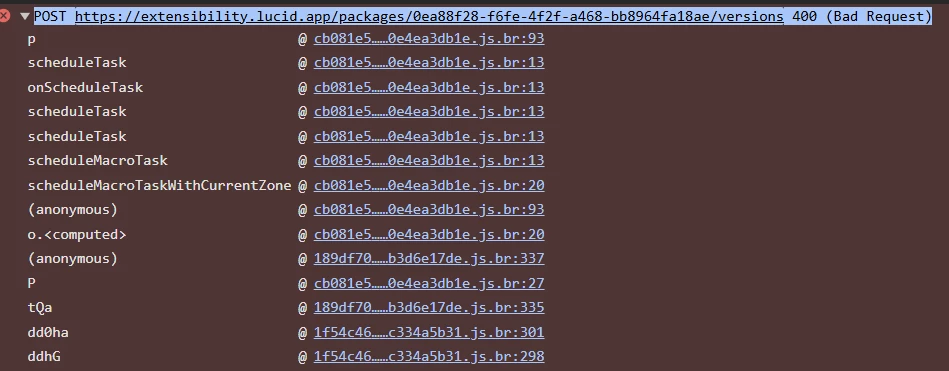
I'm trying to upload a custom shape library (XYZ-shape-library, based on example-shape-library from GitHub) to the Lucid Developer Portal for our enterprise instance. Using npx lucid-package bundle on Windows, but getting error on Developer portal while uploading zip package that i created using  npx lucid-package@latest bundle ---

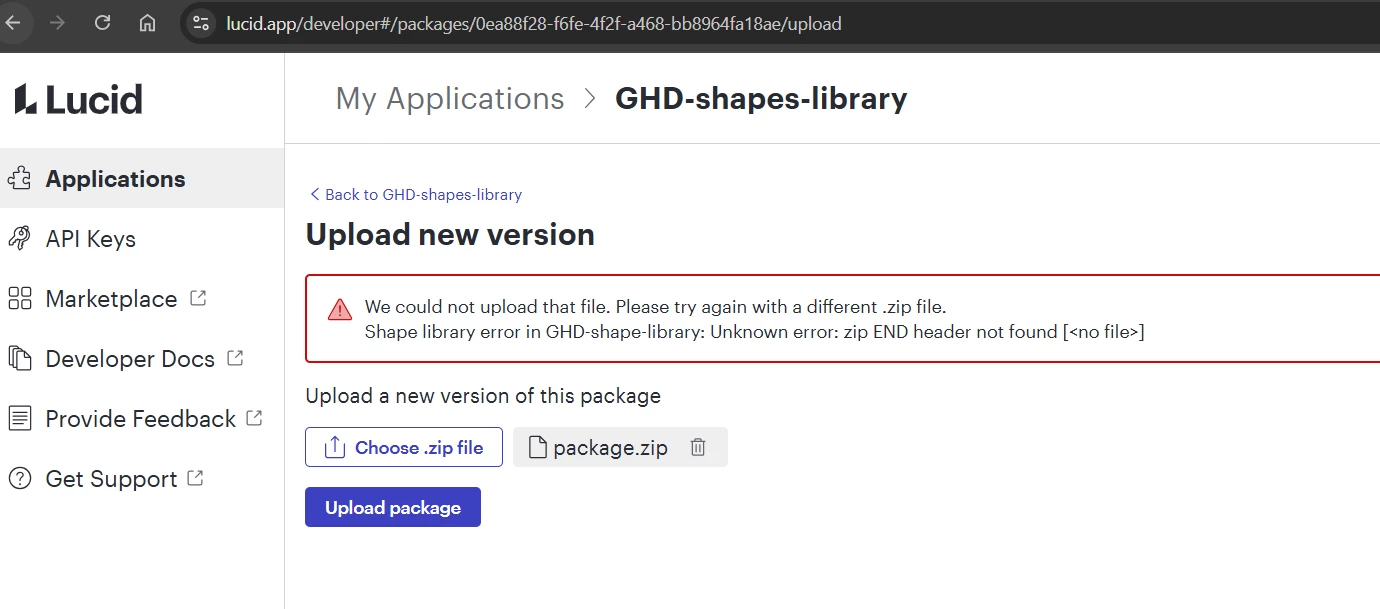
  • Portal Error: "We could not upload that file. Please try again with a different .zip file.
    Shape library error in GHD-shape-library: Unknown error: zip END header not found [<no file>]"

Tried:

  • Running extension in localhost and then tested in Lucidcharts without any issues
  • Tired edge and chrome browsers
  • Re-bundling with lucid-package --clean.
  • Manual package.zip with manifest.json + shapes.lcsz.
  • Tried using another extension from Lucid’s Github samples

Questions:

  • Known lucid-package or portal bug?
  • Any upload workaround?
  • Help troubleshooting 

#Lucidchart #ShapeLibrary #DeveloperPortal #bundle package error


bhupesh68Answer
Oct 20, 2025 1:16 AM UTC

The key was changing the path from shapelibraries\example-shape-library.lcsz to shapelibraries\\example-shape-library.lcsz. On Windows, a single backslash \ in a double-quoted string is interpreted as an escape character, so it must be escaped with another backslash. Thank you team support and help.

Comments

Lucid product team
Sep 25, 2025 4:24 PM UTC

Hey ​@bhupesh68, thanks for raising this.

Our team is looking into this now and will get back to you shortly. The package bundle command and upload does work on linux based operating systems if that is available to you in the interim.


Translate
bhupesh68Author
Oct 3, 2025 5:18 AM UTC

HI ​@chasefreeman  I also tried on Linux with no success. In fact, I used a standard cookie-cutter example from Lucid’s GitHub repo, tested it, bundled it, and uploaded it to the Developer Portal but still got the same error. 


Translate
Lucid product team
Oct 3, 2025 4:09 PM UTC

Can you provide the exact command you are running as well as what sample extension from the github repo you tried to bundle? It is possible one of the sample extensions is out of date. Any other relevant information you could provide about operating system, extension sdk version, etc… might be useful to help us narrow down what is happening.

For reference, I was able to successfully bundle and upload the `example-card-integration` on Linux as of an hour ago.

Translate
bhupesh68Author
Oct 6, 2025 5:11 AM UTC

Please the details requested: 


Translate
Lucid product team
Oct 6, 2025 10:13 PM UTC

Interesting. We still are unable to reproduce the error. 

Would you be willing to upload the bundled sample extension from our public repository after running that command so we can investigate the contents?

Translate
bhupesh68Author
Oct 7, 2025 7:54 AM UTC

Example Package  Please see the attached package for your reference.

Translate
Lucid product team
Oct 7, 2025 6:54 PM UTC

Thanks, we will investigate and I’ll update this thread when we know more.

Translate
bhupesh68Author
Oct 13, 2025 12:27 AM UTC

Hi ​@chasefreeman Is there an update on this use please.

Translate
Lucid product team
Oct 13, 2025 3:26 PM UTC

Hey ​@bhupesh68, 

We’ve been able to identify that the difference between your package and one that we bundled and successfully uploaded. The difference being that the bundle you sent has an empty shape library file.

As to the why, we’re not certain. We’re still investigating, but don’t have an update for you as to why this is occurring. We’ve been unable to replicate the issue you are running into with bundling on any operating system. 


Translate
bhupesh68Author
Oct 15, 2025 1:51 AM UTC

Thanks ​@chasefreeman  Since the code we’re exchanging is quite generic, could you share the version that’s working for you? I’ll test deploying that package on my end. If it works, it likely means the issue lies in how we’re bundling packages locally in our setup.

Translate