September 25, 2025
Solved

Lucid for Developer portal error: zip END header not found [no file] while uploading package
  • September 25, 2025
  • 15 replies
  • 334 views

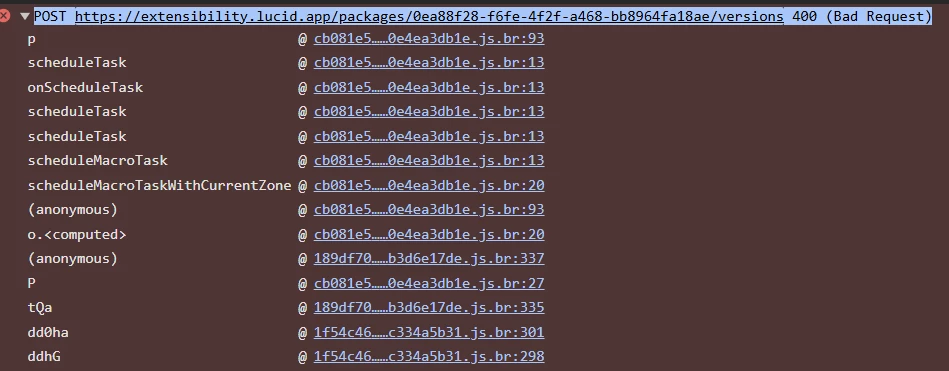
I'm trying to upload a custom shape library (XYZ-shape-library, based on example-shape-library from GitHub) to the Lucid Developer Portal for our enterprise instance. Using npx lucid-package bundle on Windows, but getting error on Developer portal while uploading zip package that i created using  npx lucid-package@latest bundle ---

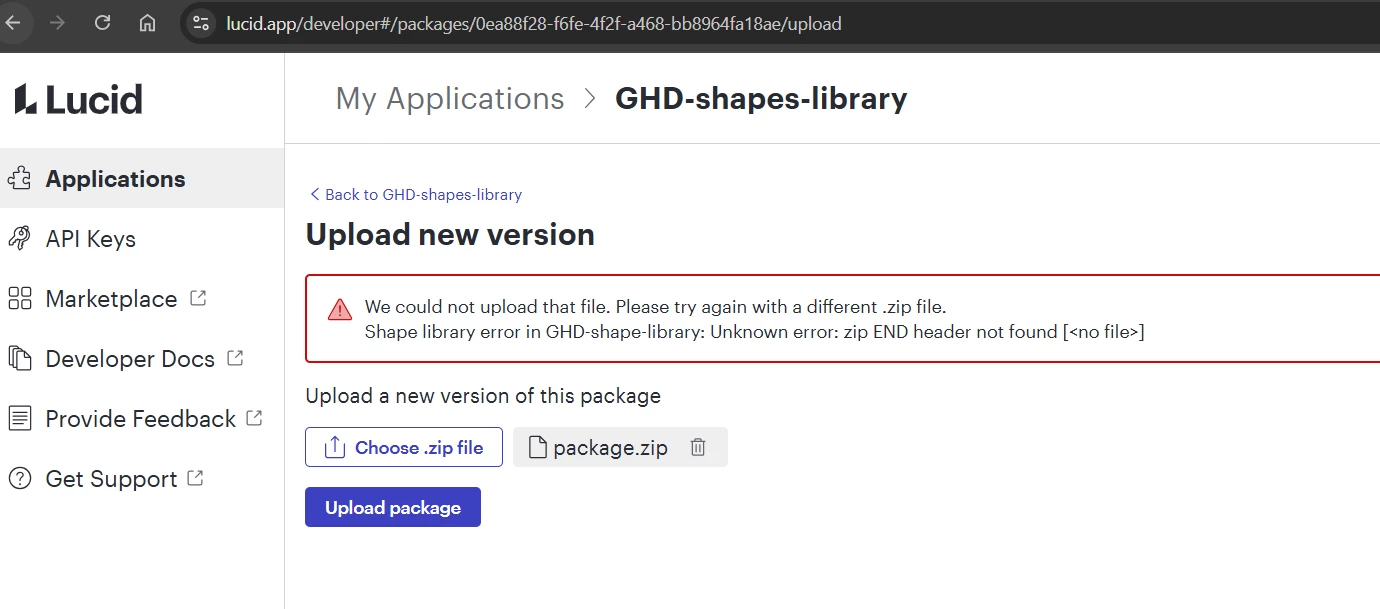
  • Portal Error: "We could not upload that file. Please try again with a different .zip file.
    Shape library error in GHD-shape-library: Unknown error: zip END header not found [<no file>]"

Tried:

  • Running extension in localhost and then tested in Lucidcharts without any issues
  • Tired edge and chrome browsers
  • Re-bundling with lucid-package --clean.
  • Manual package.zip with manifest.json + shapes.lcsz.
  • Tried using another extension from Lucid’s Github samples

Questions:

  • Known lucid-package or portal bug?
  • Any upload workaround?
  • Help troubleshooting 

#Lucidchart #ShapeLibrary #DeveloperPortal #bundle package error


Best answer by bhupesh68

The key was changing the path from shapelibraries\example-shape-library.lcsz to shapelibraries\\example-shape-library.lcsz. On Windows, a single backslash \ in a double-quoted string is interpreted as an escape character, so it must be escaped with another backslash. Thank you team support and help.

Comments

Lucid product team
October 15, 2025

Yeah, happy to provide.

Here is the example shape library package that I bundled and uploaded in testing

bhupesh68Author
October 16, 2025

Thank you ​@chasefreeman . I tried upload the zip you shared by changing the id in the manifest file and got his error:  

The only difference I find in my manifest vs yours is that mine is having version 1.0.3

Lucid product team
October 16, 2025

Apologies. I think I may have accidentally sent one that is broken by mistake. This one should be able to be uploaded 

Lucid product team
October 16, 2025

It’s also possible there was an issue with recompressing the file. When you unzip the package to edit the manifest, make sure when rezipping you do not zip the containing folder but all of the items inside of the folder together instead. Please let me know if you run into any issues with that or have any questions. 

bhupesh68AuthorAnswer
October 20, 2025

The key was changing the path from shapelibraries\example-shape-library.lcsz to shapelibraries\\example-shape-library.lcsz. On Windows, a single backslash \ in a double-quoted string is interpreted as an escape character, so it must be escaped with another backslash. Thank you team support and help.