

Lucidspark: WebGL causing graphics issues
Hi there
I use the Lucidspark whiteboards to tutor students online and I've been having an issue with WebGL.
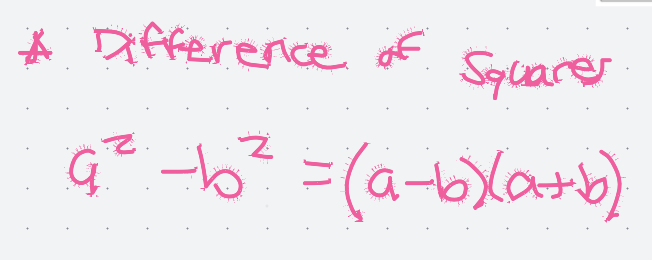
I get a notification at the bottom of the screen that WebGL has been enabled and then all my writing on the whiteboard gets a weird paint splatter effect and sometimes becomes illegible.
I've been using Lucidspark for months now and this just started happening a couple of weeks ago. I've gone through all of the help docs and disabled WebGL in my browser settings and it still happens. Please help.
 Your privacy choices


