

Introducing the Lucid plugin for Cursor! 🎉
We are excited to announce an update to the Lucid MCP (model context protocol) server - the Lucid plugin for Cursor!
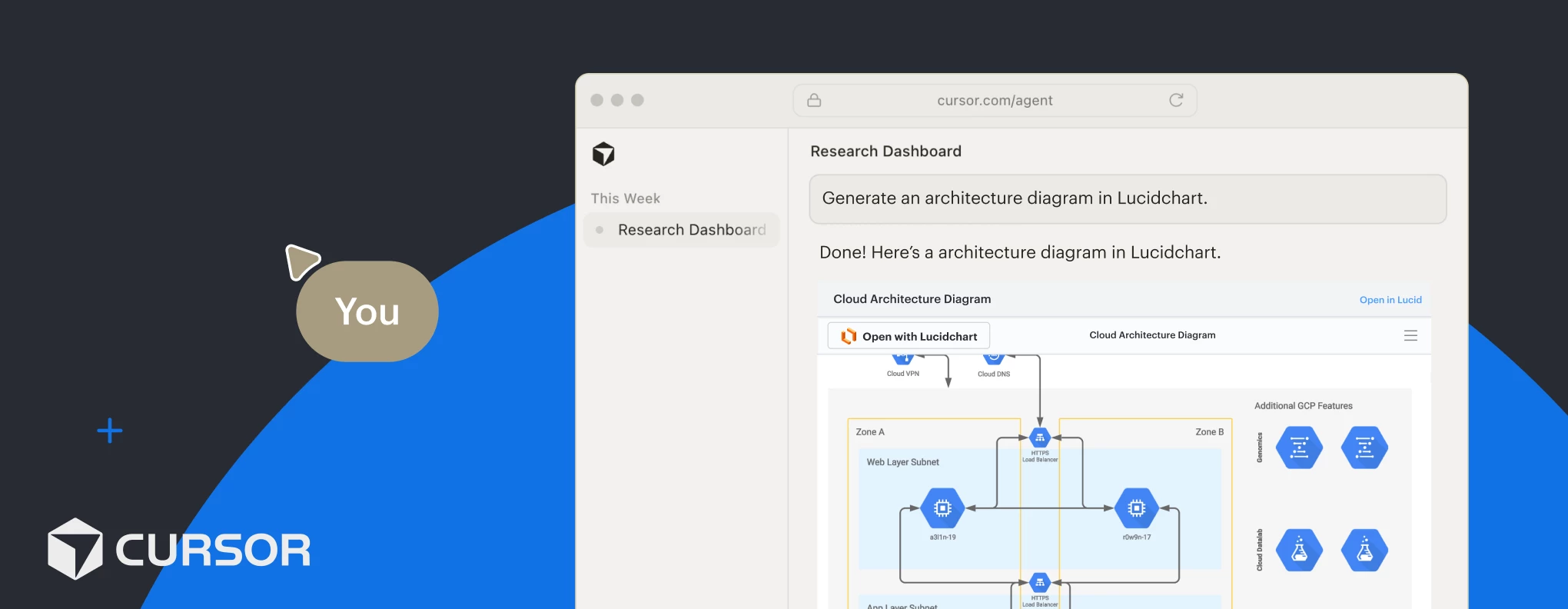
You can now connect your coding LLM to Lucid to ideate, diagram, and manage technical architecture directly from your editor. That means your technical and engineering teams can create documentation in Lucid and provide context to their projects, without ever leaving the Cursor AI code editor.
Here’s a quick summary of what’s new and why it matters! ⏬
What will Cursor and Lucid’s MCP server help me accomplish?
-
Search: Locate documents with keywords and natural language prompts, instantly extracting action items and document summaries.
-
Create diagrams: Generate diagrams, process maps, and user flows directly from text prompts within the chat.
-
Edit content: Dynamically edit and modify shapes and content.
-
Share: Manage collaborator permissions, share links, and export documents.
Note: The Lucid Cursor plugin has the same capabilities as the Lucid MCP server. These are just a few highlights! For a full list check out this article.
What are some practical examples of this connection in action?
-
Create architecture diagrams for undocumented codebases.
-
Find and summarize existing Lucid system architecture documents related to a service.
-
Convert Lucid architectural diagrams to code.
Why did we build this feature?
At Lucid, we want to meet technical teams exactly where they work! For you, that means visual diagramming solutions are readily available for your most complex engineering use cases. Documentation gets updated quicker than ever before without your workflow being disrupted. You spend less time switching between tools, and more time building.
How can I get started?
-
Check out this help center article to learn more about connecting your Lucid account to Cursor using the MCP server.
-
Navigate to this marketplace listing to connect today!
Need help or have questions about your use case?
We’re happy to help! Comment below or create a new topic in the community.
 Your privacy choices


