Since Lucid Cards for Smartsheet is being deprecated, we tried to turn on the new integration in Marketplace and disable the old one. Even though I’m an Admin, I don’t seem to be able to disconnect the old one as the option is grayed out:
Also, on the new one, my only options are “Connect for me” or “Connect for my team”, but I’d like to enable it for everyone on our account. Is this possible?
Best answer by Leianne C
Hi @BB-Bank, thanks for posting in the Lucid Community! Regarding your question about integration disconnection, you can do so by navigating to your Account profile in the upper right-hand corner of the home page > Account Settings > Apps & Integrations. From there you can disconnect any integration by either clicking the grey button Disconnect or clicking the three dot menu and clicking Disconnect Integration.
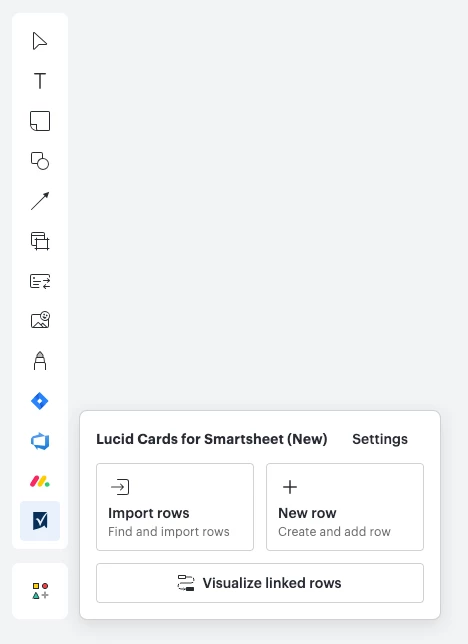
For the new Smartsheet listing, clicking “Connect for my team” will enable the integration and allow users to see it in their tool bar. However, users will still need to follow the steps outlined in this Help Center article to link Lucidspark with their Smartsheet account.
I hope this helps. Please let me know if you have any questions about the above!
Hi @BB-Bank, thanks for posting in the Lucid Community! Regarding your question about integration disconnection, you can do so by navigating to your Account profile in the upper right-hand corner of the home page > Account Settings > Apps & Integrations. From there you can disconnect any integration by either clicking the grey button Disconnect or clicking the three dot menu and clicking Disconnect Integration.
For the new Smartsheet listing, clicking “Connect for my team” will enable the integration and allow users to see it in their tool bar. However, users will still need to follow the steps outlined in this Help Center article to link Lucidspark with their Smartsheet account.
I hope this helps. Please let me know if you have any questions about the above!
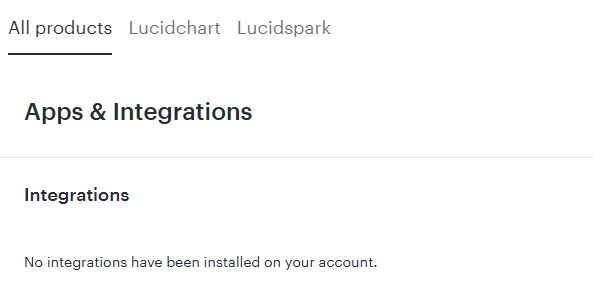
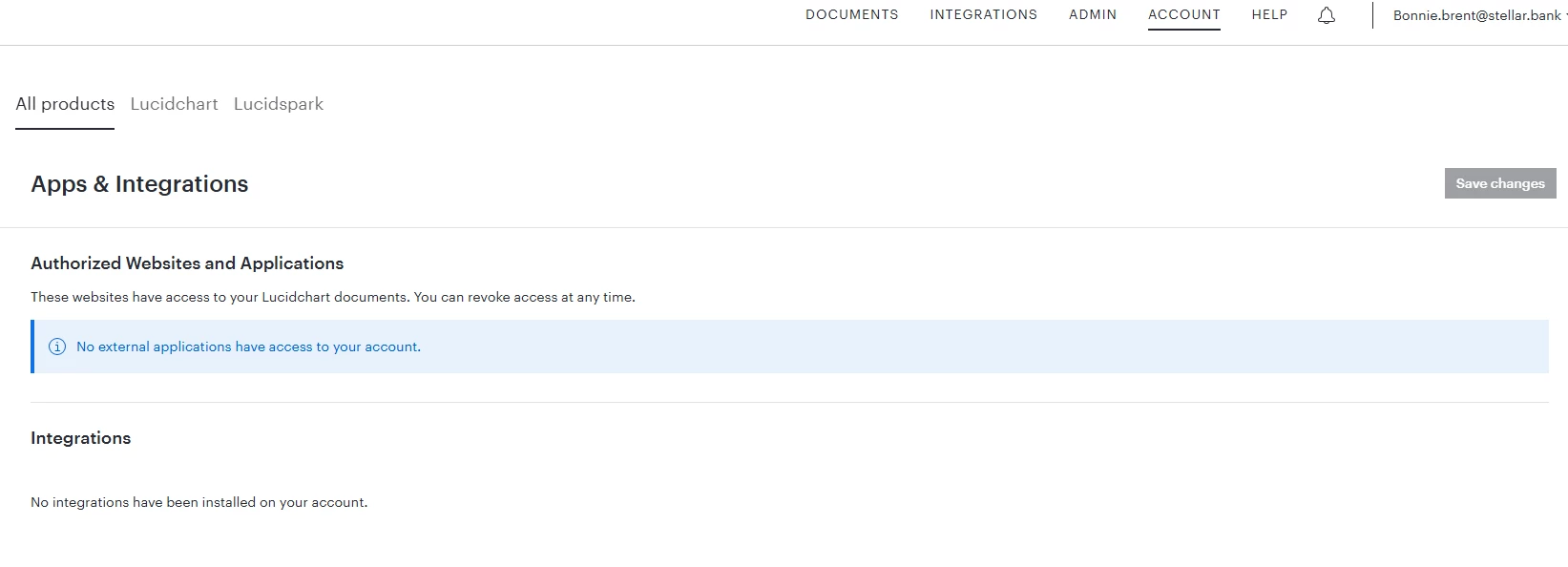
Hi @Leianne C , Thanks for the quick response. I tried to follow these instructions, but I don’t see the old Smartsheet integration listed on my account’s Apps & Integrations page. I also don’t see the new Smartsheet one listed there either.
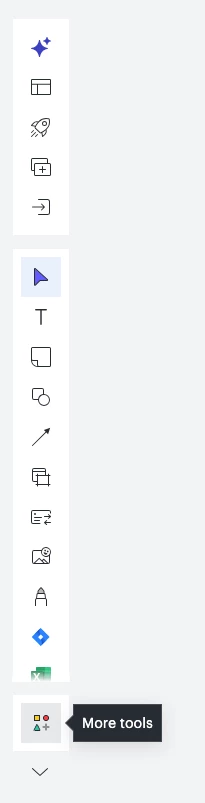
Hi @BB-Bank, thank you for the update. For the new one, you will need to first enable it via the integrations marketplace listing. After that, you should find it along the left toolbar - if not, could you please try clicking the ‘More tools’ button and see if can see the integration there?
Please let me know if you are still not able to see the new option after trying these steps, or if you have any questions!
Hi @Leianne C , I do see the new Smartsheet integration on the lefthand side of Spark boards, but I still don’t see anything in the Apps & Integrations section of the Account Settings.
Hi @BB-Bank, thank you for the update! I’m glad to hear you were able to locate the new Smartsheet integration in the toolbar. For the Apps & Integrations section of account settings, let me double-check internally for some additional insight.
I will share an update here as soon as I have more information. Please let me know if you have any additional questions in the meantime.
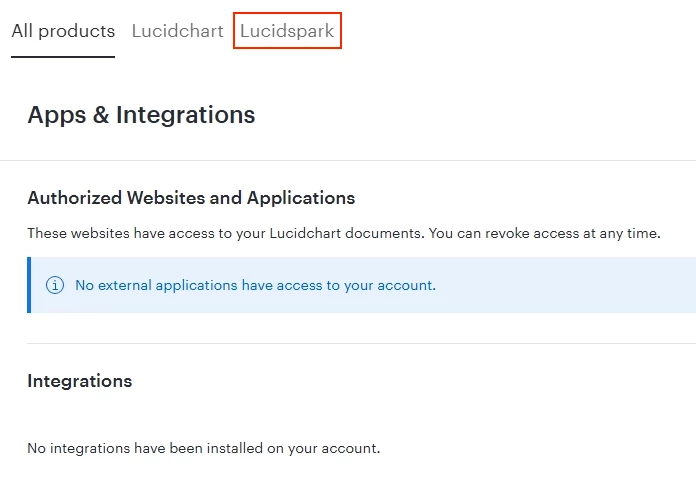
Hi @BB-Bank, thank you for reaching out. Our development team confirmed that you should be able to see the option to disconnect for your account now. Could you please check and let me know if you are still experiencing issues with this? Thank you!
Hi @BB-Bank, thank you for giving that a try. Would you mind confirming if you can see it under ‘Lucidspark’ in that view?
If the issue persists, could you please share a Technical Support PIN for your account? This will help me take a closer look at what’s going on. This PIN is safe to post in this thread because it is only accessible by members of the Lucid support staff. You can find steps for generating a Support PIN in this Help Center article.
Thank you for your help and patience. Please let me know if you have any questions.
A Lucid or airfocus account is required to interact with the Community, and your participation is subject to the
Supplemental Lucid Community Terms.
You may not participate in the Community if you are under 18. You will be redirected to the Lucid or airfocus app to log in.
A Lucid or airfocus account is required to interact with the Community, and your participation is subject to the
Supplemental Lucid Community Terms.
You may not participate in the Community if you are under 18. You will be redirected to the Lucid or airfocus app to log in.






 Your privacy choices


