Question

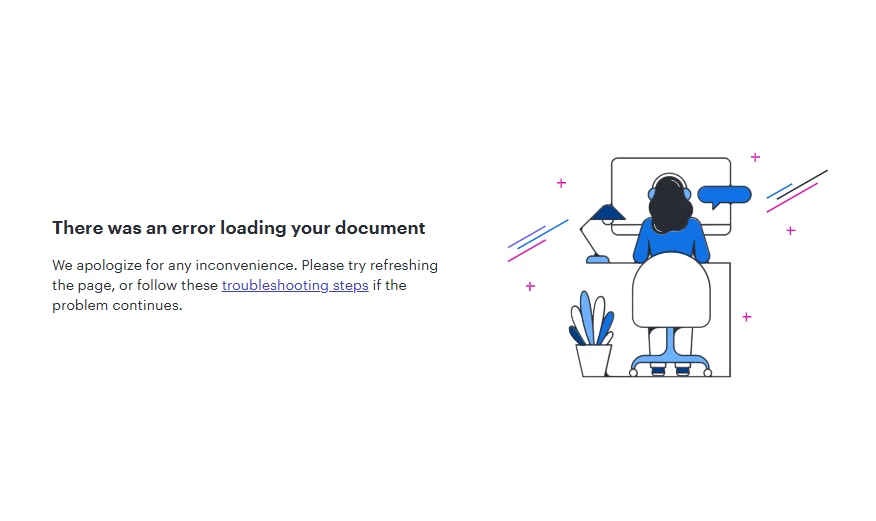
"There was an error loading your document" - occurring on one document only

  • June 1, 2026
  • 7 replies
  • 68 views

Forum|alt.badge.img+1

As the title states,

When trying to open one of the documents in my documents folder, I get the error: 

“There was an error loading your document”

  • Troubleshooting steps do not help at all
  • Other collaborators on the same document are getting the same error
  • Only seems to be occurring on one document

I have noticed that others in the community seem to be getting the same issue with their threads being resolved having no info posted about the steps taken. The support really seems to not be good enough. 
 

Comments

Forum|alt.badge.img+1
  • Author
  • June 1, 2026

Additional Context/Steps:

  1. I cannot open the document in a private window or incognito mode due to the company’s IT policies
  2. I have tried opening the document on a different network
  3. Others who are collaborators on the same document are getting the same error
  4. Refreshing the page results in the same error
  5. Completely closing and reopening the browser results in the same error

Forum|alt.badge.img
  • June 2, 2026

I also got this same error on two of my documents today.  I know I accessed these same documents in the recent past (within the last few weeks).  The common theme for me that I see is that they are both mind map documents and they are large mind maps.  By large I mean they each have over 100 data points in the mind map tree.  I have another document that is a mind map that has about 20-30 data points and less tree complexity and it loads fine.  It seems like it has to do with the overall size in my case.  I also tried a lot of the basic things that Dan tried and see the same issues.  It seems like a platform bug and not an end user issue.


Leianne C
Forum|alt.badge.img+15
  • Lucid support team
  • June 2, 2026

Hi ​@Dan Hix ​@sotaminn, thank you for your reports. I have reported this to our development team. I apologize for any disruption this may cause, and I will update this thread with any new information about a fix. 

In the meantime, would you mind providing me with the following information to help us take a closer look?

  • Could you share a temporary Document Support PIN for this document? This will help me take a closer look at what’s going on. This PIN is safe to post in this thread because it is only accessible by members of the Lucid support staff. You can find steps for generating a Support PIN in this Lucid Help Center article: Generate a Lucid Support PIN
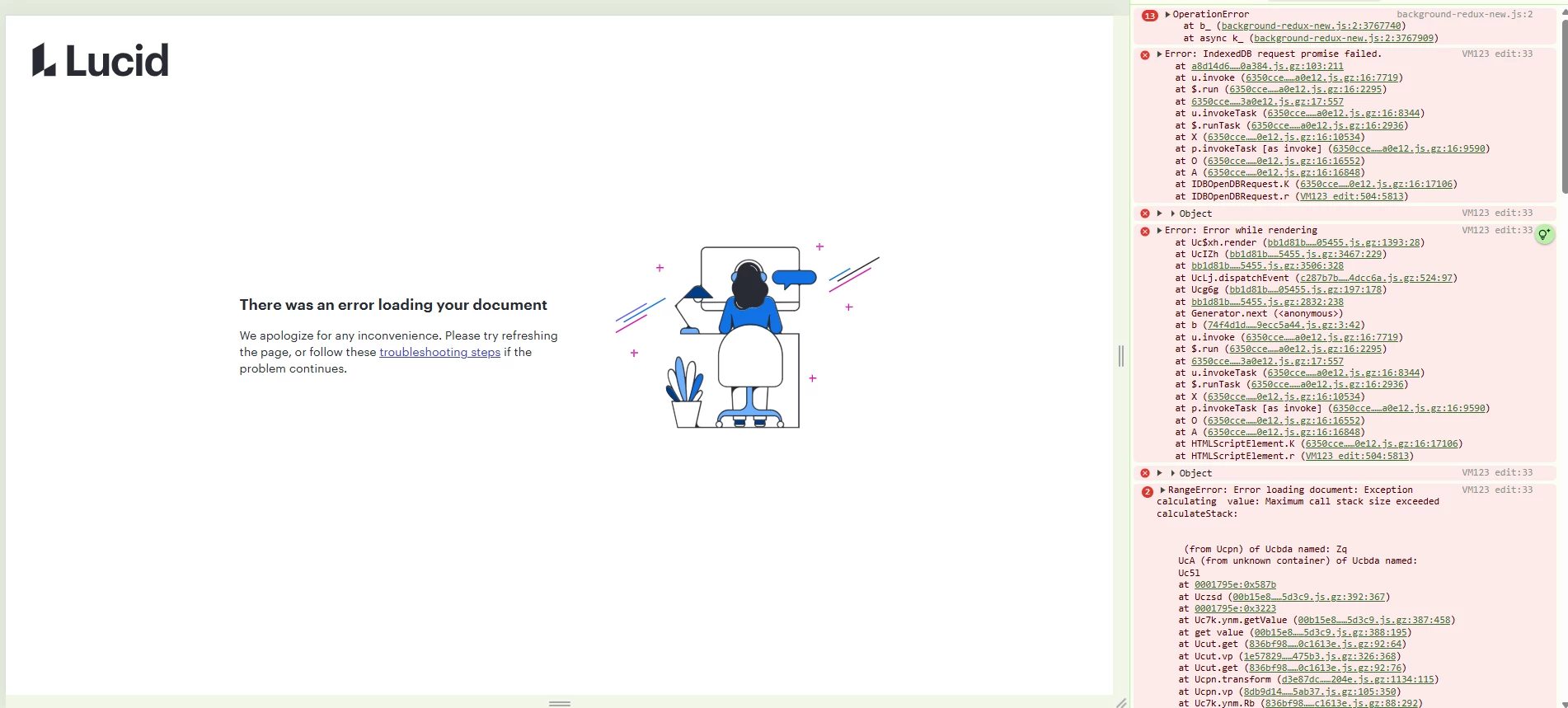
  • Can you please provide me with a screenshot of the associated Javascript Console output after reproducing the issue? You can open your Javascript Console by pressing Ctrl+Shift+J (if your computer is a Windows/Linux) OR Cmd+Opt+J (if your computer is a Mac).

I will update this thread with any new information about a fix. Please follow along on this thread for updates, and post any additional questions or concerns below. 


Forum|alt.badge.img
  • June 2, 2026

I can’t create a document PIN for one of my documents that have issues because the document doesn’t actually load.  Here is a screenshot of the console output.  


Forum|alt.badge.img+1
  • Author
  • June 2, 2026

Hi ​@Leianne C 

This morning the document seems to have repaired itself and is working for all collaborators. 

The temporary support PIN that I was able to generate is: duX2wVuIthiQaXhC0dlgm9Jhfv0UO21rGf175043309

I hope you could still look into the issue to help others who are having similar problems. This was a frustrating issue with approx. 10 people relying on information within that document that could not be accessed for the whole day.


Leianne C
Forum|alt.badge.img+15
  • Lucid support team
  • June 3, 2026

Hi ​@sotaminn @Dan Hix, thank you for sharing that information. Our development team has let me know that the issue should now be resolved. I’m sorry for any inconvenience this may have caused.

If you’re still seeing the issue or have any other questions, feel free to reach out in the following centralised thread. We are happy to help. 


Forum|alt.badge.img+1
  • Author
  • June 3, 2026

@Leianne C 

I have seen a couple or a few threads now where you or others have mentioned that the issue is now resolved but I have seen no indication of what the issue was, how it was resolved or any troubleshooting steps that people could take to recover their documentation while the issue is occurring.

Is there anything that you can provide from the development team or otherwise that will satisfy the community that this isn’t a random issue that has resolved by itself, and that something has truly gone on in the background for a permanent fix?