One user is unable to access the Lucid portal

  • July 24, 2026
  • 7 replies
  • 251 views

Forum|alt.badge.img+1

Hi Team,


*****.******@*********.com, we have added this user today, but user is not able to access it. 

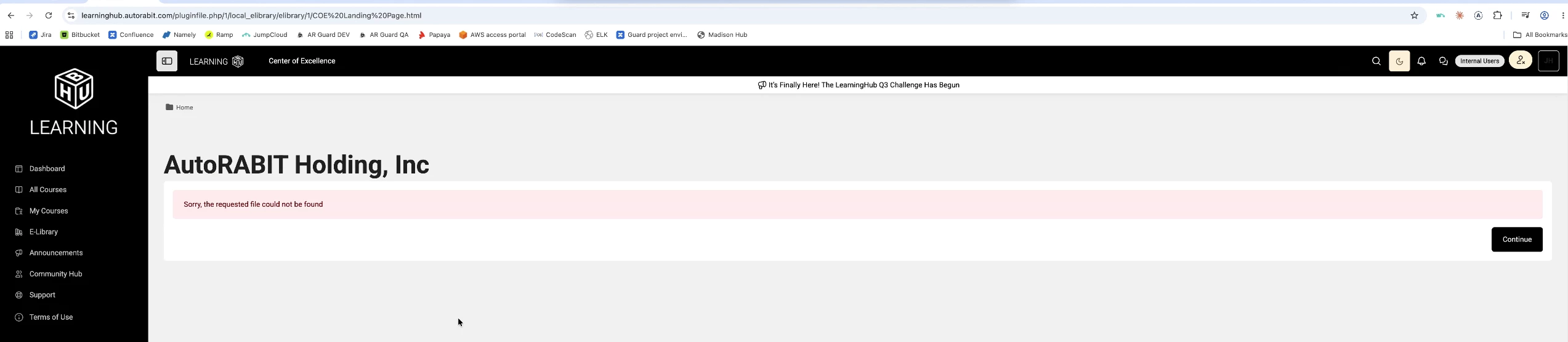
Getting error, attached the same. So how can this be resolved?.


I have deleted the account and re-added but still same issue. 

Comments

Becca G
Forum|alt.badge.img+4
  • Lucid support team
  • July 24, 2026

Hi ​@Srinivas Reddy Nevuri, thanks for posting in the Community! Would you mind reattaching a screenshot of the error? 


Forum|alt.badge.img+1

 I have uploaded the error screenshot again, please check and resolve it.


Becca G
Forum|alt.badge.img+4
  • Lucid support team
  • July 27, 2026

HI ​@Srinivas Reddy Nevuri, is this user attempting to access a specific Lucid document? From the screenshot provided, it doesn’t appear the user is in the Lucid application. Could you provide the Lucid URL they are attempting to access? 


Forum|alt.badge.img+1

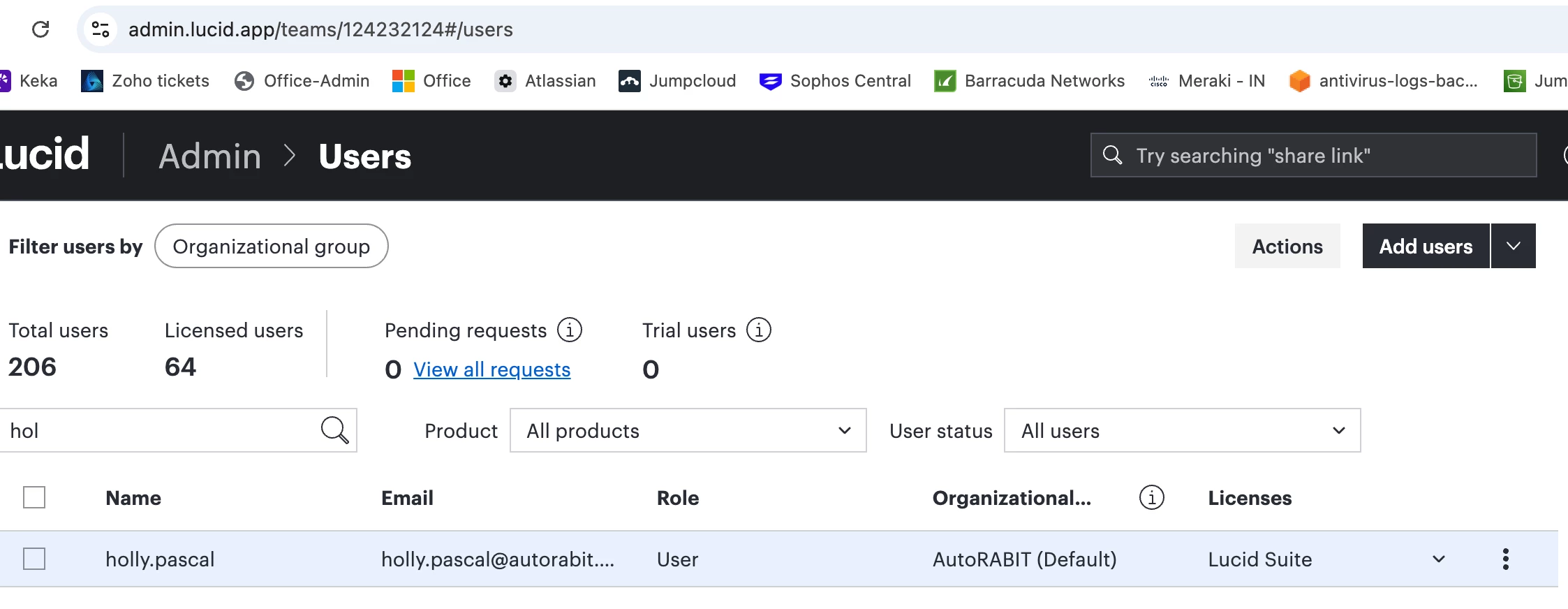
PFA for reference. We have already added the user and assigned the Lucid suite. I have connected with user and just tried to login to Lucid suite login then getting this error, not trying to access any document, just trying to login. 


FYI, i tried deleted the account and readded but still same error. We need this to be resolved ASAP. 


Becca G
Forum|alt.badge.img+4
  • Lucid support team
  • July 29, 2026

@Srinivas Reddy Nevuri can this user send:

  • A description of steps taken leading up to the issue.
  • A screenshot of any error messages or pop ups that appear.
  • A screenshot of the associated Javascript Console output after reproducing the issue. You can open your Javascript Console by pressing Ctrl+Shift+J (if your computer is a Windows/Linux) OR Cmd+Opt+J (if your computer is a Mac).

The error screenshot uploaded thus far does not appear to be from a Lucid product. 


Forum|alt.badge.img+1

I don’t know, how to explain you guys. In the screenshot, it is showing Lucid URL, clearly. But your saying, that is not from Lucid product. This is not good and your product don’t have any Chat support or direct ticket creation option. 

Also getting responses total opposite timings of mine and that is prolonging the issue. Your also not checking the issue properly from your end and asking details from us only. 

If the URL is not Lucid product, can you provide me correct URL?

If the URL is not correct, how i am able to login as admin and share the screenshot with you? 


This is getting frustration instead of solution. 


Becca G
Forum|alt.badge.img+4
  • Lucid support team
  • July 30, 2026

@Srinivas Reddy Nevuri. I’m converting this to a private support ticket. You should receive an email with further communication. If you don’t receive an email please feel free to reach out in the thread below.