@Miles_Baker, Thank you for following up here - after connecting with our Development Team, they have recomended the following. Please let me know if you have any questions here!
Here's a walkthrough for manually creating an OAuth client for the Lucid MCP server (https://mcp.lucid.app). The /Oauth/register endpoint accepts a one-shot, unauthenticated call. You will call it once from Postman/Bruno, save the credentials, and then configure your MCP client to use those static credentials for the rest of the flow.
1. Confirm valid redirect URIs
- https://... — any HTTPS URL (must have a host, no fragment, ≤ 2048 chars)
- http://localhost, http://127.0.0.1, http://[::1] — loopback only; any port is fine (RFC 8252).
- A custom private-use scheme like myapp://callback.
Up to 10 URIs per client. No http:// to a non-loopback host. No URL fragment.
2. Register the client (Postman/Bruno)
Create a new request:
- Method: POST - URL: https://mcp.lucid.app/oauth/register
- Headers: Content-Type: application/json
- Body (raw JSON):
{ "client_name": "Acme Corp MCP Integration", "redirect_uris": [ "https://acme.example.com/oauth/callback" ], "token_endpoint_auth_method": "client_secret_post" }
Send. On success, you get HTTP 201 with:
{ "client_id": "<32-byte url-safe token>", "client_secret": "<32-byte url-safe token>", "redirect_uris": [...], "client_name": "Acme Corp MCP Integration", "token_endpoint_auth_method": "client_secret_post" }
Save the client_id and client_secret immediately. There is no read endpoint and no way to recover them later; if they're lost, you’ll need to re-register and get fresh values.
3. Configure your MCP client
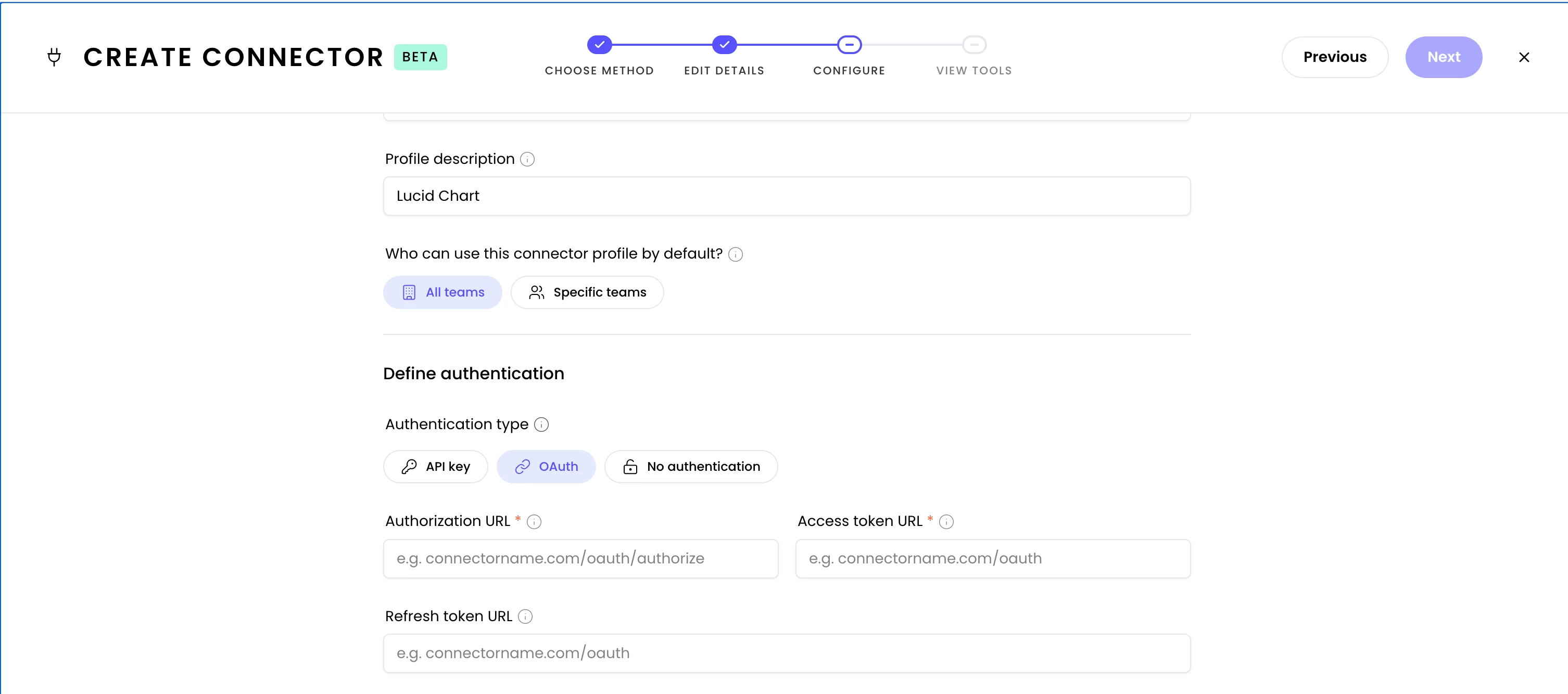
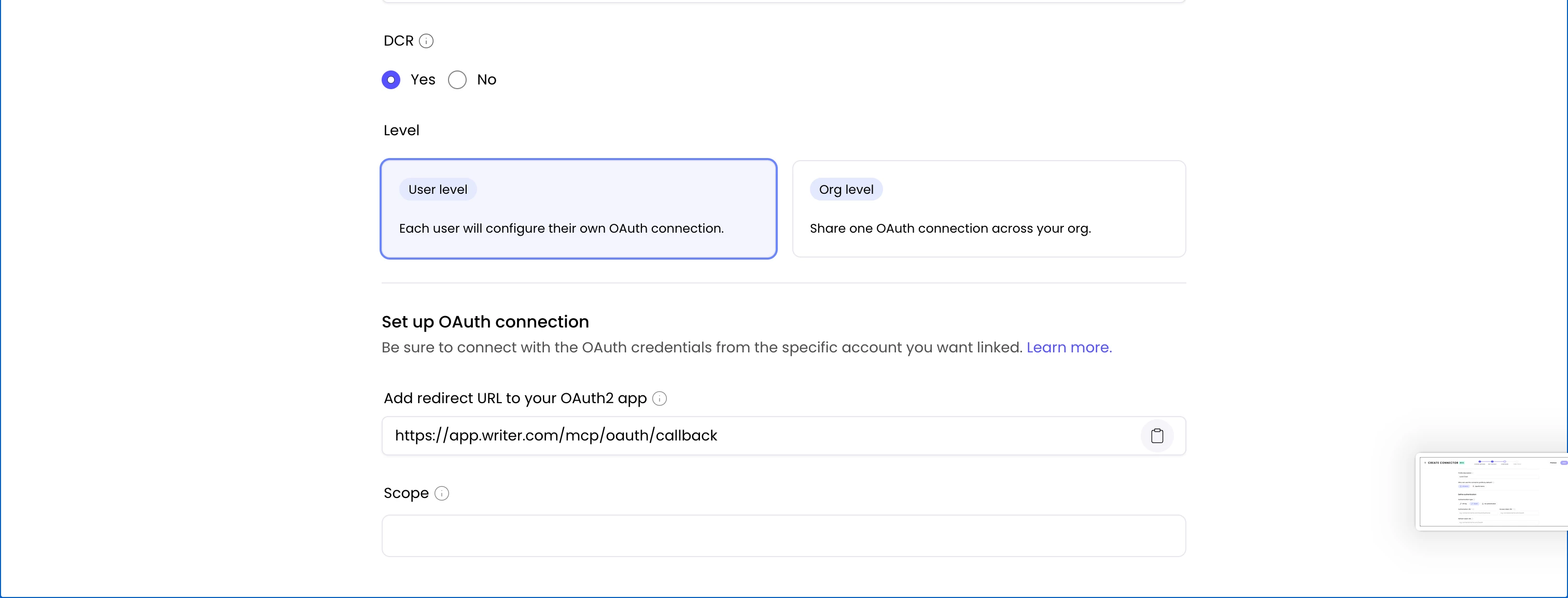
In your MCP client's configuration, plug in:
- Authorization endpoint: https://mcp.lucid.app/oauth/authorize
- Token endpoint: https://mcp.lucid.app/oauth/token
- Client ID and Client Secret from step 2
- The same registered redirect URI
The client now uses the pre-registered credentials directly and never calls /oauth/register.
Alternative: Client ID Metadata Document (CIMD)
If hosting a static JSON file is easier than running the registration call, the server also accepts CIMD: host a document at a stable HTTPS URL describing the client, and use that URL itself as the client_id. No client_secret is involved (public client only). Useful for orgs that prefer to manage client metadata in their own infra.

 Your privacy choices


