

Admin Resource
Image Search Permissions in the Admin Panel
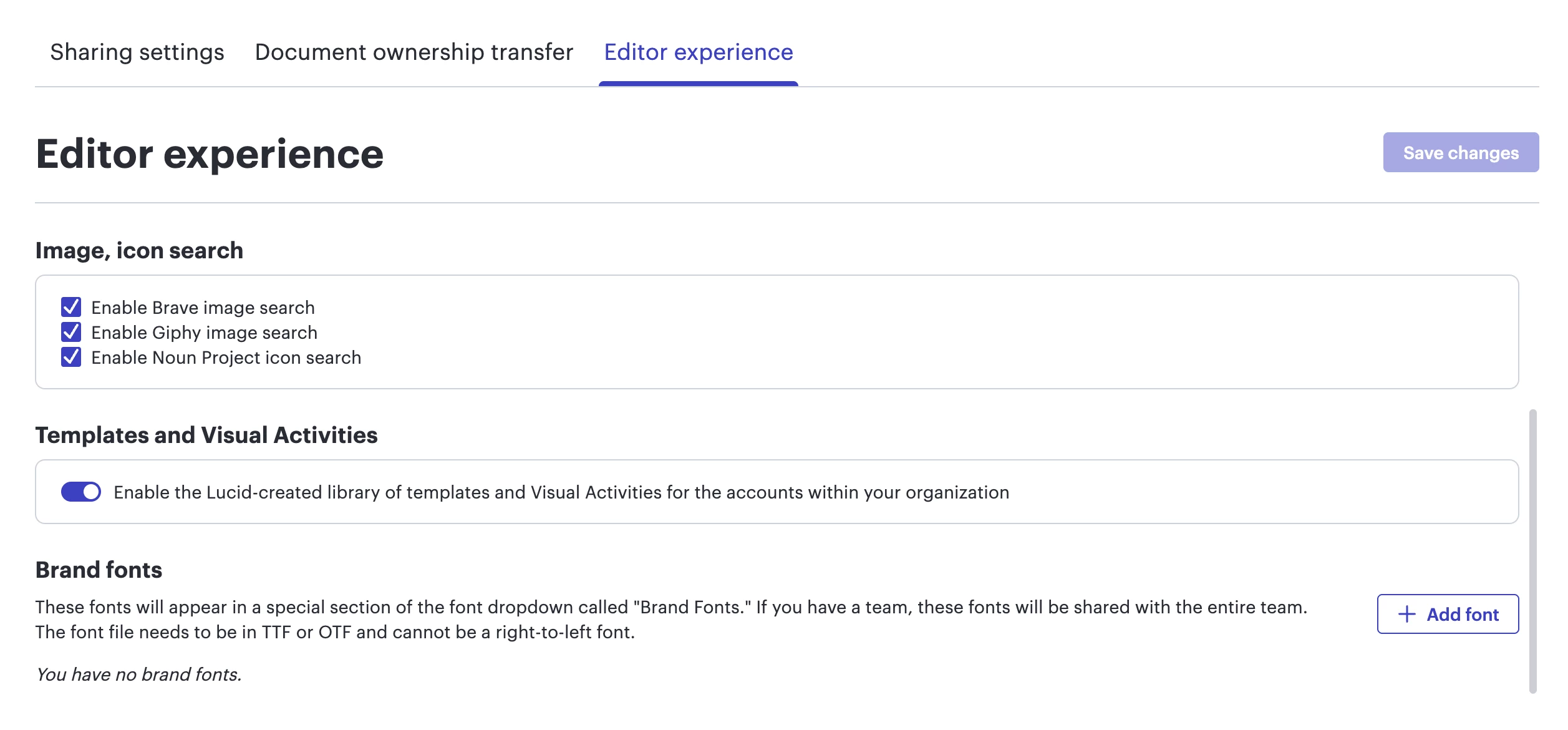
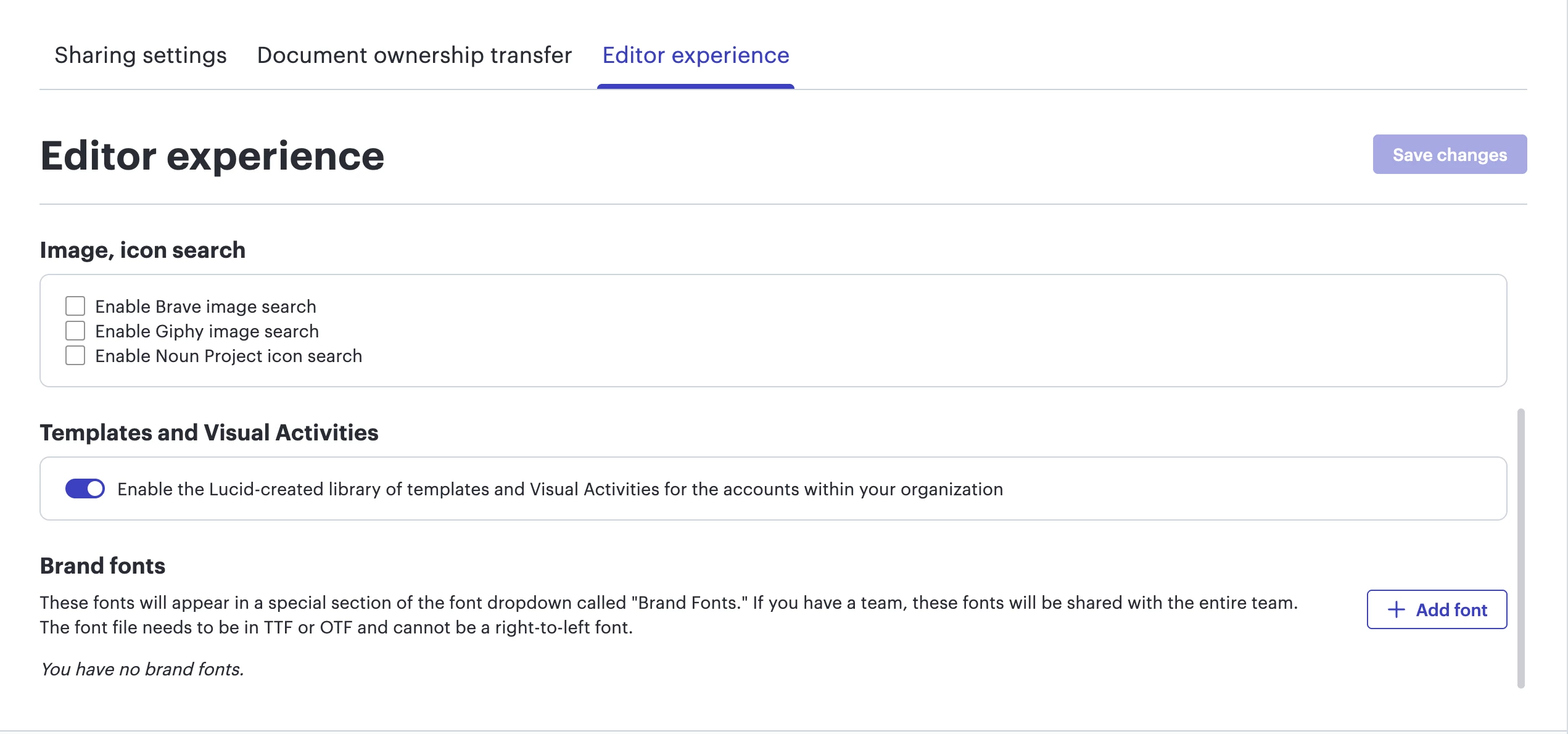
In the Lucid admin panel, under the Security > Sharing > Editor experience tab, admins can edit image or icon search permissions.
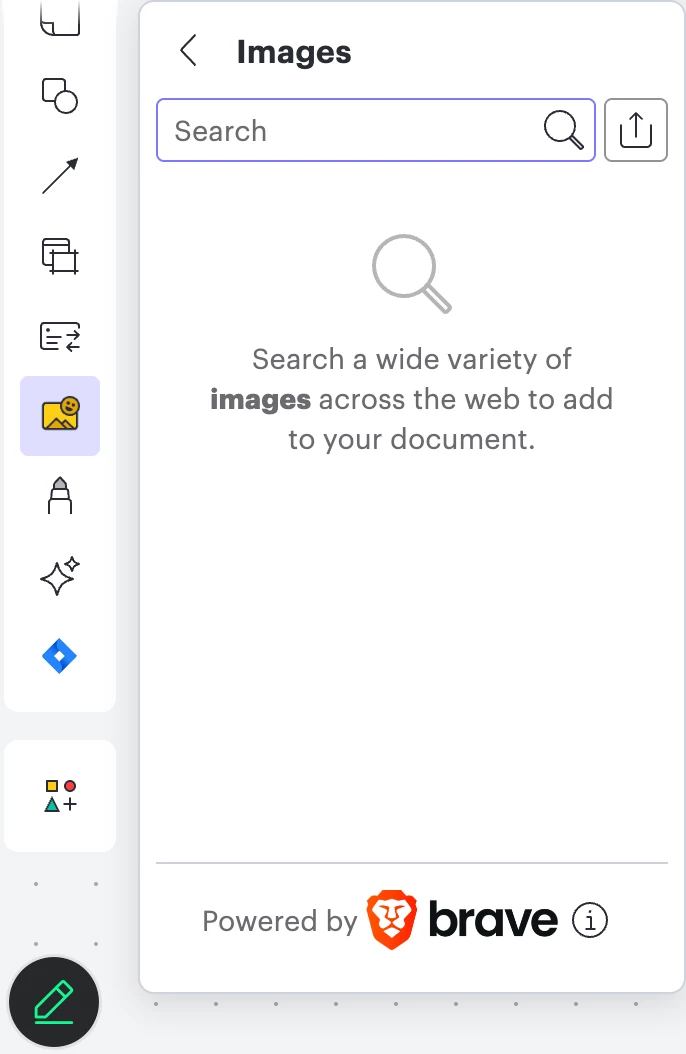
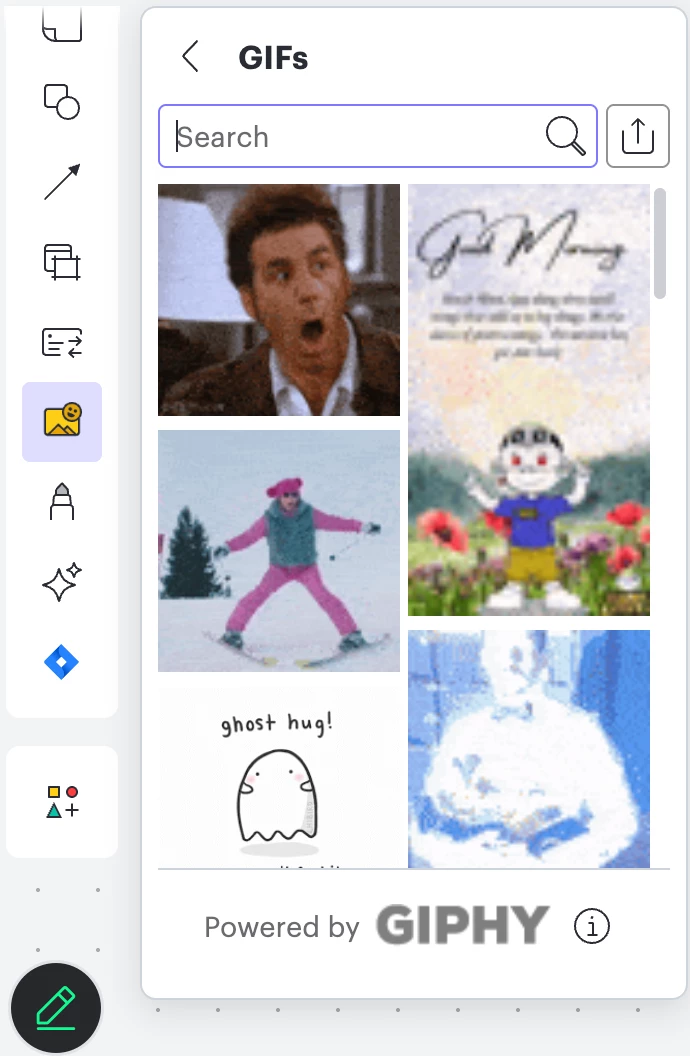
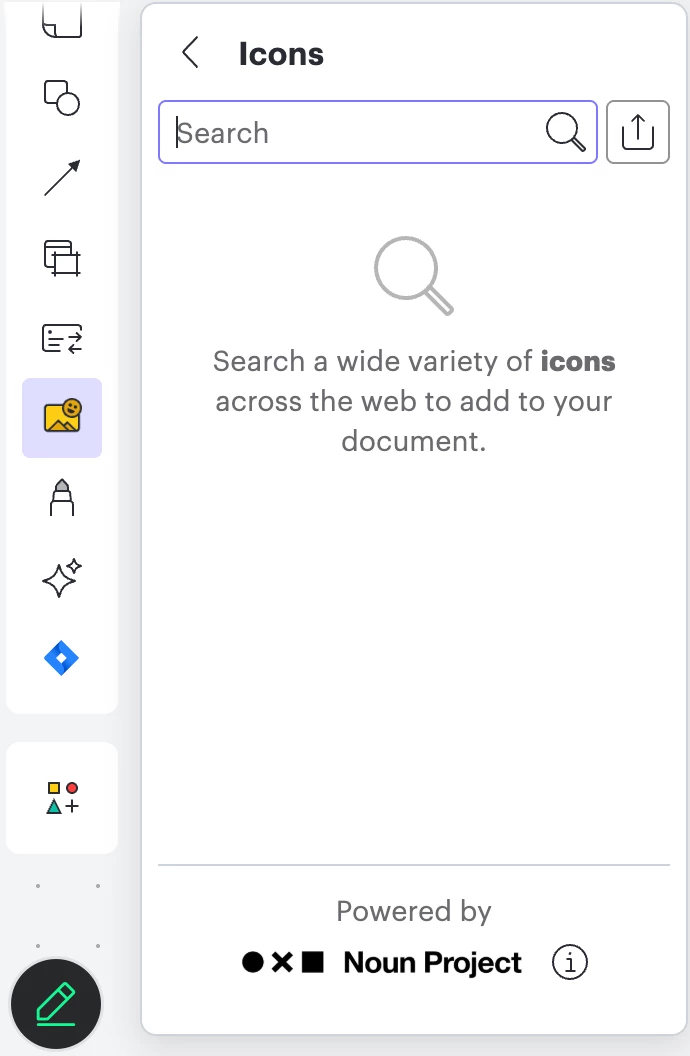
Admins can enable or disable Brave image search, Giphy image search, and Noun Project icon search. To do so, select or deselect the check box next to each option and then Save changes. Please note that these changes will apply to all users on your account within Lucidchart and Lucidspark.
The screenshots below show what it looks like when Brave image search, Giphy image search, and Noun Project icon search are enabled in the admin panel.
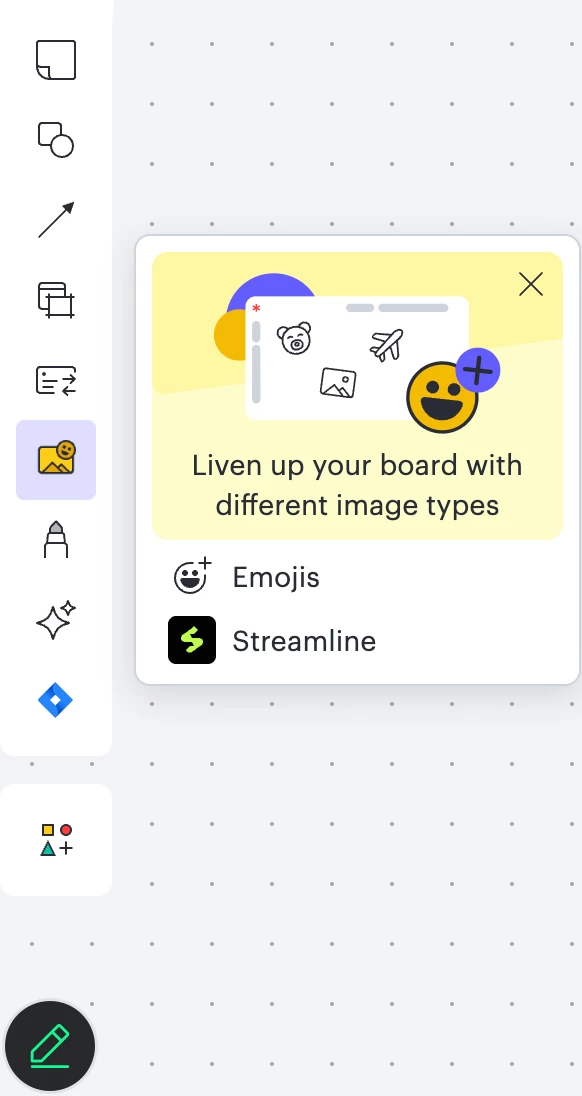
Conversely, the screenshots below show what it looks like when Brave image search, Giphy image search, and Noun Project icon search are disabled in the admin panel.
 Your privacy choices


