August 12, 2026
Solved

Conditional formatting rule ordering

  • August 12, 2026
  • 1 reply
  • 64 views

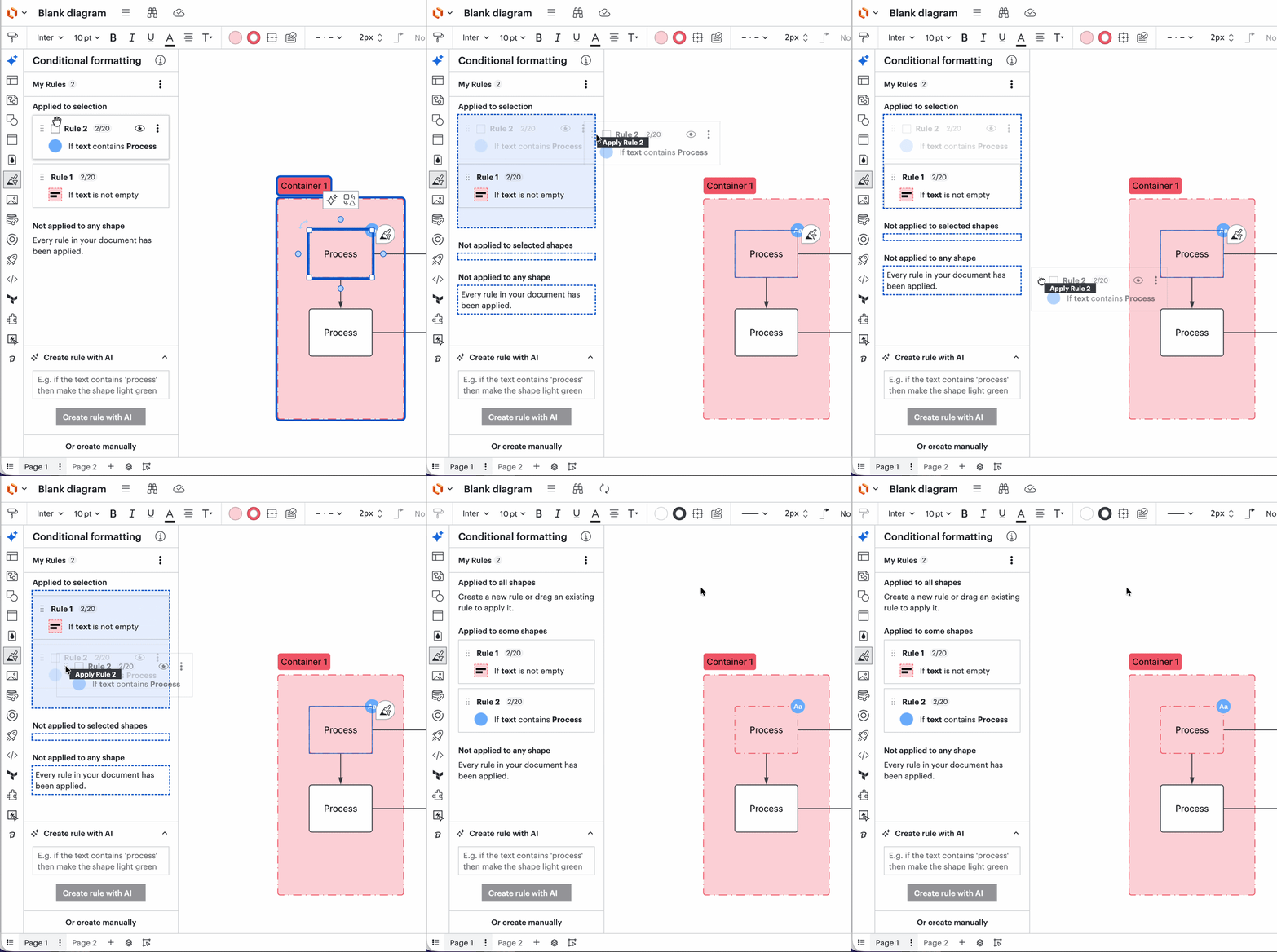
Hello! You used to be able to drag conditional format rules by the left-hand side dots to reorder. When you hover on the dots, it still shows as an option. When you actually try to drag, it becomes the “apply” command instead of reordering.

Is this a bug? Is there another way to fix other than unapplying and reapplying all my rules in the right order?

Thanks!

Best answer by Zuzia S

Hi ​@jwitth, thanks for posting in the Community! I’ll be happy to help.

Could you please provide a screenshot of your experience?

You can currently both reorder the conditional formatting rules and choose whether you want them to apply or not by dragging them, as such:

In the example above, the conditional formatting rule is being re-ordered within the “Applied to selection” section.

Please let me know if this is helpful!

Cheers

Comments

Zuzia S
Zuzia SAnswer
Lucid community team
August 18, 2026

Hi ​@jwitth, thanks for posting in the Community! I’ll be happy to help.

Could you please provide a screenshot of your experience?

You can currently both reorder the conditional formatting rules and choose whether you want them to apply or not by dragging them, as such:

In the example above, the conditional formatting rule is being re-ordered within the “Applied to selection” section.

Please let me know if this is helpful!

Cheers