January 22, 2026
Solved

Can't upload images in Lucid documents

  • January 22, 2026
  • 11 replies
  • 91 views

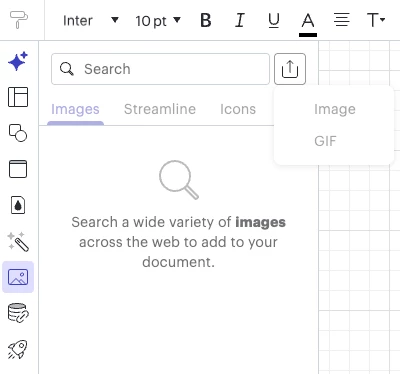
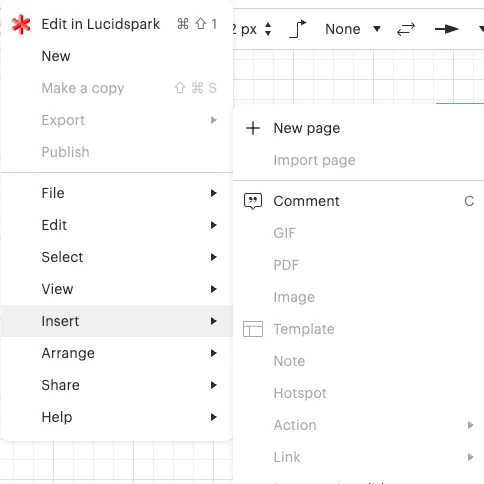
So all my ways of adding images are now greyed out and I can’t click them. I have two paid accounts, one personal and one for work and both are not allowing me to upload images.


What do I need to do to get this feature back?
 

Best answer by Becca G

@EmeraldLynn, is this issue occurring for all your documents? Can you confirm you have edit permissions on the documents you’re attempting to insert an image to?

I have not been able to replicate this experience in your recent documents. Can you send a screenshot of the associated Javascript Console output when you attempt to pull up the insert image option? You can open your Javascript Console by pressing Ctrl + Shift + J (if your computer is a Windows / Linux) OR Cmd + Opt + J (if your computer is a Mac).

Comments

Becca G
Lucid support team
February 9, 2026

@nic123 thanks for providing those details! Based on the errors in the screenshot, it appears this issue may be network related. Could you try opening your document in a private or incognito window? Could you also try connecting to a different network or disconnecting from your VPN (if applicable)?