

Lucid Suite release notes | May 2026

This post details the latest updates across the Lucid Visual Collaboration Suite, which includes Lucidchart and Lucidspark. The Lucid Suite provides an end-to-end platform for visual collaboration, helping your teams to stay aligned, build, and drive results from start to finish. We've designed this page to be your primary resource for staying informed about all the new product releases, features, and improvements we've made. Subscribe to stay up to date with these releases and share your feedback with our team in the Product Feedback community space.
Lucid AI can edit any diagram
Lucid AI can now edit diagrams created with AI and those that were created manually. This new enhancement provides greater power to interact with AI on your canvas!
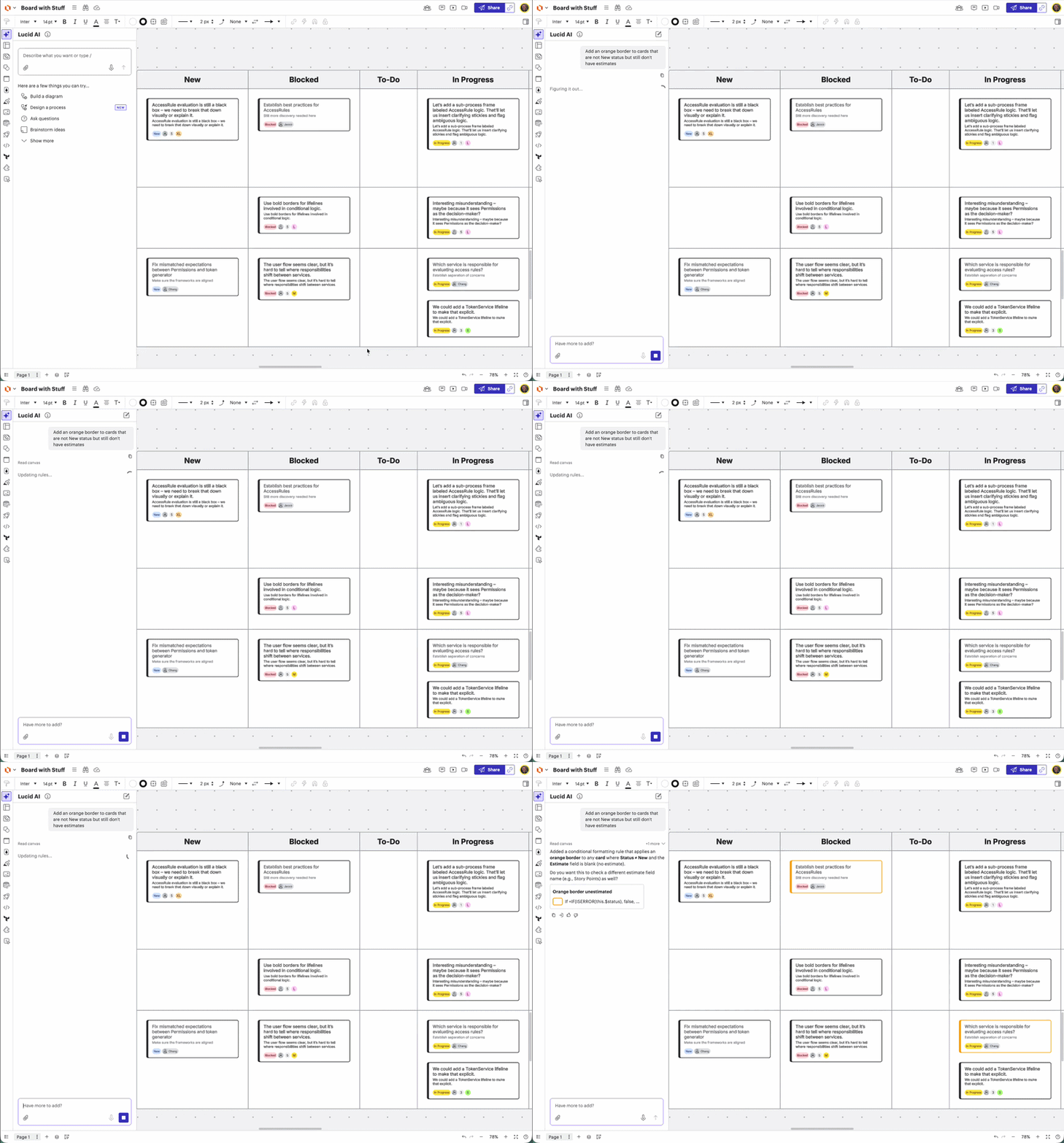
Enhanced AI-powered conditional formatting
Use Lucid AI to generate and edit advanced rules with multi-step logic. This update expands our existing AI capabilities to include AND/OR conditions and shape data calculations, all through natural language prompts. Learn more.
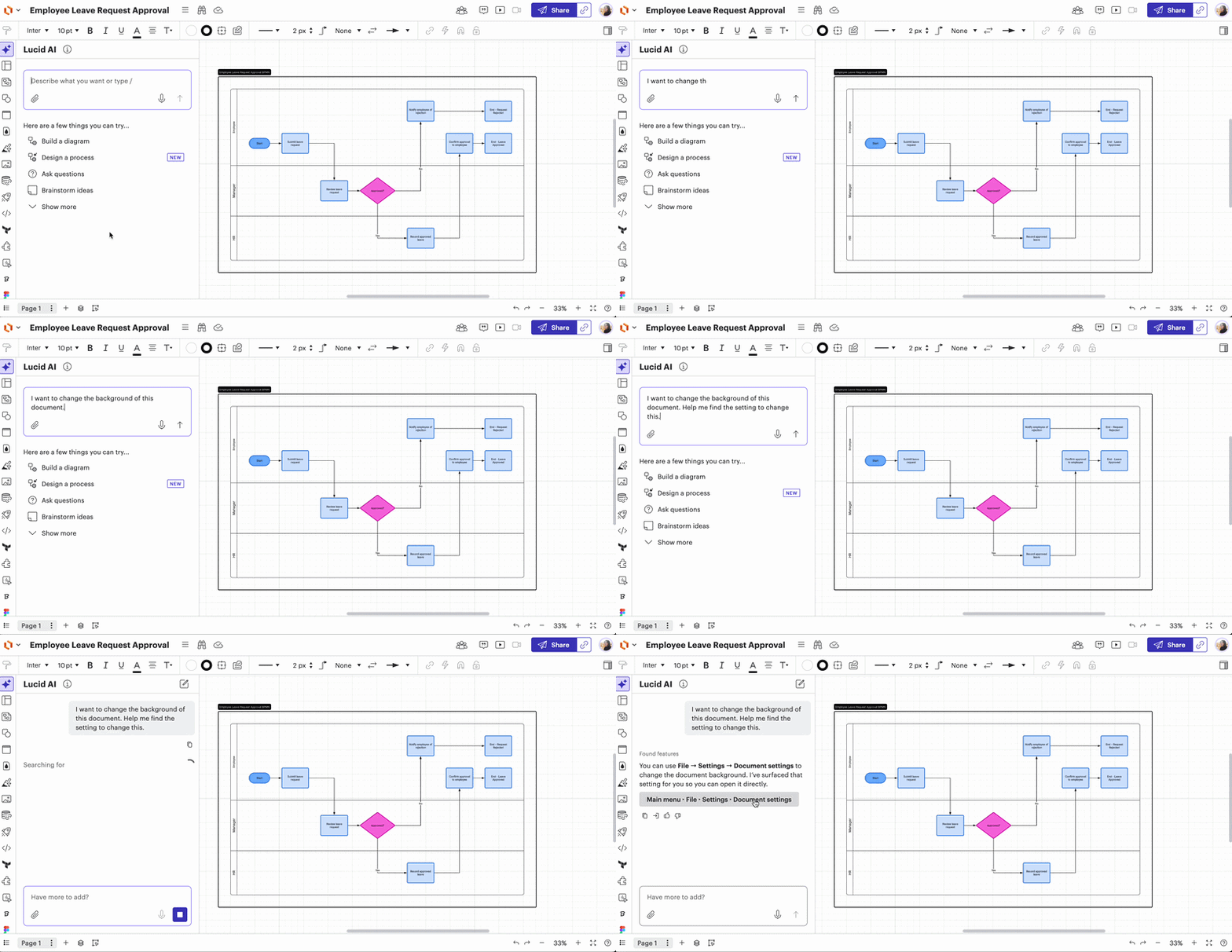
Find features with Lucid AI
Use Lucid AI to search for any tool in the canvas. Learn more.
Additional Lucid AI enhancements
When generating a board with Lucid AI, you can now add the following items to your board and edit with Lucid AI:
- Dynamic Tables
- Lucid Cards
- Visual Activities
- Timelines
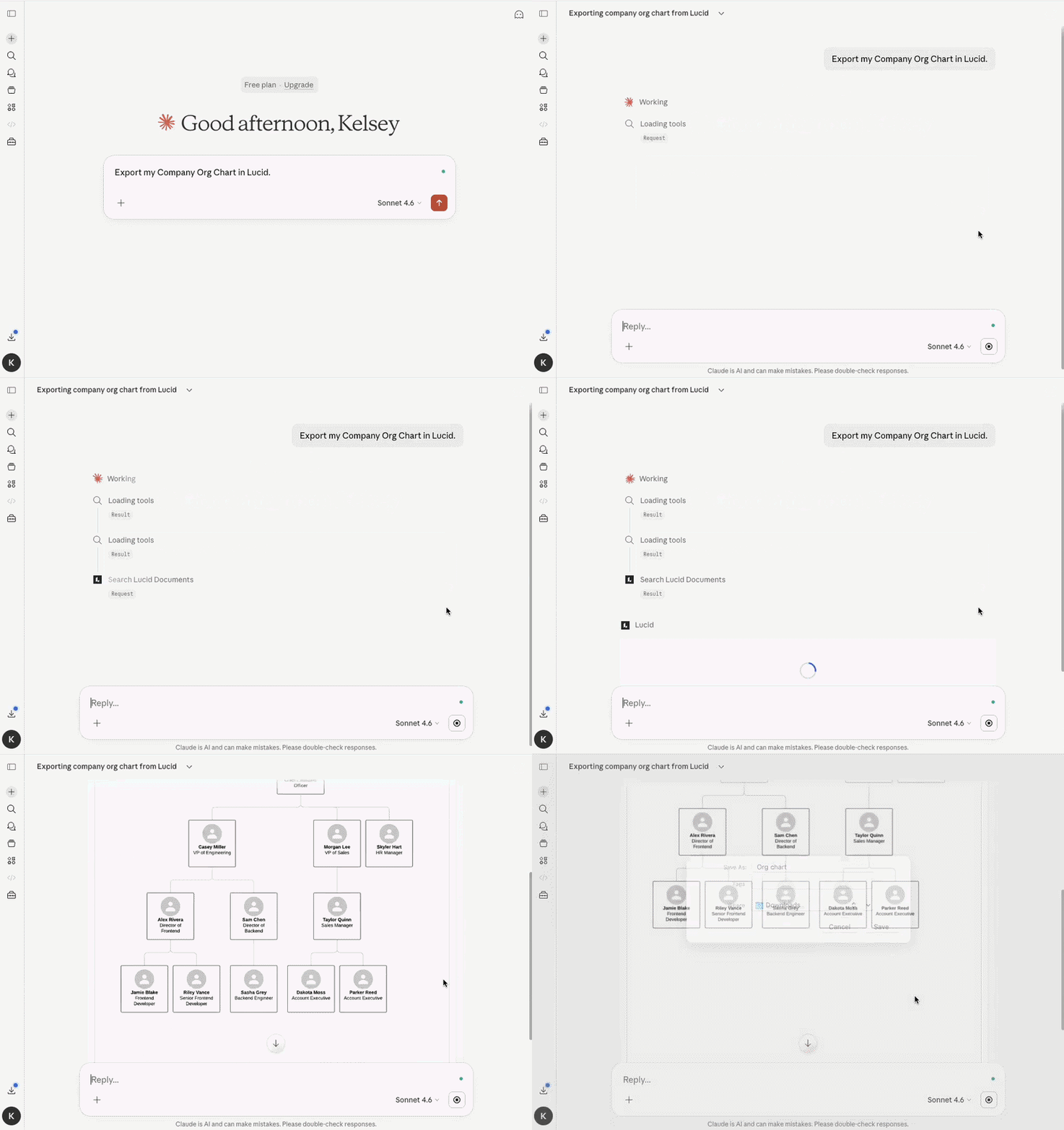
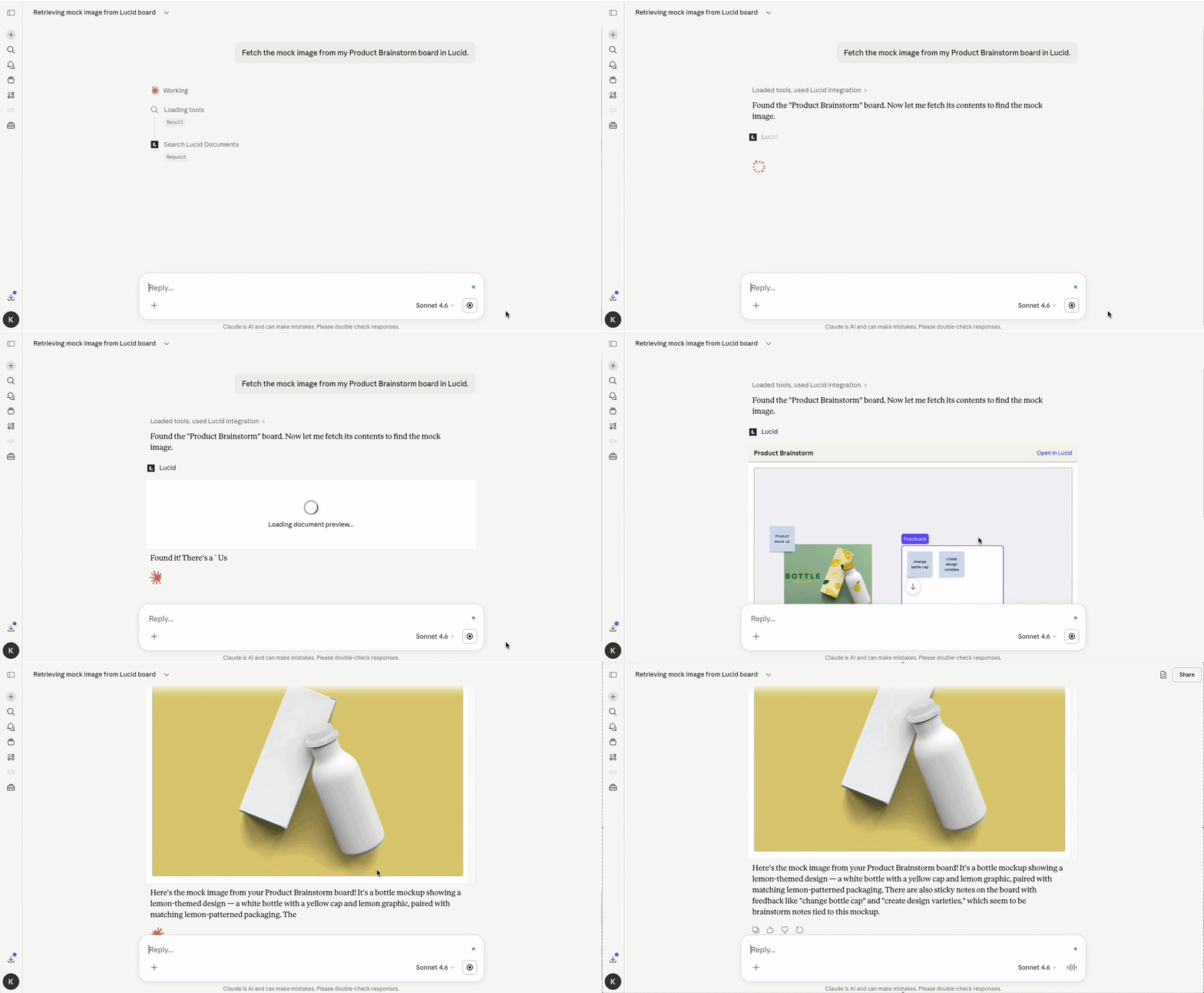
Export and extract images with the MCP server
The Lucid MCP server has two new tools that empower your AI clients to instantly export high-resolution PNGs and extract images directly from your documents. Learn more.
Expanded Mermaid.js support
We now support new diagram types like Ishikawa (fishbone), radar charts, and nested treemaps to help you communicate complex data with ease. This update also significantly boosts reliability and customization, introducing animated flowchart edges and precise ELK layout controls. Learn more.
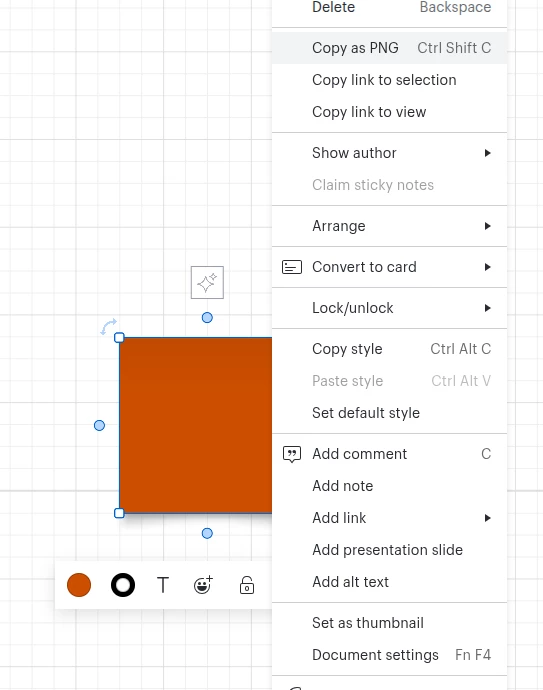
Copy and share document contents as an image
Select content on the board to create an image that can be shared via external tools. Learn more.
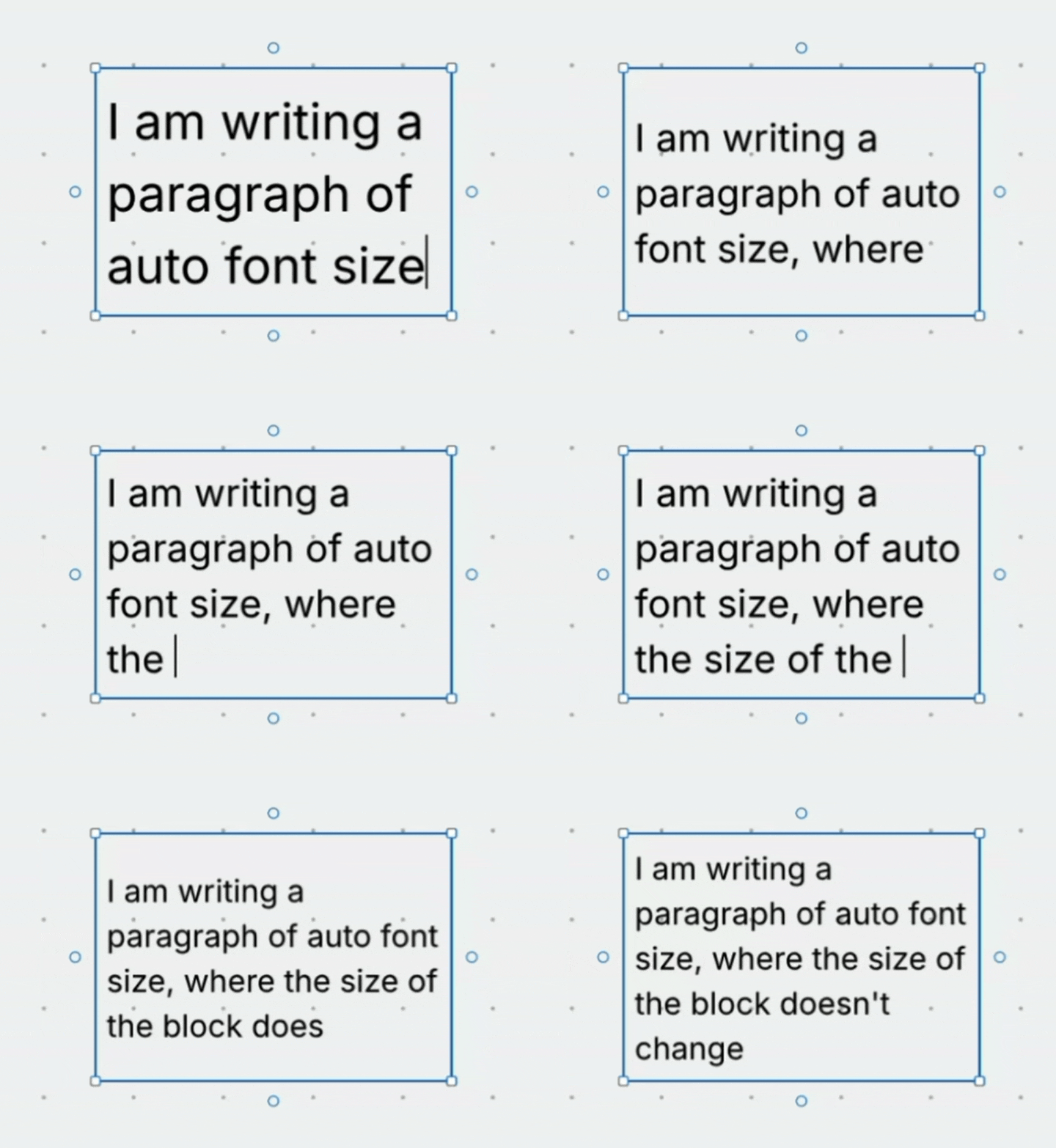
Default auto growing text boxes
When adding text in Lucidchart, the default text box will grow with text sizing. Learn more.
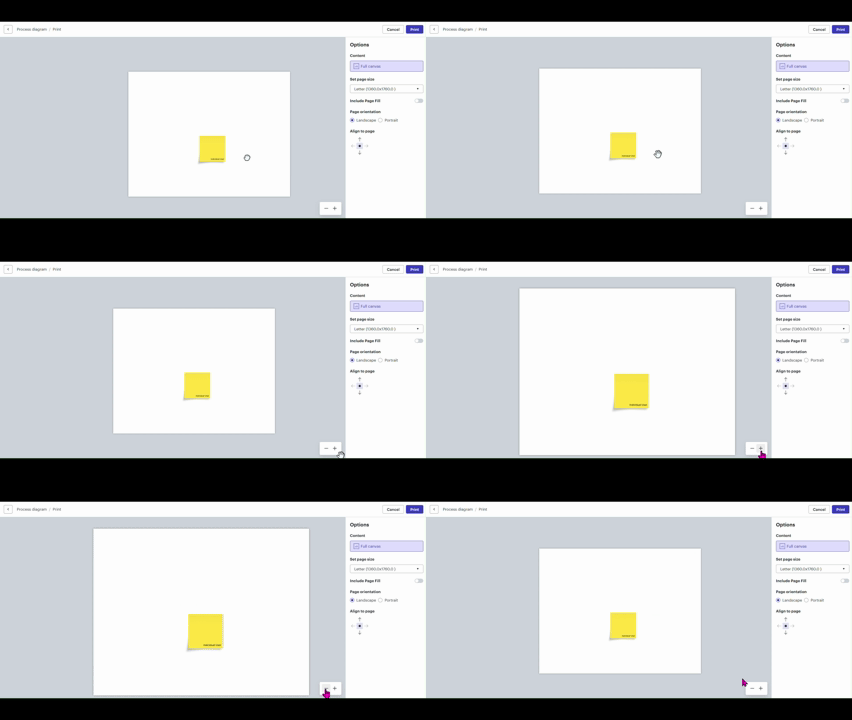
Zoom and pan from print window
Zoom or pan the view from the print window when printing or exporting a document. Learn more.
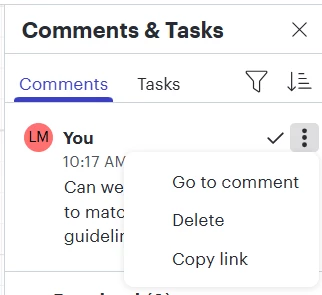
More options in comment panel
The three-dot button now allows you to delete or copy a link to a comment, in addition to the existing "resolve" option, increasing flexibility when determining how to handle comments. Learn more.
 Your privacy choices


