

Lucid Suite release notes | March 2026

This post details the latest updates across the Lucid Visual Collaboration Suite, which includes Lucidchart and Lucidspark. The Lucid Suite provides an end-to-end platform for visual collaboration, helping your teams to stay aligned, build, and drive results from start to finish. We've designed this page to be your primary resource for staying informed about all the new product releases, features, and improvements we've made. Subscribe to stay up to date with these releases and share your feedback with our team in the Product Feedback community space.
Licensing API
Automate license requests by connecting service desks and building custom workflows directly through Lucid’s API. Learn more.
Generate board (Lucid Suite)
Ask Lucid AI to draft a board that has Frames, sticky notes, and text titles. Learn more.
Lucid AI in Lucidspark
You can now access the Lucid AI conversational interface within Lucidspark! Learn more.
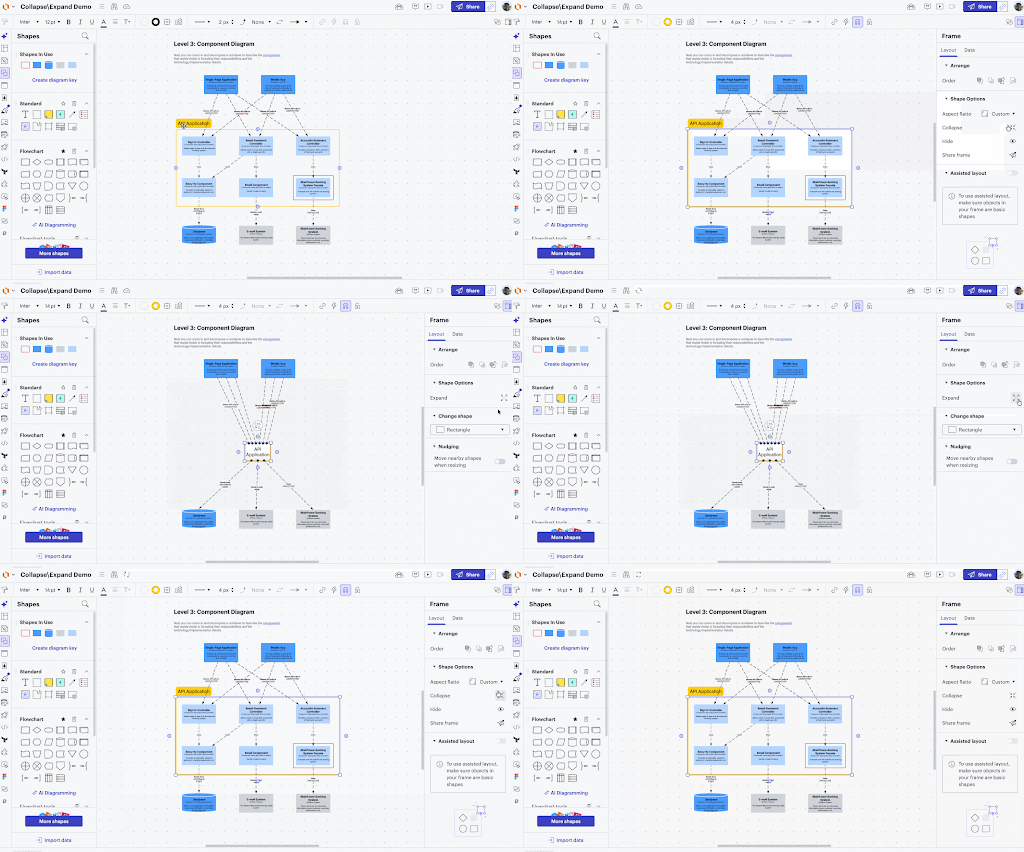
Collapse and expand
Quickly focus on the bigger picture as you collapse and expand your diagrams in Lucid. Similar to minimizing a window on your desktop, the work doesn't go away; it’s just neatly tucked into a single container so you can zoom out or zoom in on necessary details. This feature is compatible with basic container types like Frames, rectangle, rounded rectangle, pill, circle and spark containers, as well as containers with assisted layout. Learn more in this help center article and this community post.
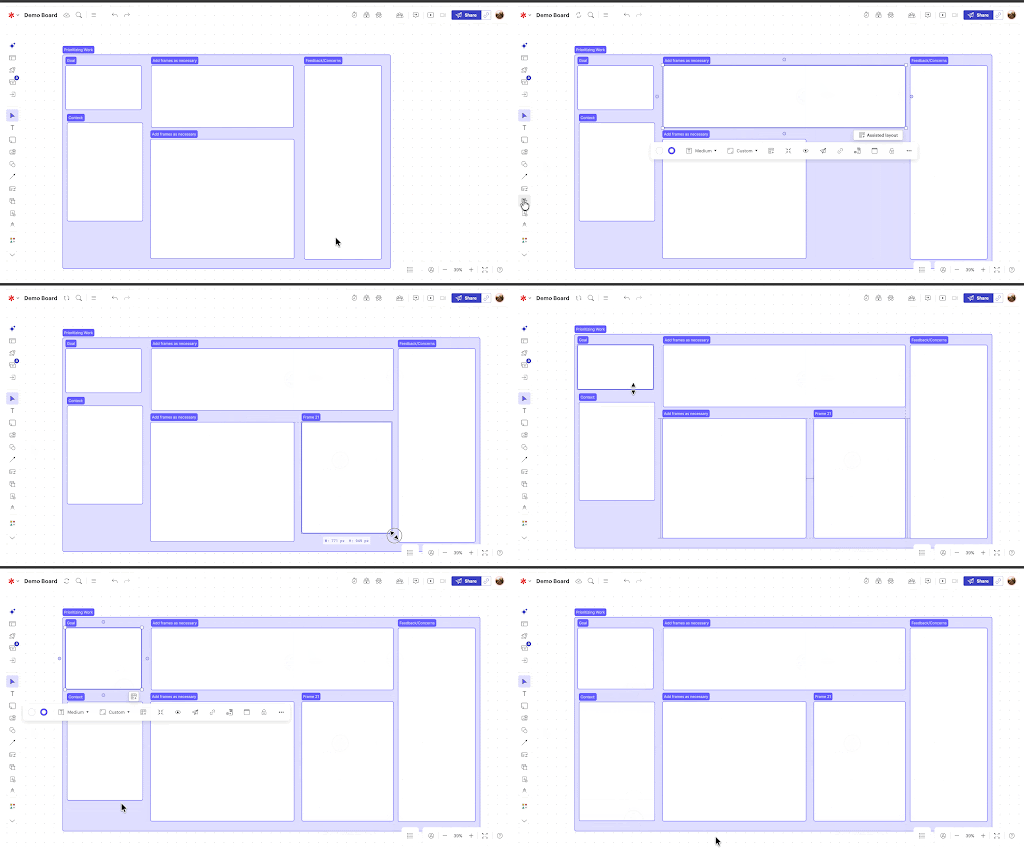
Nudging
Enable nudging in your document or board settings to prevent object overlap when you manually expand a container with assisted layout applied. Learn more.
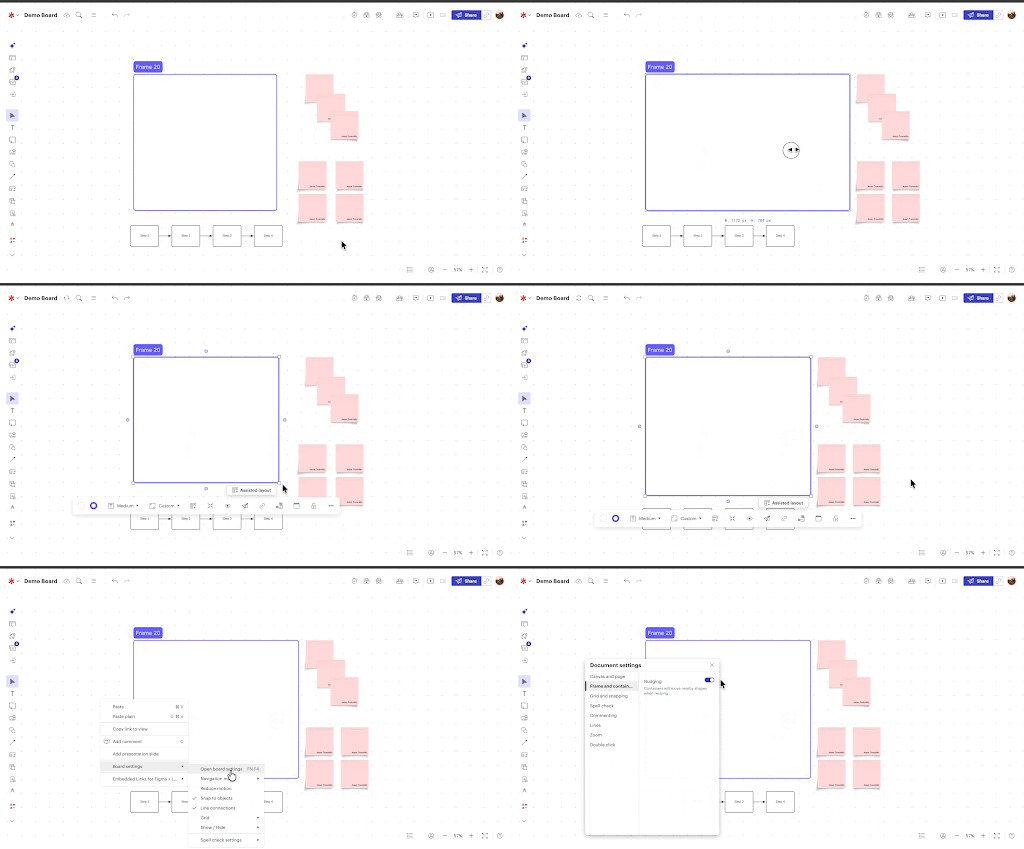
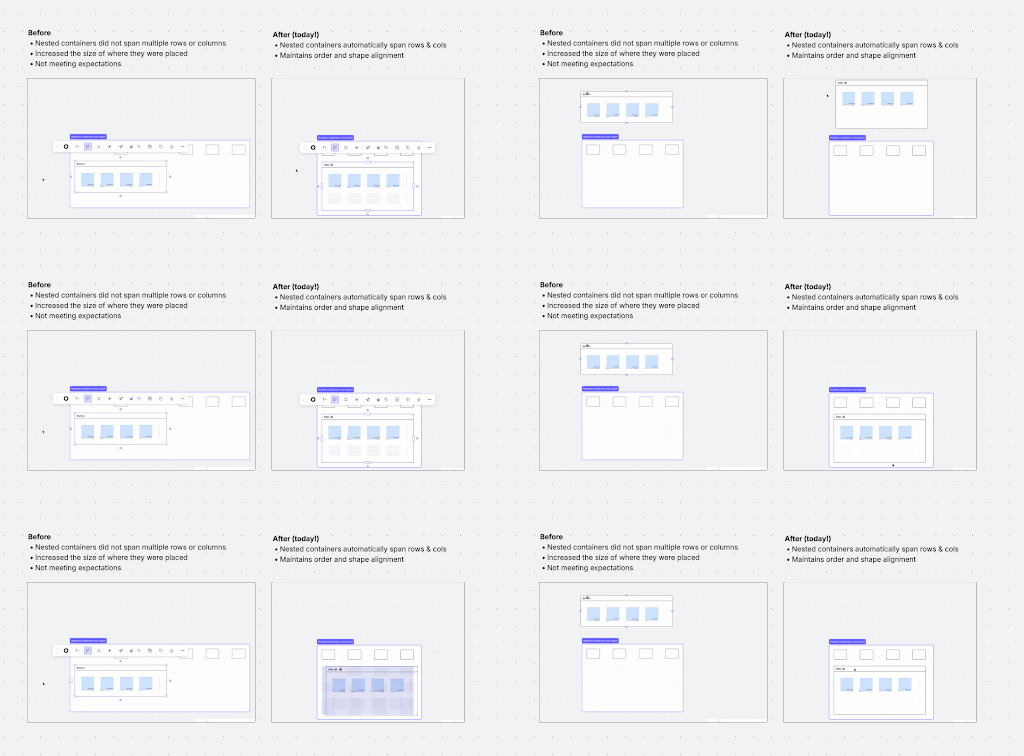
Assisted layout enhancements
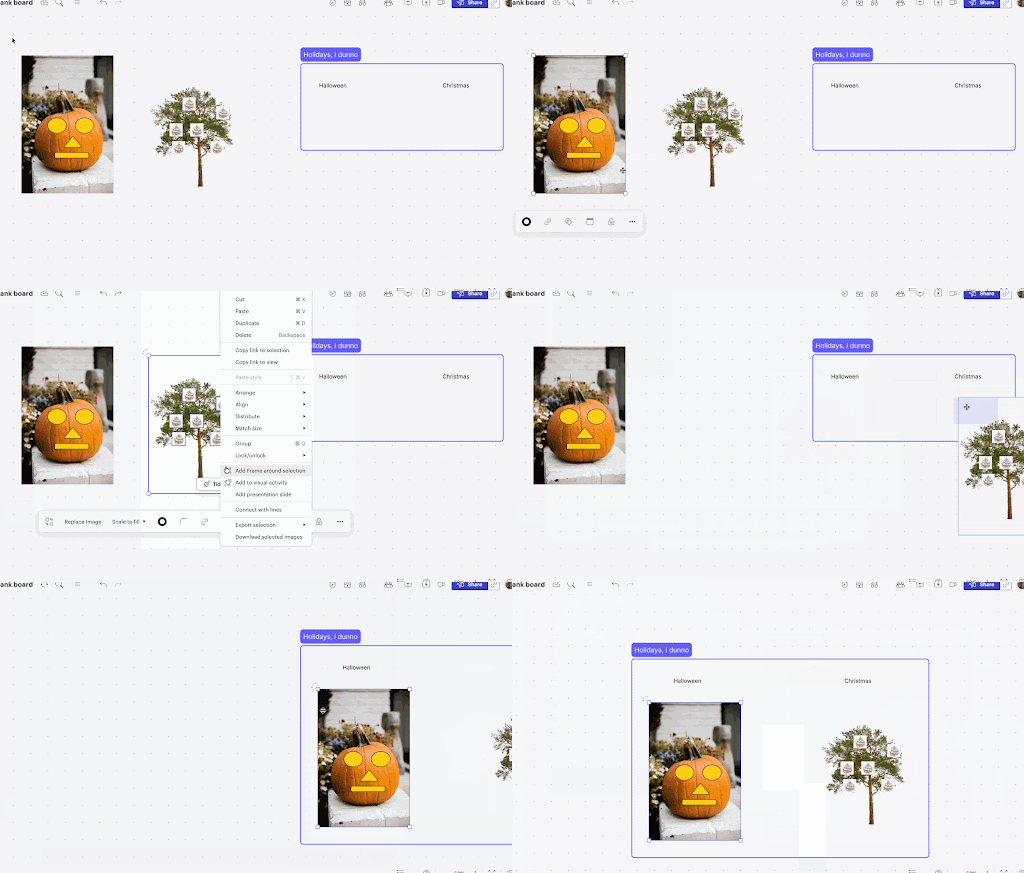
Effortlessly organize content using assisted layout. You can span an object, Frame, Container, or swimlane over multiple cells in an assisted layout grid or hold Cmd/Cntrl to activate spacing handles on any currently nested Containers to have them span. You can also pull grouped objects into assisted layouts. Learn more.
 Your privacy choices


