



This post details the latest updates across the Lucid Visual Collaboration Suite, which includes Lucidchart and Lucidspark. The Lucid Suite provides an end-to-end platform for visual collaboration, helping your teams to stay aligned, build, and drive results from start to finish. We've designed this page to be your primary resource for staying informed about all the new product releases, features, and improvements we've made. Subscribe to stay up to date with these releases and share your feedback with our team in the Product Feedback community space.
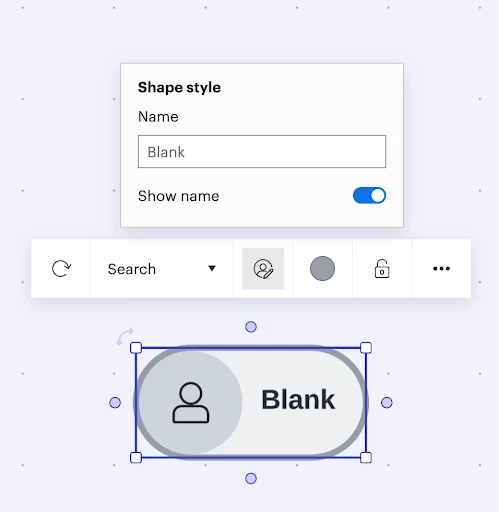
Add a custom name to a profile shape
Enjoy more flexibility in customizing your in-product profile as you engage on the canvas. Extends to users who don’t have a Lucid account. Learn more.
Lucid AI voice to text
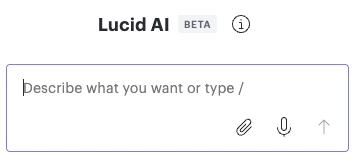
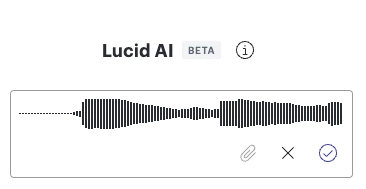
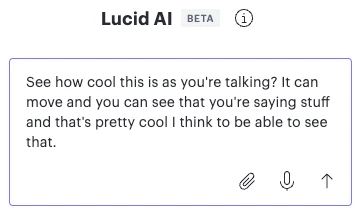
Use voice-to-text tools with Lucid AI. Instead of typing your prompt, click the microphone icon, and it will transcribe your voice into the prompt section. Learn more.
AI mind map detection
When generating a diagram, Lucid will detect when the intelligent mind map shape may be applicable and will ask if you’d like to automatically transition your diagram into Lucid’s mind map shape. Learn more.
Process Agent
When selected in Lucid AI, users will be switched to the Process Agent experience and will see a new interface in the chat panel, including questions provided by the agent to gain as much context as needed to provide an optimal output. Learn more.
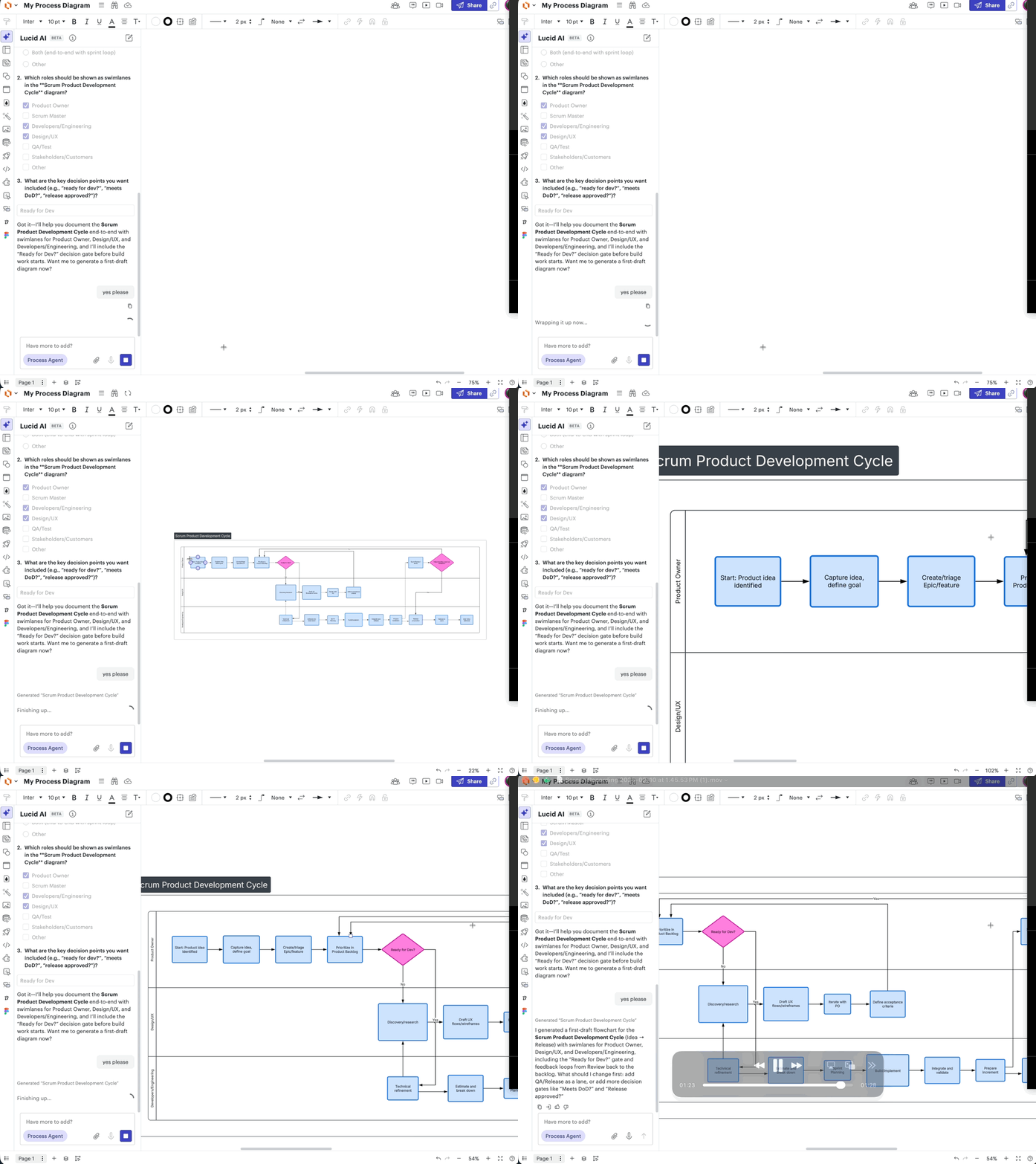
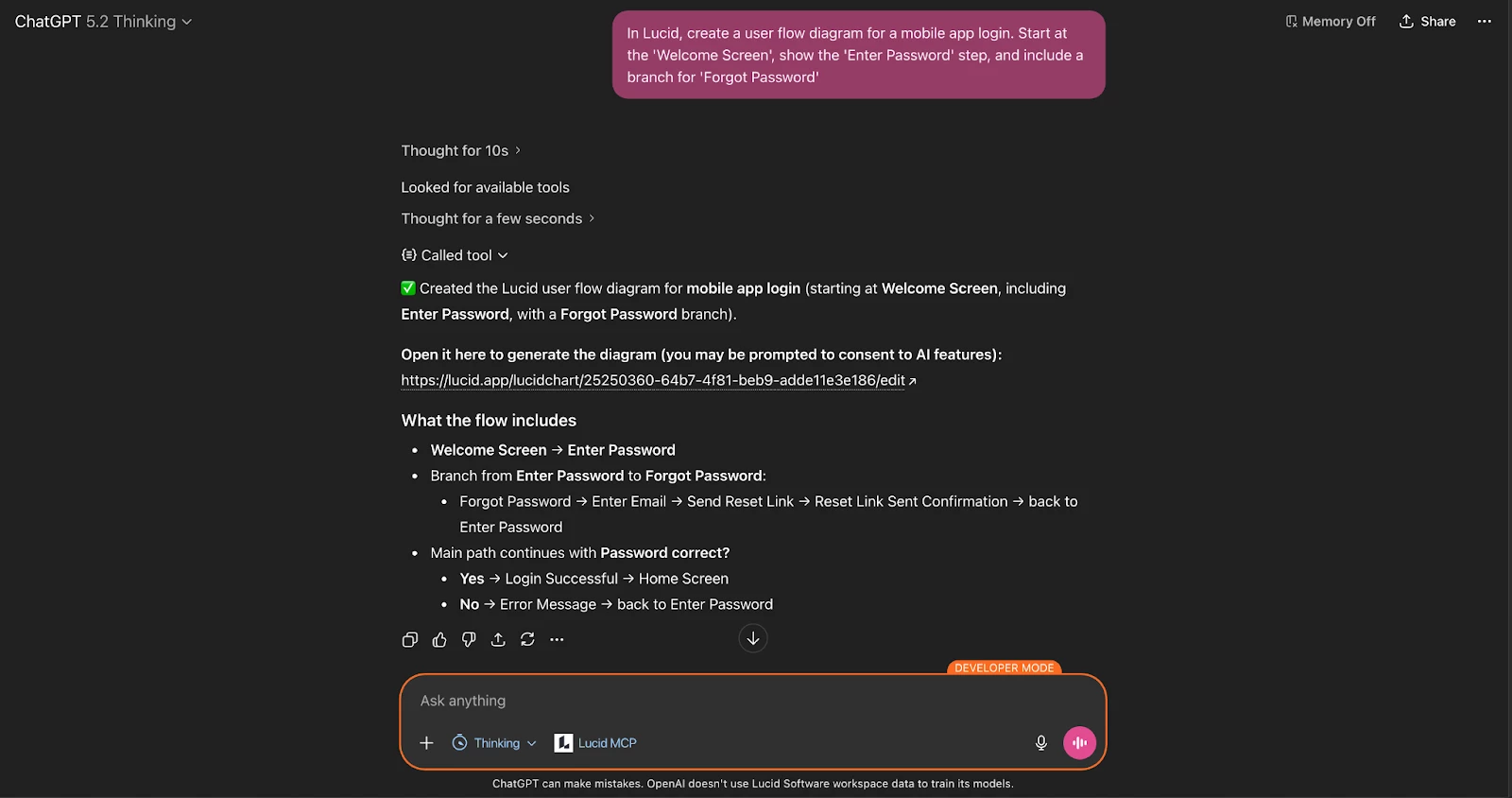
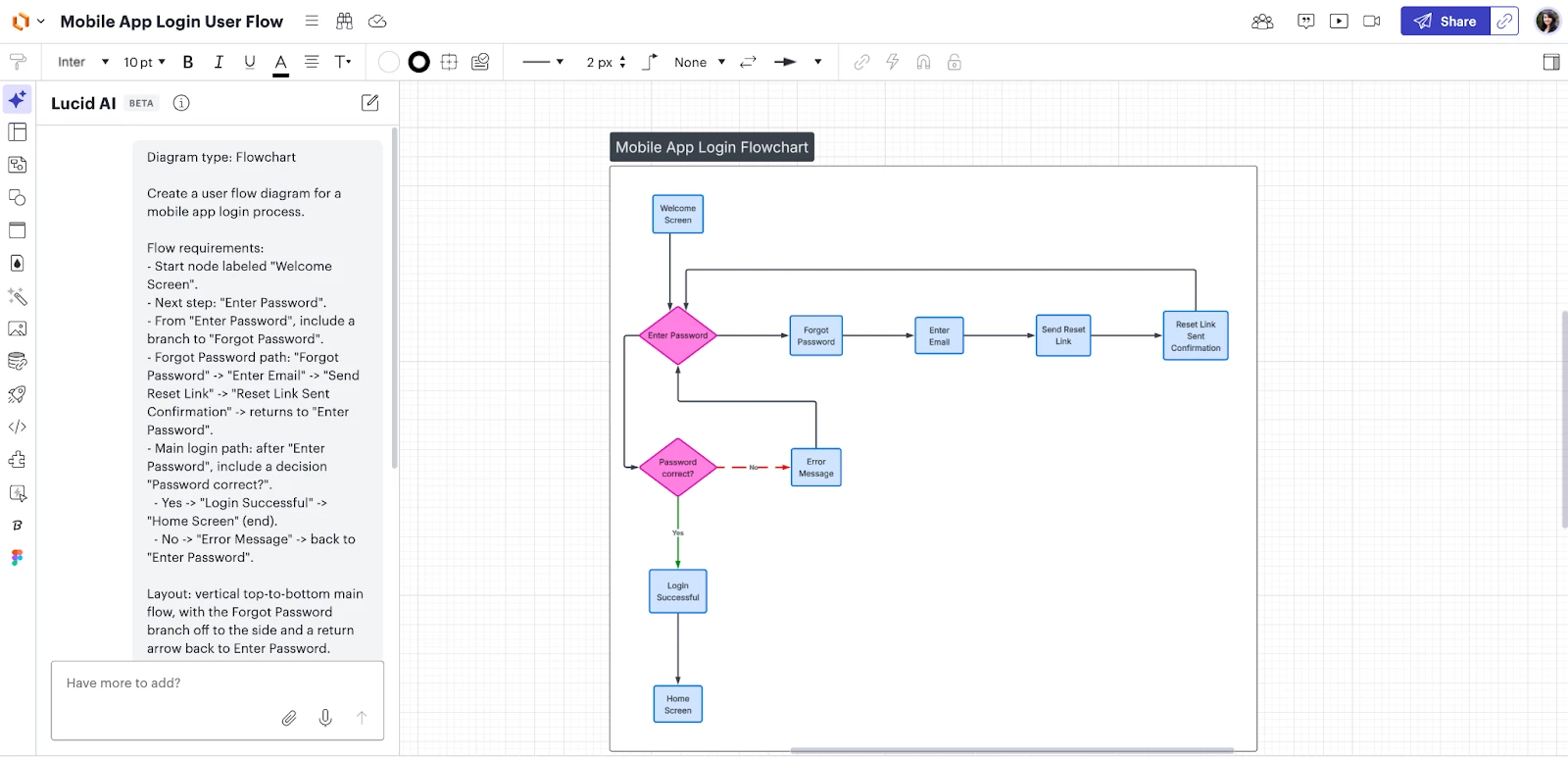
Diagram with MCP server
Create diagrams directly from data or prompts using Lucid’s MCP server. Learn more.
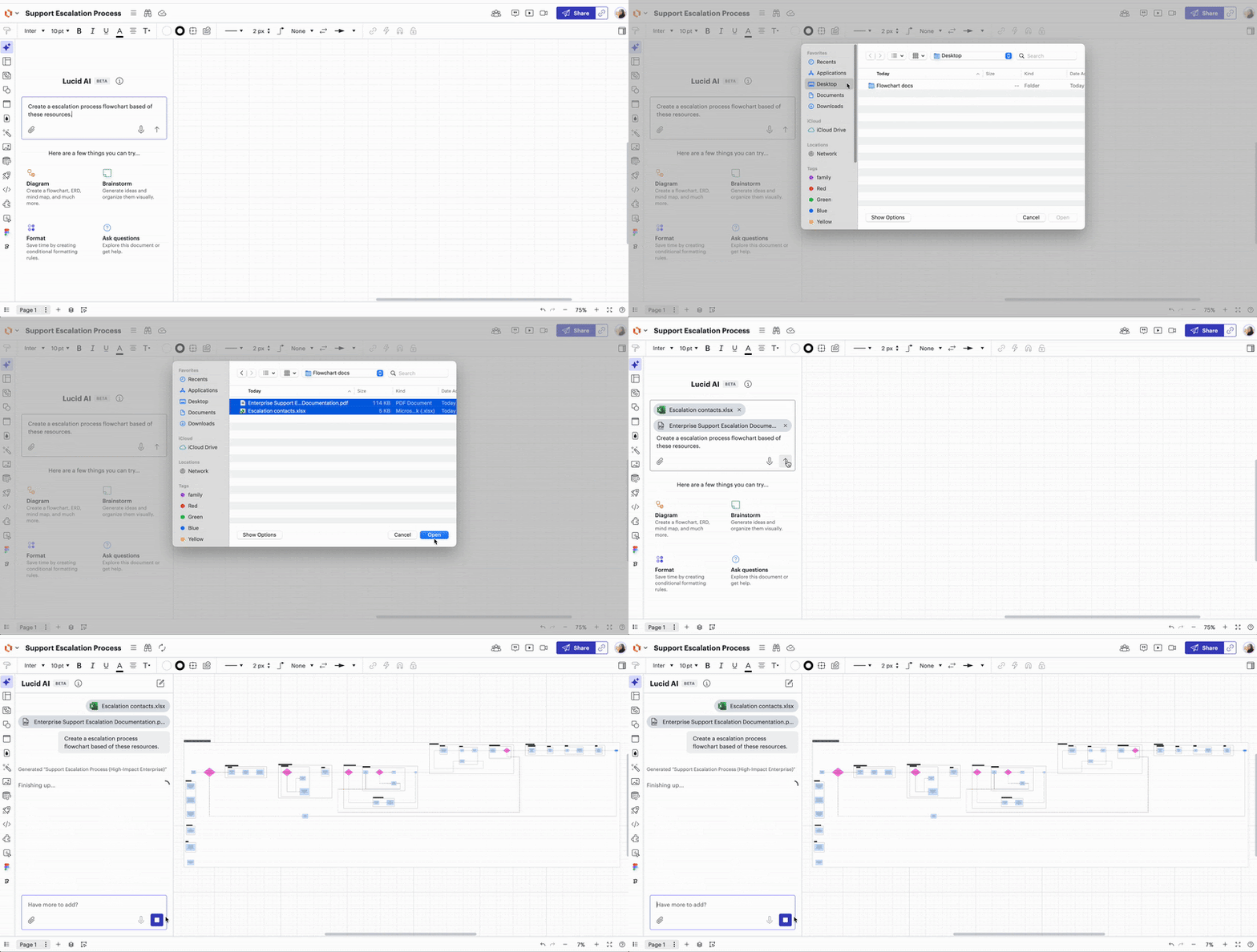
Add multiple documents in an AI prompt
Attach multiple documents to a single AI prompt, allowing the AI to reference, compare, and analyze context across several files at once. Learn more.
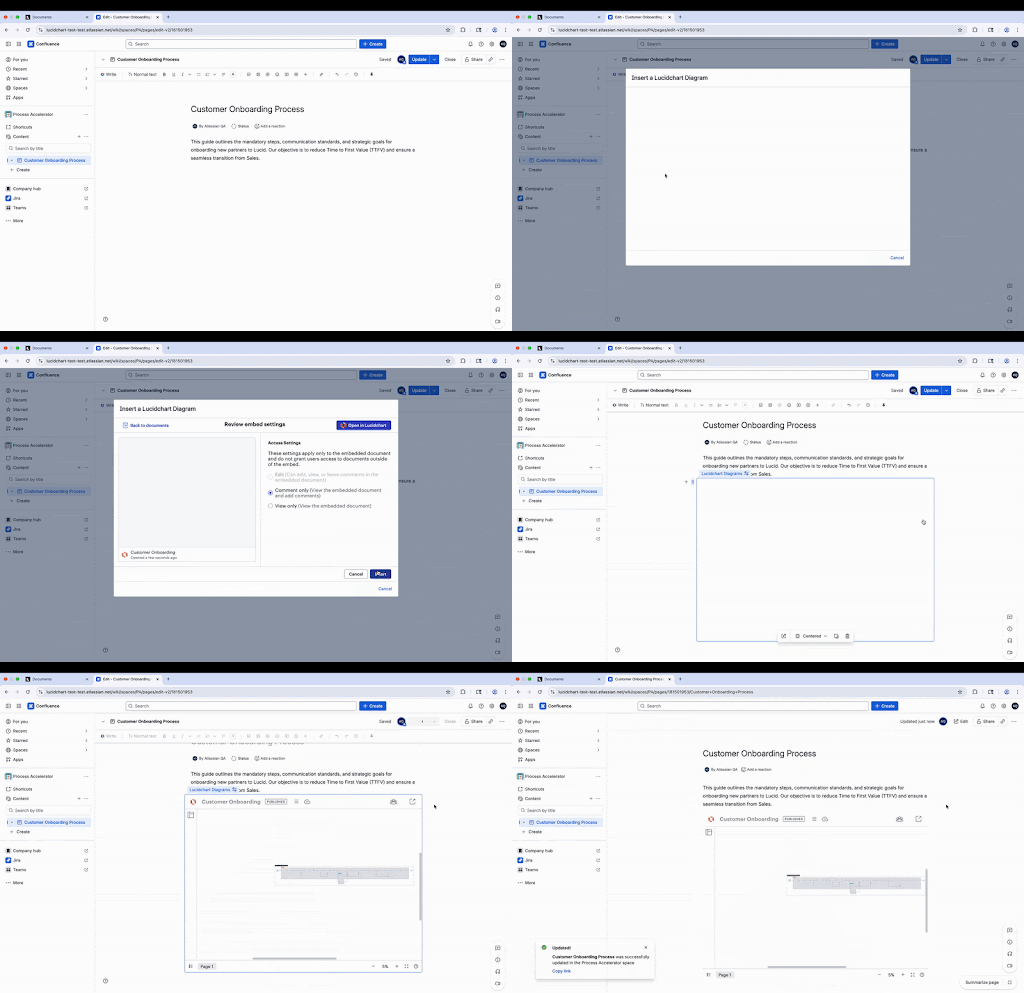
Embed repository documents
Share process documentation outside of Lucid with the ability to embed repository documents in supported external applications, such as Confluence and SharePoint. Learn more.
 Your privacy choices


