

monthly release

Lucid Suite release notes | August 2025

Related products:LucidchartLucid Suite
  • August 28, 2025
  • 6 replies
  • 306 views
Micah
Forum|alt.badge.img+20
  • Lucid community team

This post details the latest updates across the Lucid Visual Collaboration Suite, which includes Lucidchart and Lucidspark. The Lucid Suite provides an end-to-end platform for visual collaboration, helping your teams to stay aligned, build, and drive results from start to finish. We've designed this page to be your primary resource for staying informed about all the new product releases, features, and improvements we've made. Bookmark this page to stay up to date with these releases and share your feedback with our team in the Product Feedback community space.


BPMN self-serve file import

 Import BPMN files from other tools into Lucid to centralize your documentation. In order to import with the highest fidelity, your file should follow the BPMN 2.0 standard. Learn more. 


Document cleanup 

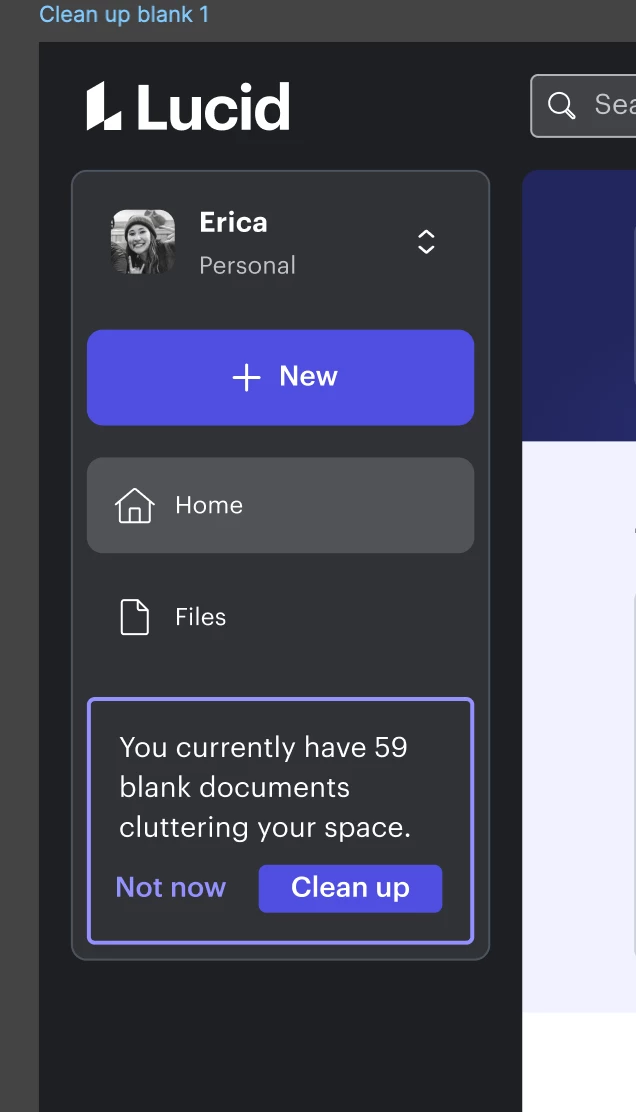
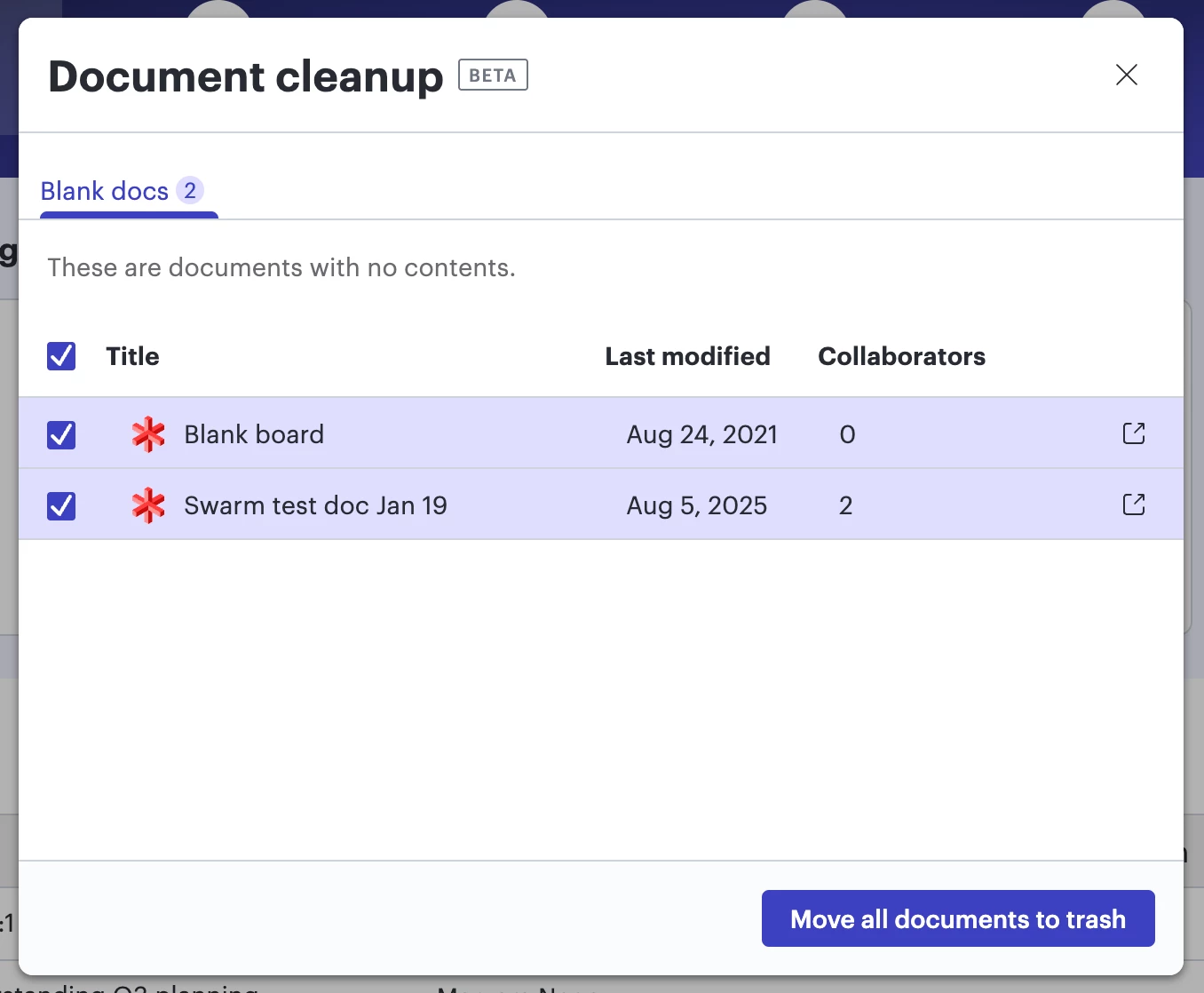
If you have more than five blank documents in your personal workspace, a new cleanup option will show on the Lucid home page. You can review the documents and determine whether you’d like to move them to trash or keep them in your workspace. Learn more.


Comments

Rickajr
Lucid Legend Level 4
Forum|alt.badge.img+11
  • Lucid Legend Level 4
  • September 24, 2025

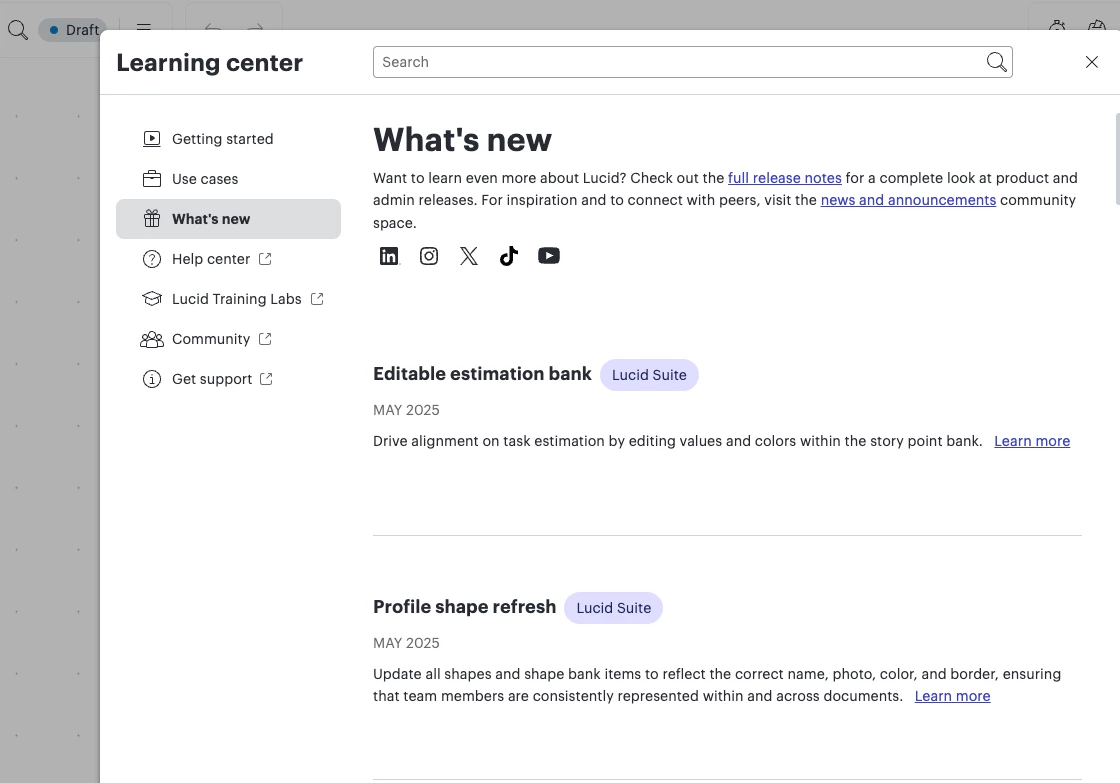
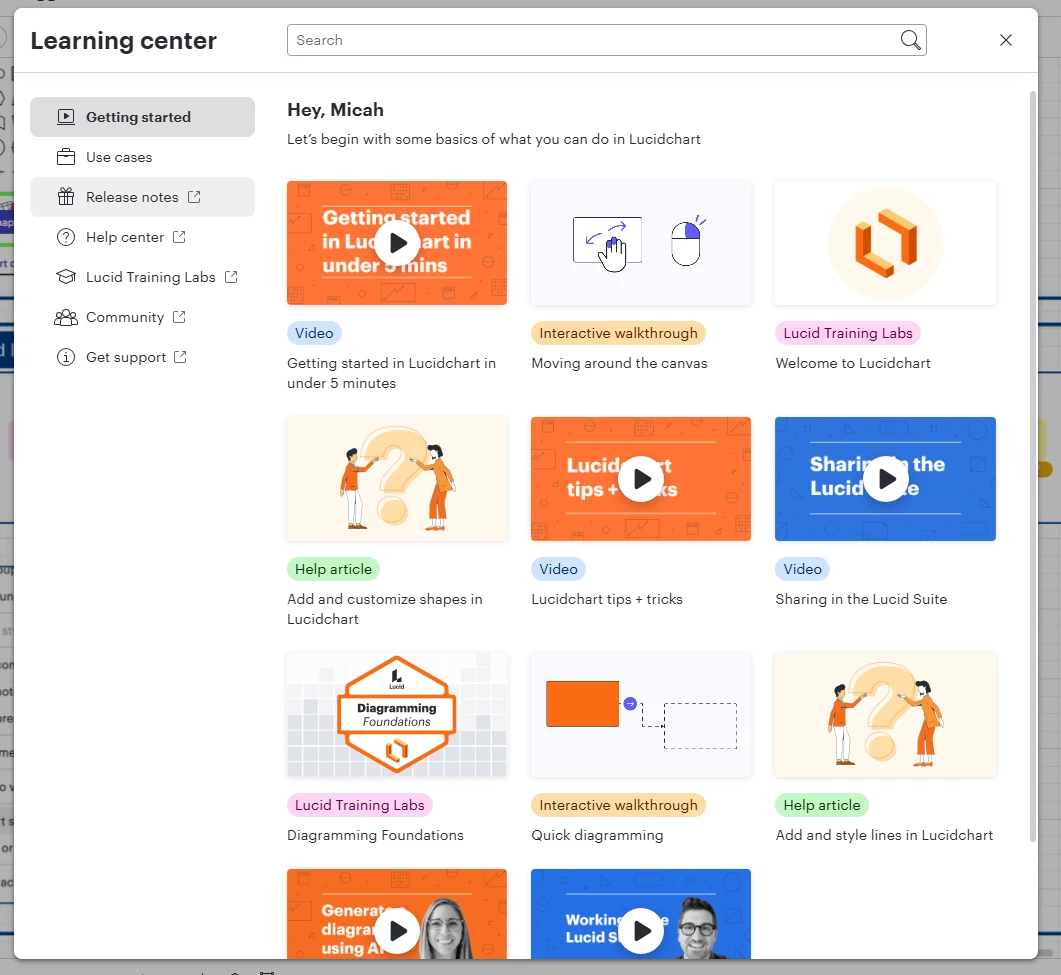
can these be published into the Learning Center’s What’s New so they’re directly accessible from the product help page (last updated in May 2025)…


Also… we receive the refresh your browser for latest updates message a couple of times a week throughout the month of September - yet there’s no update information - can we get Lucid to not push out an update without documentation of what’s new - that’s an industry standard approach. We recently went through an issue which I reported that had to do with a release and there was no documented changes.


Micah
Forum|alt.badge.img+20
  • Author
  • Lucid community team
  • November 3, 2025

Hi ​@Rickajr, thanks for this comment. I appreciate your patience, which has allowed me to share an update with you! We’ve replaced the in-product notes shown in your screenshot above with a link directly to this community page. I do hope this makes it more straightforward to obtain accurate, updated information going forward. 

However, I share your hope for these to once again live in our product in a more dynamic way. That is definitely on our radar, and while I’m not able to share a timeline for possible implementation, I hope that this mitigates some of that frustration in the meantime. I’d welcome any thoughts you have on what you’d like to see there! 


Regarding the message you’re referring to - I’d love to make sure I’m understanding correctly. Are you seeing this as an in-product prompt while you’re working in the editor, or elsewhere? If you happen to have a screenshot of it, that would be very helpful.


Rickajr
Lucid Legend Level 4
Forum|alt.badge.img+11
  • Lucid Legend Level 4
  • November 5, 2025

There are these which I think are related to data - it’s not clear what the “latest version” is - latest version of data or latest version of the app?…


And then there are these which are very clear - however, there were no release notes updated in the help menu in app (which I see now it pushes an external link), however we were receiving updates throughout september with the below message but the release notes didn’t appear until end of the month...


Micah
Forum|alt.badge.img+20
  • Author
  • Lucid community team
  • November 5, 2025

Hi ​@Rickajr, thanks so much for this clarification. I’ve raised this internally - I certainly understand how more context when receiving these messages would be helpful. I hope to have more information for you soon! 


Rickajr
Lucid Legend Level 4
Forum|alt.badge.img+11
  • Lucid Legend Level 4
  • November 7, 2025

Today is a great example (Friday, November 7th) - all of my currently open browsers received the second we’ve updated lucidspark message I posted above.  I’m excited for this - I’d love to know what changes were put into place today because I would definitely try them out and then I send my teammates chat messages about all the new good things Lucid released. However, I go to Release Notes and nothing is there :-( 


Micah
Forum|alt.badge.img+20
  • Author
  • Lucid community team
  • December 1, 2025

Hi ​@Rickajr, getting back to you with an update after chatting internally with our engineering team to understand more about when and how these notifications are triggered. They shared that the refresh prompt is a normal part of how we manage updates in our continuous deployment approach, meaning we release small updates and improvements multiple times per day.


When a Refresh is Necessary


A refresh is required in two main scenarios:

  1. Code compatibility: If we release a change that isn't compatible with older versions, we must ensure everyone viewing the same document is on the same, latest code. This means that if someone opens a document with the new code while you’re actively looking at the same document, you’ll be prompted to refresh.

  2. Maintaining performance and features: To keep the app reliable and fast, we automatically prompt any tab open for more than 7 days to refresh. This prevents users from falling too far behind the current code base.


About Release Notes


Since we deploy so frequently (often 2-3 times a day for small tweaks and fixes), it wouldn't be useful to document every single release. Instead, we bundle all major features and significant improvements together and announce them right here, through our release notes. This ensures you only receive “official” announcements for updates that truly impact your work!


I hope this provides some clarity! I so appreciate your enthusiasm here, and your commitment to keeping your teammates up to speed. 😁 More thoughts on this, or anything else, are always welcome, Rick!