

Uploading Images
Issues with Image Upload
If you are experiencing issues with the uploading images into your document please check out our Troubleshooting : Images Help Center article. If you still have questions after reviewing the article comment them below! We'll be happy to respond and help you with any question or concern you have.
Image Upload
Options
You can insert an image into your diagram by copy/pasting dragging onto the canvas or uploading it. You can upload your image by navigating to Insert>Image> and selecting the image you wish to use.
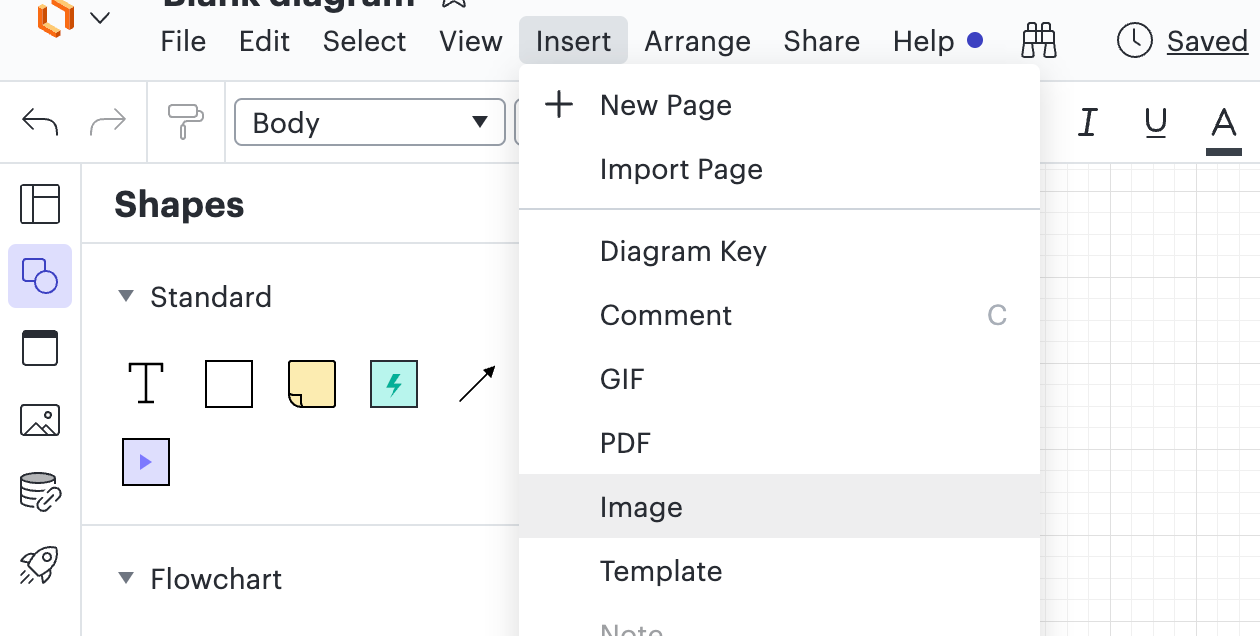
Image Panel
You can search for images and icons right in the Lucidchart editor by clicking the image icon in the right panel selecting “ images” or “icons” and then using the search bar. Once you have found an image that you would like to use simply click on it to add it to your document.

Image Editing
If you would like more information regarding editing your images check this community post!
 Your privacy choices


