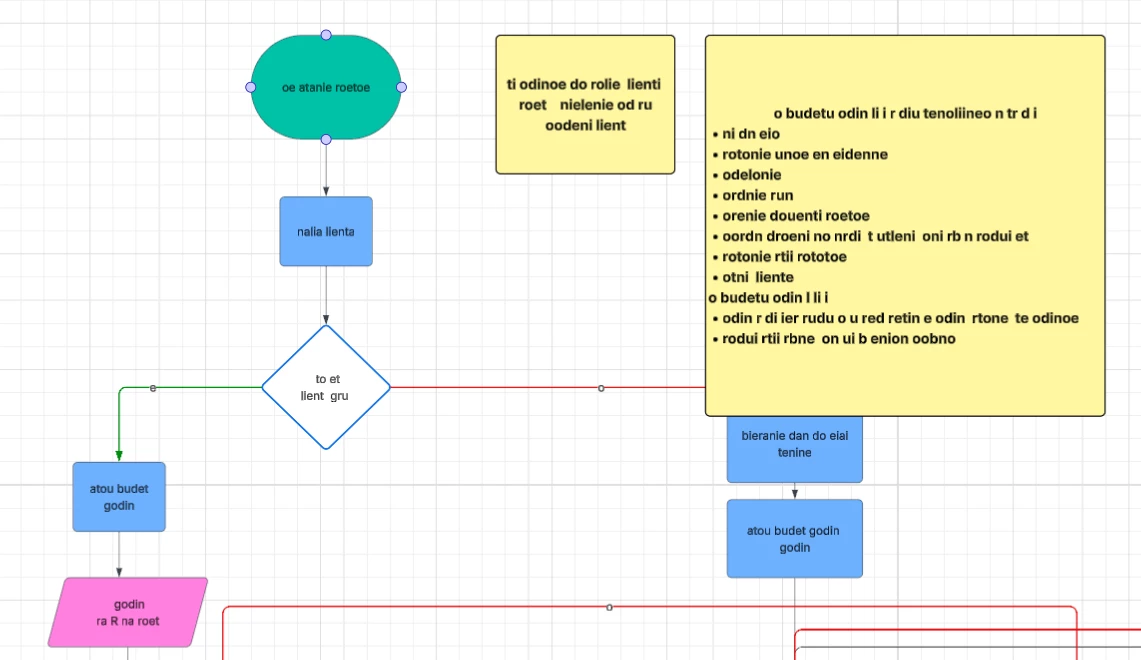
I am a new user of Lucid. Today I created my first flowchart. Right after finishing it I noticed that text in all shapes have changed itself with no reason. Can anyone explain me why and help me restore original text? Here is what I see right now:
 +1
+1I am a new user of Lucid. Today I created my first flowchart. Right after finishing it I noticed that text in all shapes have changed itself with no reason. Can anyone explain me why and help me restore original text? Here is what I see right now:
A Lucid account is required to interact with the Community, and your participation is subject to the Supplemental Lucid Community Terms. You may not participate in the Community if you are under age 18. You will be redirected to the Lucid app to log in.
A Lucid account is required to interact with the Community, and your participation is subject to the Supplemental Lucid Community Terms. You may not participate in the Community if you are under age 18. You will be redirected to the Lucid app to log in.
Enter your E-mail address. We'll send you an e-mail with instructions to reset your password.