Priscilla
August 1, 2016

Restructuring sub categories/trees in Org Charts

  • August 1, 2016
  • 3 replies
  • 61 views

I am creating and Org Chart and am trying to rearrange the lower level employees but it seem there is no feature to auto arrange for best fit. 

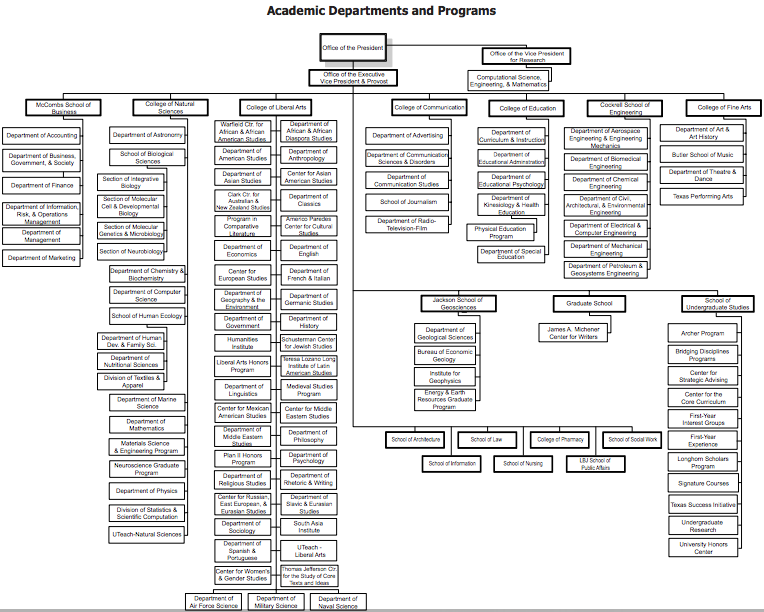
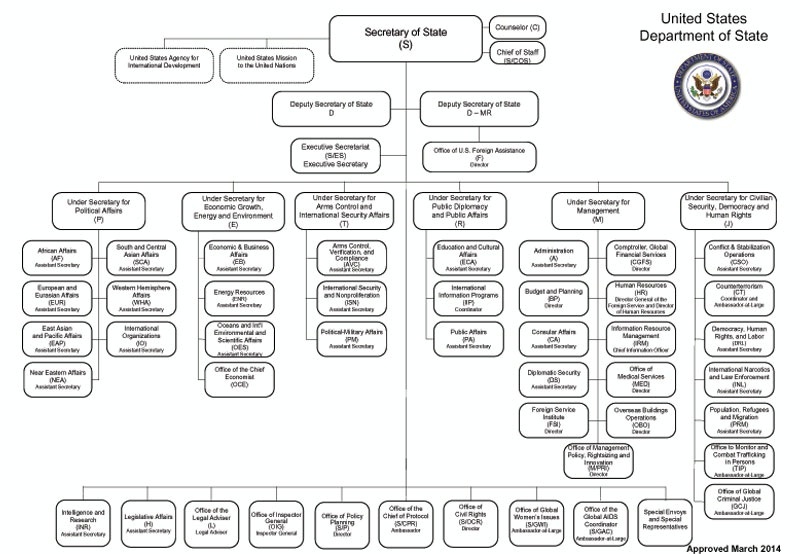
Example: Customer Service Manager has 20 subordinate reps. Instead of viewing the reps straight down or across in one line (which automatically runs you multiple pages) I am trying to rearrange that sections of the org chart into its own tree. I have attached two example photos. A previous software I used allowed for you to select groups and rearrange into different layouts by section for best fit. 
 

Thank you!

    Comments

    August 1, 2016

    Hi Priscilla

    The ability to auto-arrange subgroups within an org chart is not currently possible. Instead you'll have to manually arrange the boxes to your preferences. This option is something that you can request in our Feature Request Form.

    Best

    Akbar

    John C105
    February 6, 2019

    How do you manually arrange the boxes?

    February 6, 2019

    Hi John

    Thanks for continuing this thread. It's not currently possible to manually arrange org chart shapes. If this is something you'd like to see added to Lucidchart in the future please submit a feature request form though the link Akbar provided above.