
Solved

Problem with proper numbering of items by AI in Lucid

  • January 11, 2026
  • 2 replies
  • 15 views

Forum|alt.badge.img

Try to add multiple items to schematic with AI support - my prompt is:

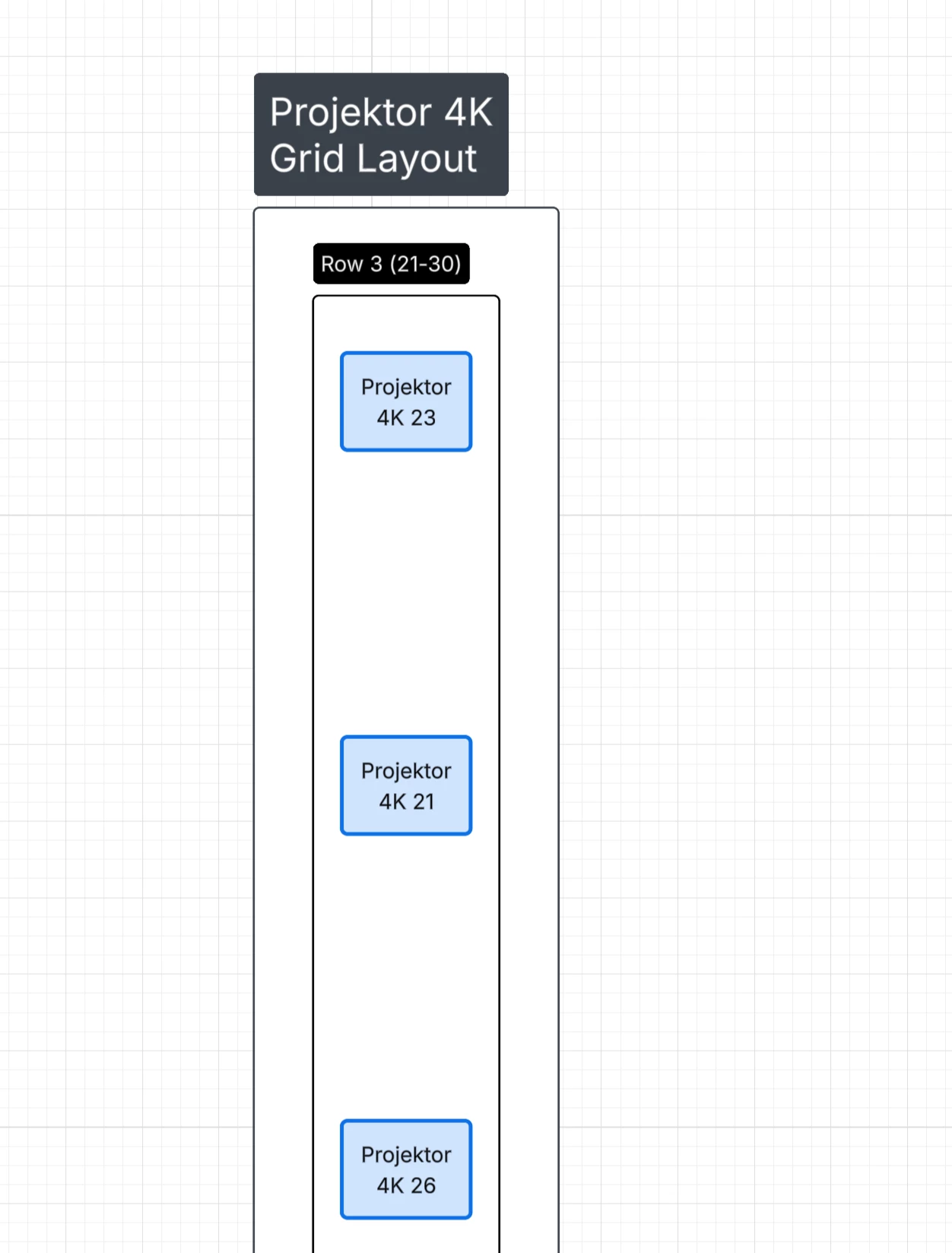
Put 48*Projektor 4K; numbered from 1 to 48 arrange in grid, 10 items per rows in similar manner Projektor 4K 1-10 11-20 21-30 31-40 41-48

Effect:

one column (48 rows), lack of proper numbering


Best answer by aparrish

@Bartek Pyczek I recommend using full sentences with a subject, verb and object. The way a prompt should be structured so AI can understand it is with the actor, background, objective, style, and stipulations.

Comments

aparrish
Lucid Legend Level 7
Forum|alt.badge.img+15
  • Lucid Legend Level 7
  • Answer
  • January 11, 2026

@Bartek Pyczek I recommend using full sentences with a subject, verb and object. The way a prompt should be structured so AI can understand it is with the actor, background, objective, style, and stipulations.


Zuzia S
Forum|alt.badge.img+8
  • Lucid community team
  • January 13, 2026

Hi ​@Bartek Pyczek, thank you for posting in the Community and thank you ​@aparrish for chiming in!

Indeed, when it comes to diagramming prompts, we strongly recommend being detailed and using natural language. This blog article provides tips for writing AI diagramming prompts in Lucid.

I hope this is helpful! Let us know if you have any additional questions. Cheers!





