Answer

Not able to activate PowerPoint integration
  • November 5, 2024
  • 1 reply
  • 49 views

Forum|alt.badge.img


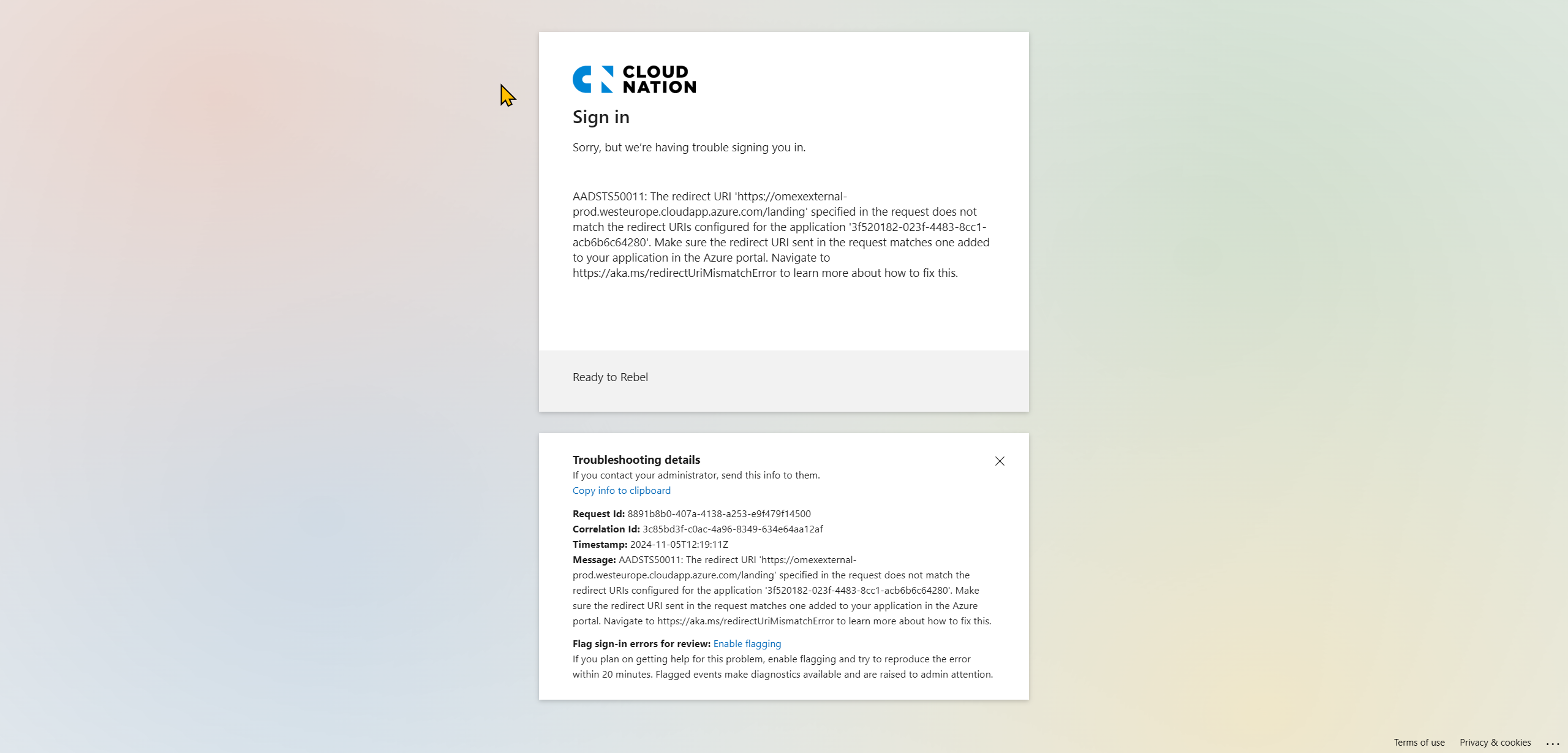
We are getting the following error when enabling the PowerPoint integration:


AADSTS50011: The redirect URI 'https://omexexternal-prod.westeurope.cloudapp.azure.com/landing' specified in the request does not match the redirect URIs configured for the application '3f520182-023f-4483-8cc1-acb6b6c64280'. Make sure the redirect URI sent in the request matches one added to your application in the Azure portal. Navigate to https://aka.ms/redirectUriMismatchError to learn more about how to fix this.


What are we doing wrong?

Best answer by Leianne C

Hi @carlintveld, thank you for posting in the community. Just to make sure I'm understanding the issue correctly, could you please provide the following so I can take a closer look?

  • Please share detailed steps you took to get to this error and include any screenshots if necessary.
  • Can you confirm if you're using our Add-ins for Microsoft PowerPoint?
  • Could you confirm if you clicked the Office365 option when authenticating?
  • Is this only happening to you or are others in your organisation experiencing the same issue?

Thank you for your help! Please let us know if you have any questions. 

Comments

Leianne C
Forum|alt.badge.img+15
  • Lucid support team
  • Answer
  • November 7, 2024

Hi @carlintveld, thank you for posting in the community. Just to make sure I'm understanding the issue correctly, could you please provide the following so I can take a closer look?

  • Please share detailed steps you took to get to this error and include any screenshots if necessary.
  • Can you confirm if you're using our Add-ins for Microsoft PowerPoint?
  • Could you confirm if you clicked the Office365 option when authenticating?
  • Is this only happening to you or are others in your organisation experiencing the same issue?

Thank you for your help! Please let us know if you have any questions.